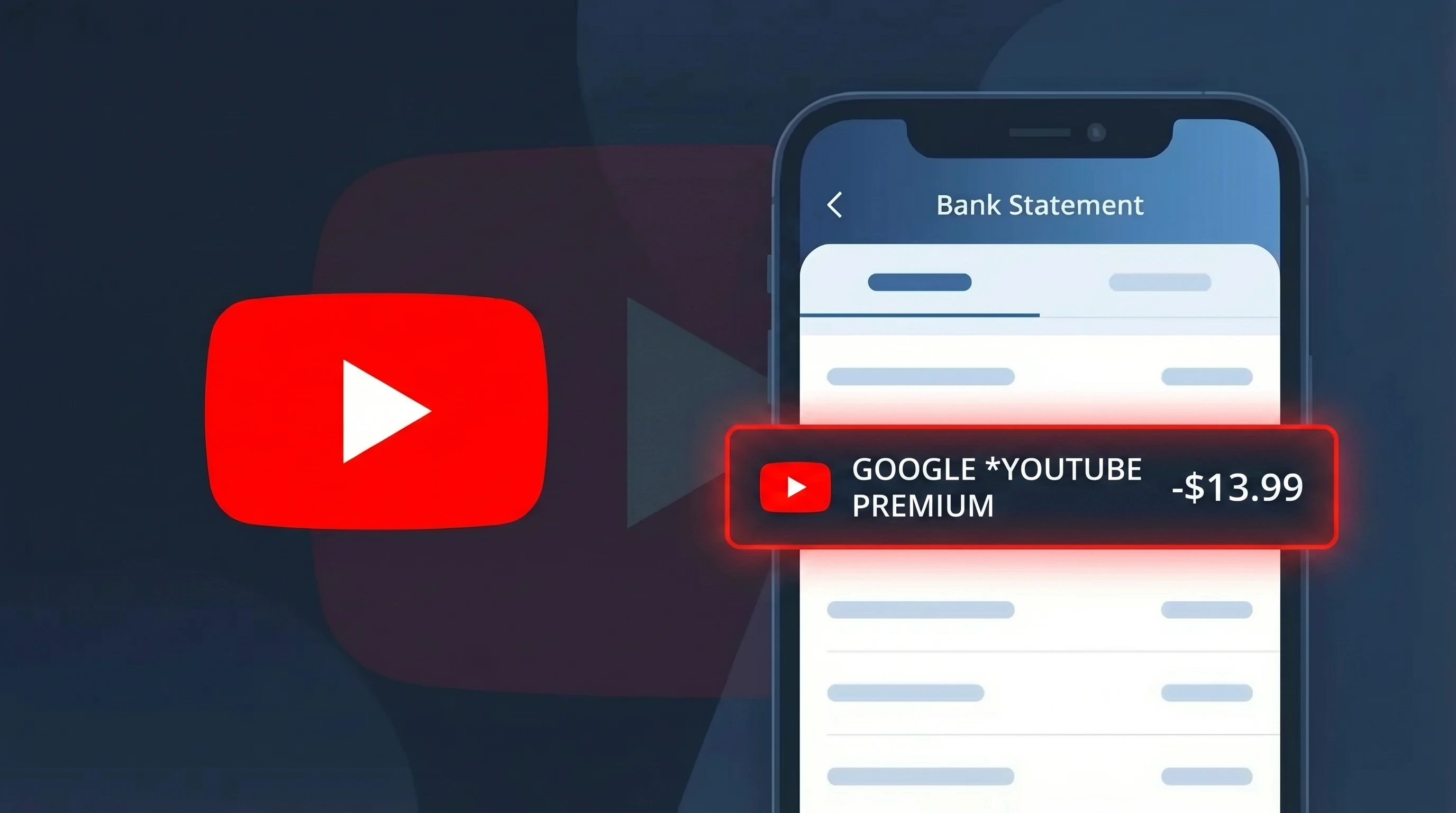
GOOGLE *YOUTUBEPREMIUM Charge (What It Is + Is It Legit?)
✓ LegitimateThe "GOOGLE *YOUTUBEPREMIUM" charge is from YouTube Premium. YouTube Premium via Google billing.
YouTube Premium
YouTube Premium via Google billing.
Category
Streaming
Avg. Charge
$13.99
Country
US
Billing Cycle
Monthly
Cancel At
youtube.com/paid_memberships
Support
See website
Understanding this descriptor
YouTube Premium is owned and operated by Google LLC, which means all subscription billing runs through Google's centralized payment infrastructure rather than under the YouTube brand name directly. When you sign up for YouTube Premium, the transaction is processed by Google's billing system, causing your bank statement to display "GOOGLE *YOUTUBEPREMIUM" as a combined identifier that reflects both the parent company handling the charge and the specific service you subscribed to. The asterisk between "GOOGLE" and "YOUTUBEPREMIUM" is a standard formatting convention used by Google's payment processor to separate the merchant name from the product descriptor within the limited character space available on bank statements.
Recommended actions
Verify Your YouTube Premium Subscription
Log into your Google account and visit youtube.com/paid_memberships to confirm you have an active YouTube Premium subscription. This page will show your current plan, billing cycle, and the exact amount being charged, which should match the GOOGLE *YOUTUBEPREMIUM charge on your bank statement.
Check Which Google Account Is Being Billed
If you have multiple Google accounts, make sure you check each one at youtube.com/paid_memberships. The GOOGLE *YOUTUBEPREMIUM charge may be tied to an account you do not use regularly, such as an old email address you may have forgotten was still subscribed.
Review Your YouTube Premium Plan and Billing Date
At youtube.com/paid_memberships, review whether you are on an individual, family, or student YouTube Premium plan. Confirm the billing date and amount align with the GOOGLE *YOUTUBEPREMIUM charge appearing on your bank statement to rule out any duplicate or unexpected charges.
Cancel YouTube Premium If No Longer Needed
If you no longer use YouTube Premium and want to stop the recurring GOOGLE *YOUTUBEPREMIUM charges, go to youtube.com/paid_memberships, select your membership, and choose the option to cancel. Your Premium benefits will continue until the end of the current billing period before the subscription fully stops.
How to cancel YouTube Premium
YouTube Premium bills you Monthly. To stop future charges, cancel from your account directly.
Cancel at YouTube PremiumIs this charge fraudulent?
No, this is a legitimate charge from YouTube Premium. However, if you did not authorize this charge or cancelled your subscription, you may be eligible for a refund.
How to Verify the GOOGLE *YouTube Premium Charge
- 1
Check your Google account subscriptions
Go to myaccount.google.com, click 'Payments & subscriptions,' then 'Manage subscriptions.' Look for an active YouTube Premium plan billed by GOOGLE that matches the charge date and amount.
- 2
Search your email for a GOOGLE receipt
Search your inbox for emails from 'payments-noreply@google.com' with the subject 'Your YouTube Premium receipt.' GOOGLE sends a receipt every billing cycle confirming the GOOGLE *YouTube Premium charge.
- 3
Check household or family members
If you have a GOOGLE Family Group set up, a family member may have joined your YouTube Premium Family plan, triggering the GOOGLE *YouTube Premium charge on your linked payment method.
- 4
Review your free trial start date
GOOGLE offers free trials for YouTube Premium that auto-convert to paid plans. Check if you started a trial roughly one month before the GOOGLE *YouTube Premium charge appeared on your statement.
- 5
Contact your bank for transaction details
Ask your bank for the full merchant details of the GOOGLE *YouTube Premium transaction. The merchant ID and billing address should match GOOGLE LLC, confirming the charge is authentic.
How to Dispute a GOOGLE *YouTube Premium Charge
- 1
Act within 60 days of the charge
Most banks require disputes to be filed within 60 days of the GOOGLE *YouTube Premium charge appearing on your statement. Gather your statement and any GOOGLE receipts before contacting anyone.
- 2
Contact GOOGLE directly first
Visit support.google.com/youtube and select 'Billing & Purchases.' GOOGLE's support team can issue refunds for recent unauthorized GOOGLE *YouTube Premium charges, often faster than a bank dispute.
- 3
Request a refund through Google Pay
Log into pay.google.com, find the GOOGLE *YouTube Premium transaction, and use the 'Report a problem' link to formally request a refund from GOOGLE for the disputed amount.
- 4
File a chargeback with your bank
If GOOGLE does not resolve the issue, call your bank and formally dispute the GOOGLE *YouTube Premium charge as unauthorized. Provide your email search results and subscription page screenshots as evidence.
- 5
Request a new card number
If you suspect your card was used fraudulently for the GOOGLE *YouTube Premium charge, ask your bank for a replacement card with a new number to prevent future unauthorized GOOGLE billing.
Tips for Managing GOOGLE *YouTube Premium Charges
Set a calendar reminder before your GOOGLE *YouTube Premium free trial ends to decide if you want to continue paying.
Regularly audit myaccount.google.com/payments to confirm only expected GOOGLE *YouTube Premium charges appear.
Secure your GOOGLE account with two-factor authentication to prevent unauthorized YouTube Premium sign-ups.
Note that GOOGLE bills GOOGLE *YouTube Premium on the same date each month — track it to catch missed or double charges.
Enable GOOGLE payment notifications so you receive an alert every time a GOOGLE *YouTube Premium charge is processed.
Use WhatIsThisCharge.net to identify related charges from GOOGLE that may appear alongside YouTube Premium billing.
Is the GOOGLE *YouTube Premium Charge Legitimate or Fraud?
If you've spotted GOOGLE *YouTube Premium on your bank or credit card statement, this charge is almost certainly legitimate. It represents a recurring subscription billed by GOOGLE for YouTube Premium — a paid service that removes ads, enables background play, and includes YouTube Music. Here's why this charge is typically valid:
- You or someone in your household signed up for a YouTube Premium individual, family, or student plan through GOOGLE
- GOOGLE bills YouTube Premium monthly or annually, and the charge appears as "GOOGLE *YouTube Premium" on statements
- A free trial of YouTube Premium may have ended, triggering the first paid charge from GOOGLE
- A family plan manager in your household activated YouTube Premium through their GOOGLE account, sharing it with members
If you do not recognize the charge at all, it's worth investigating — unauthorized use of your payment method is possible, though rare with GOOGLE services.
Common questions
Was this page helpful?
Community Reports (0)
0 votesNo votes yet — be the first to report on this charge!
Have you seen this charge? Help others by voting:
Community Comments (0)
No comments yet. Be the first to share your experience!
Share your experience
Your email is only used to verify your comment and will never be shown publicly.
Search Another Charge
Popular Charges

Amazon Marketplace
AMZN MKTP US
Netflix
NETFLIX *SUBSCRIPTION
Apple
APPLE *SUBSCRIPTION
Netflix
NETFLIX.COM *
Apple
APPLE.COM/BILL
Related Charges
Need to dispute this charge?
Generate a professional dispute letter in seconds with our AI tool.
Open Charge AssistantCommunity Verified
Real user reports
Free to Use
Always free to check
Secure & Private
Your data is safe
Help Millions
48K+ charges identified