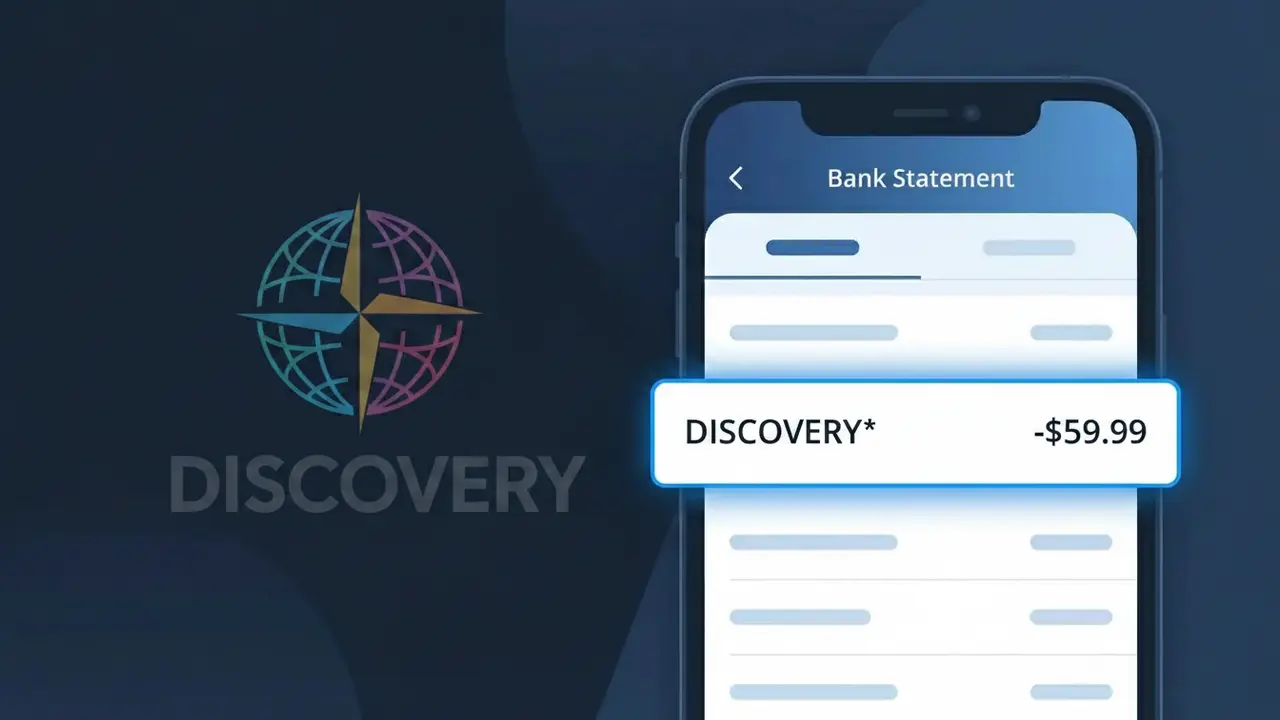
Why You're Seeing "DISCOVERY*" on Your Bank Statement
Why You're Seeing "DISCOVERY*" on Your Bank Statement
The DISCOVERY* charge on your bank statement comes from Discovery+, the popular streaming service offering content from Discovery Channel, HGTV, Food Network, TLC, and more. This charge represents your recurring subscription to the Discovery+ platform, which provides access to thousands of hours of reality TV, nature documentaries, true crime, and lifestyle programming. The asterisk following 'DISCOVERY' in the descriptor is a common billing system convention used to indicate a digital subscription service. If you see this charge and have an active Discovery+ account, it is almost certainly your monthly or annual streaming fee.
The DISCOVERY* descriptor appears on your bank statement because Discovery+ uses a truncated billing name registered with payment processors, which often shortens or slightly alters company names to fit character limits on bank statements. The asterisk is frequently used by subscription billing platforms to flag that the charge is a recurring digital service rather than a one-time purchase. If you signed up for Discovery+ through a third-party bundle such as Verizon or a mobile carrier, the descriptor may look slightly different, but DISCOVERY* typically points directly to a standalone Discovery+ subscription.
Is the DISCOVERY* Charge Legitimate or Fraud?
If you see DISCOVERY* on your bank or credit card statement, it is most likely a legitimate charge from Discovery+, the streaming service offering content from Discovery Channel, HGTV, Food Network, TLC, and more. This truncated billing descriptor is how Discovery+ appears on financial statements due to standard payment processor formatting. Before assuming fraud, consider these common reasons the charge may appear:
- You or a family member signed up for a Discovery+ subscription (monthly or annual)
- A free trial period ended and your account automatically converted to a paid plan
- You upgraded your Discovery+ plan from ad-supported to ad-free
- A bundled subscription through a third-party partner (like Verizon) renewed under this descriptor
How to Verify the DISCOVERY* Charge
- 1
Log into your Discovery+ account
Visit discoveryplus.com and sign in. Navigate to Account > Billing to see your subscription plan, renewal date, and recent payment history.
- 2
Search your email for Discovery+ receipts
Search your inbox for emails from noreply@discoveryplus.com or 'Discovery+' to find subscription confirmation or billing receipt emails matching the charge date.
- 3
Check with household members
Ask family members or roommates if they signed up for Discovery+ using your shared payment method, as accounts are often created without notifying the cardholder.
- 4
Review your connected subscriptions
Check subscription managers like your Apple ID, Google Play, or Roku account — Discovery+ subscriptions initiated through these platforms also bill as DISCOVERY* on statements.
- 5
Contact your bank for transaction details
Call the number on the back of your card and request the full merchant name and transaction ID associated with the DISCOVERY* charge for further verification.
How to Dispute a DISCOVERY* Charge
- 1
Act within 60 days of the charge
Most banks require disputes to be filed within 60 days of the statement date. Don't delay if you don't recognize the DISCOVERY* charge — time limits are strictly enforced.
- 2
Contact Discovery+ support first
Reach Discovery+ customer support at discoveryplus.com/support or via live chat. Resolving the issue directly with Discovery+ is faster than a bank dispute and may result in a quicker refund.
- 3
File a chargeback with your bank
If Discovery+ cannot resolve the issue, contact your bank or credit card issuer to file a formal chargeback. Reference the DISCOVERY* descriptor and provide the transaction date and amount.
- 4
Request a new card number
If the DISCOVERY* charge appears to be fraudulent and you did not authorize it, ask your bank to issue a new card number to prevent any further unauthorized Discovery+ charges.
Tips for Managing Discovery+ Charges
Set a calendar reminder before your Discovery+ renewal date to avoid surprise DISCOVERY* charges on your statement.
Save your Discovery+ billing confirmation emails so you can quickly match them to any DISCOVERY* charge that appears.
Enable two-factor authentication on your Discovery+ account to prevent unauthorized sign-ins that could trigger unexpected charges.
Note whether your Discovery+ plan is monthly or annual — annual plans produce a single large DISCOVERY* charge once per year.
Use a virtual card number for your Discovery+ subscription to isolate and easily cancel DISCOVERY* charges if needed.
Use WhatIsThisCharge.net to identify other unfamiliar streaming charges that may appear alongside DISCOVERY* on your statement.
Frequently Asked Questions About the DISCOVERY* Charge
ℹ️ Note
In most cases, a DISCOVERY* charge is simply your Discovery+ streaming subscription renewing as expected — often after a forgotten free trial or a plan upgrade. A quick login to your Discovery+ account is usually all it takes to confirm the charge and put your mind at ease.
🔍 Decode this charge instantly
Search our database for DISCOVERY* and similar charges.
Decode DISCOVERY* →Was this article helpful?