Why You're Seeing "ORANGE MA*" on Your Bank Statement
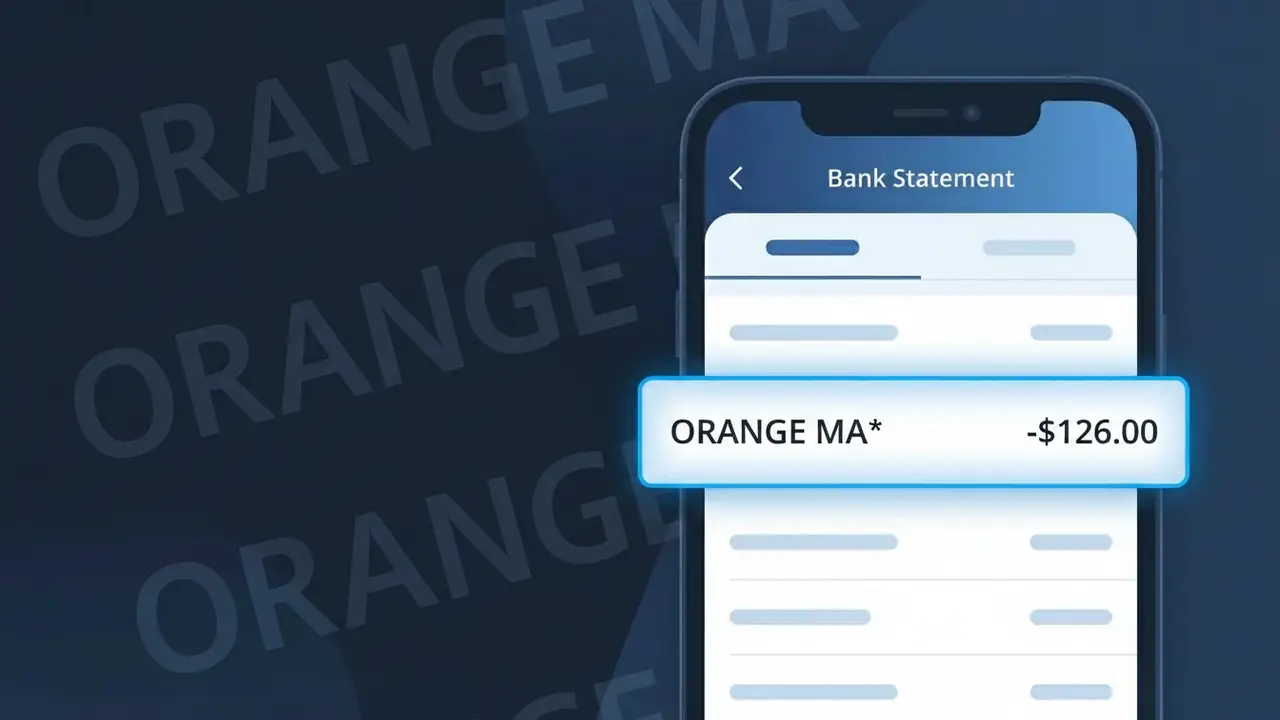
Why You're Seeing "ORANGE MA*" on Your Bank Statement
The ORANGE MA* charge on your bank statement comes from Orange Maroc, the leading telecommunications provider in Morocco. This charge typically represents a monthly subscription payment for mobile, internet, or bundled telecom services offered by Orange Maroc. If you have an active phone plan, mobile data package, or home internet subscription with Orange Maroc, this is the recurring billing descriptor you will see. The 'MA' in the descriptor refers to Morocco's country code, helping identify the origin of the transaction.
The descriptor ORANGE MA* appears on your bank statement because Orange Maroc uses a shortened billing code that combines their brand name with Morocco's international country abbreviation 'MA'. Many telecom companies use condensed transaction descriptors due to character limits imposed by payment processing systems, which is why you may not see the full company name 'Orange Maroc' spelled out. The asterisk (*) following the descriptor is a common formatting convention used by payment processors to separate the company identifier from any additional transaction reference details.
Is the ORANGE MA* Charge Legitimate or Fraud?
The ORANGE MA* charge on your bank or credit card statement is typically a legitimate transaction from Orange Maroc, the leading telecommunications provider in Morocco. This charge appears when you have an active mobile, internet, or bundled telecom plan billed by Orange Maroc. Common reasons you may see ORANGE MA* include:
- A monthly mobile phone plan or prepaid top-up processed by Orange Maroc
- An internet or broadband subscription billed under the Orange Maroc account
- A roaming or international data package purchased through Orange Maroc
- A family or shared plan where another member used your payment details on their Orange Maroc account
How to Verify the ORANGE MA* Charge
- 1
Log into your Orange Maroc account
Visit the Orange Maroc website or open the Orange Maroc app and review your billing history to match the ORANGE MA* charge amount and date.
- 2
Search your email for Orange Maroc receipts
Search your inbox for emails from Orange Maroc or noreply@orange.ma to find invoices or payment confirmations matching the ORANGE MA* transaction.
- 3
Check household or family members
Ask family members if they have an Orange Maroc plan linked to your card, as shared or family plans can trigger an ORANGE MA* charge you may not recognize.
- 4
Review your active Orange Maroc subscriptions
Log in to your Orange Maroc account and navigate to 'My Subscriptions' to see all active services that could be generating the recurring ORANGE MA* charge.
- 5
Contact your bank for transaction details
Ask your bank for the full merchant descriptor and transaction date for the ORANGE MA* charge to help pinpoint exactly which Orange Maroc service triggered it.
How to Dispute a ORANGE MA* Charge
- 1
Act within 60 days of the charge
Most banks require disputes to be filed within 60 days of the ORANGE MA* charge appearing on your statement, so act quickly to preserve your chargeback rights.
- 2
Contact Orange Maroc customer support first
Call Orange Maroc at 888 or visit an Orange Maroc store to report the unauthorized ORANGE MA* charge and request a refund directly from the merchant.
- 3
File a chargeback with your bank
If Orange Maroc does not resolve the ORANGE MA* dispute, contact your bank or card issuer and provide the transaction details to initiate a formal chargeback.
- 4
Request a new card number
If the ORANGE MA* charge appears fraudulent and your card details were compromised, ask your bank to cancel the card and issue a new one to prevent further unauthorized charges.
Tips for Managing Orange Maroc Charges
Set up bank alerts for any ORANGE MA* transaction so you're notified the moment Orange Maroc bills your card.
Save all Orange Maroc invoices and payment emails to quickly cross-reference any unexpected ORANGE MA* charge.
Secure your Orange Maroc online account with a strong, unique password to prevent unauthorized plan changes or purchases.
Note your Orange Maroc billing cycle date so you can anticipate when the ORANGE MA* charge will appear each month.
Use a virtual card number for Orange Maroc payments to limit exposure if your payment details are ever compromised.
Use WhatIsThisCharge.net to identify ORANGE MA* and other related Orange Maroc charges on your statement.
Frequently Asked Questions About the ORANGE MA* Charge
ℹ️ Note
In most cases, the ORANGE MA* charge is a routine, legitimate billing from Orange Maroc for an active mobile or internet subscription — reviewing your Orange Maroc account usually clears up any confusion within minutes.
🔍 Decode this charge instantly
Search our database for ORANGE MA* and similar charges.
Decode ORANGE MA* →Was this article helpful?