Why You're Seeing "MONZO*" on Your Bank Statement
Why You're Seeing "MONZO*" on Your Bank Statement
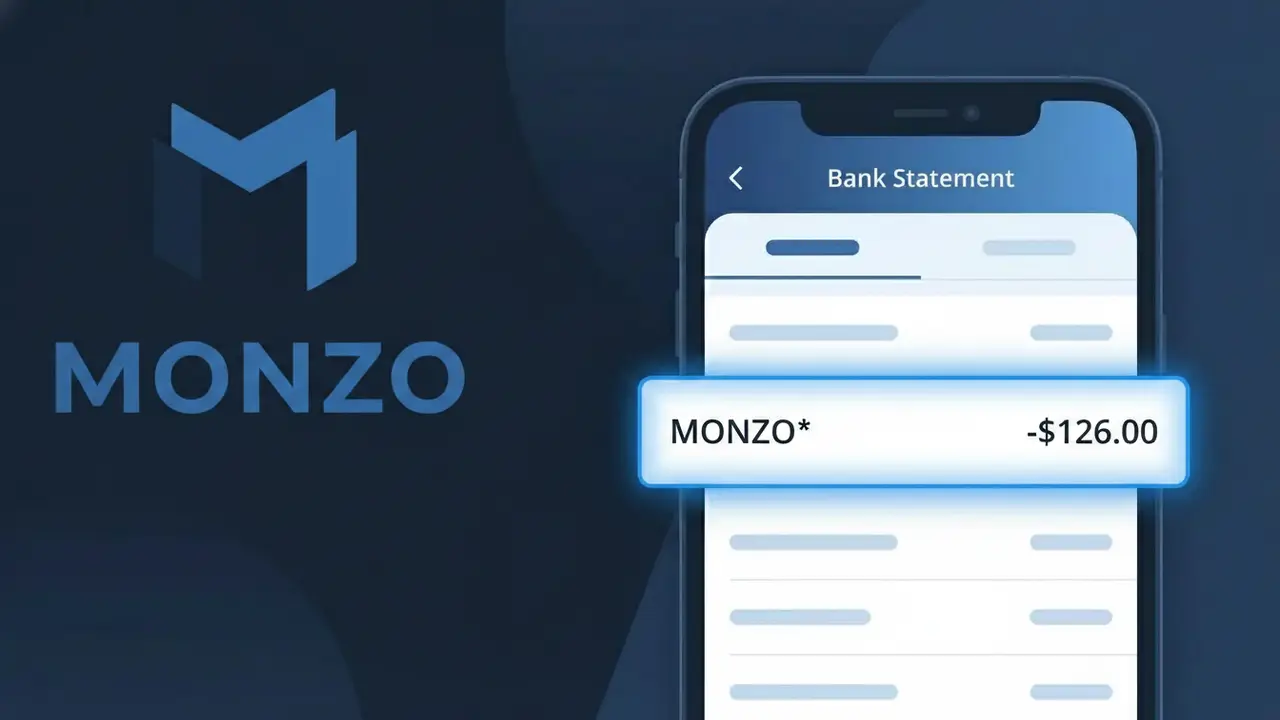
The MONZO* charge on your bank statement comes from Monzo Bank, a UK-based digital bank offering premium subscription services. This descriptor typically represents a payment for Monzo's paid account tiers, such as Monzo Plus or Monzo Premium, which provide enhanced features like travel insurance, interest on balances, and metal debit cards. If you see MONZO* appearing as a recurring charge, it is most likely your monthly or annual subscription fee for one of these upgraded account plans. Monzo Bank is a legitimate and regulated financial institution based in Great Britain, so this charge is generally nothing to be concerned about.
The MONZO* descriptor appears on your bank statement because Monzo Bank uses this shortened billing label when processing subscription payments through their payment systems. The asterisk following the name is commonly used by merchants to separate a brand identifier from additional transaction detail, and different banks may display it slightly differently depending on their formatting. If you have signed up for Monzo Plus or Monzo Premium, this is the standard way that charge will appear rather than a fuller description of the service.
Is the MONZO* Charge Legitimate or Fraud?
A MONZO* charge on your bank statement is typically a legitimate transaction associated with Monzo Bank, a UK-based digital bank. This descriptor appears when Monzo processes account-related fees, card transactions, or transfers linked to your Monzo account. Common legitimate reasons you might see MONZO* include:
- Monzo Bank account fees, such as Monzo Plus or Monzo Premium subscription charges
- Card payment transactions made using your Monzo debit card at merchants
- Top-up or transfer transactions processed through the Monzo app
- Potential unauthorized use of your Monzo card details if the charge amount is unfamiliar
How to Verify the MONZO* Charge
- 1
Check your Monzo app
Log into your Monzo Bank app and navigate to the transaction feed. The MONZO* charge should appear with a detailed description, merchant name, and timestamp.
- 2
Search your email
Look for receipts or notification emails from Monzo Bank sent to your registered email address. Monzo typically sends instant transaction alerts for every charge processed.
- 3
Check household members
Ask family members or anyone who may share access to a linked Monzo Bank account or Monzo card whether they made a recent purchase that could show as MONZO*.
- 4
Review your Monzo subscriptions
Check if you are subscribed to Monzo Plus or Monzo Premium in the app under Account > Subscriptions, as monthly plan fees appear as MONZO* on external bank statements.
- 5
Contact Monzo Bank support
If you still cannot identify the MONZO* charge, reach out to Monzo Bank directly via in-app chat, available 24/7, and provide the exact charge amount and date for investigation.
How to Dispute a MONZO* Charge
- 1
Act within 60 days
Report the suspicious MONZO* charge as quickly as possible — ideally within 60 days of the transaction date — to preserve your right to a chargeback or dispute resolution.
- 2
Contact Monzo Bank first
Use the in-app chat on the Monzo Bank app to report the unrecognized MONZO* charge. Monzo's support team can often resolve disputes quickly and freeze the transaction while investigating.
- 3
File a chargeback
If the MONZO* charge appeared on an external bank or credit card statement, contact that card issuer to file a chargeback, providing the transaction date, amount, and any Monzo Bank correspondence.
- 4
Request a new card
If fraud is suspected on your Monzo Bank account, immediately freeze your Monzo card via the app and request a new card to prevent additional unauthorized MONZO* charges.
Tips for Managing Monzo Bank Charges
Enable instant Monzo app notifications so every MONZO* transaction is flagged in real time.
Review your Monzo Bank transaction feed weekly to catch any unexpected MONZO* charges early.
Secure your Monzo Bank account with a strong PIN and biometric login to prevent unauthorized MONZO* charges.
Note your Monzo Plus or Premium billing date so you can anticipate the recurring MONZO* subscription charge each month.
Use Monzo's card-freezing feature instantly if you spot a suspicious MONZO* charge you don't recognize.
Use WhatIsThisCharge.net to identify related charges that may appear alongside MONZO* on your statement.
Frequently Asked Questions About the MONZO* Charge
ℹ️ Note
In most cases, a MONZO* charge is a completely normal transaction from Monzo Bank, often reflecting a subscription fee or a debit card purchase you made using your Monzo account. If the amount and date match your recent activity, there is no cause for concern.
Was this article helpful?