Why You're Seeing "GOOGLE ONE*" on Your Bank Statement
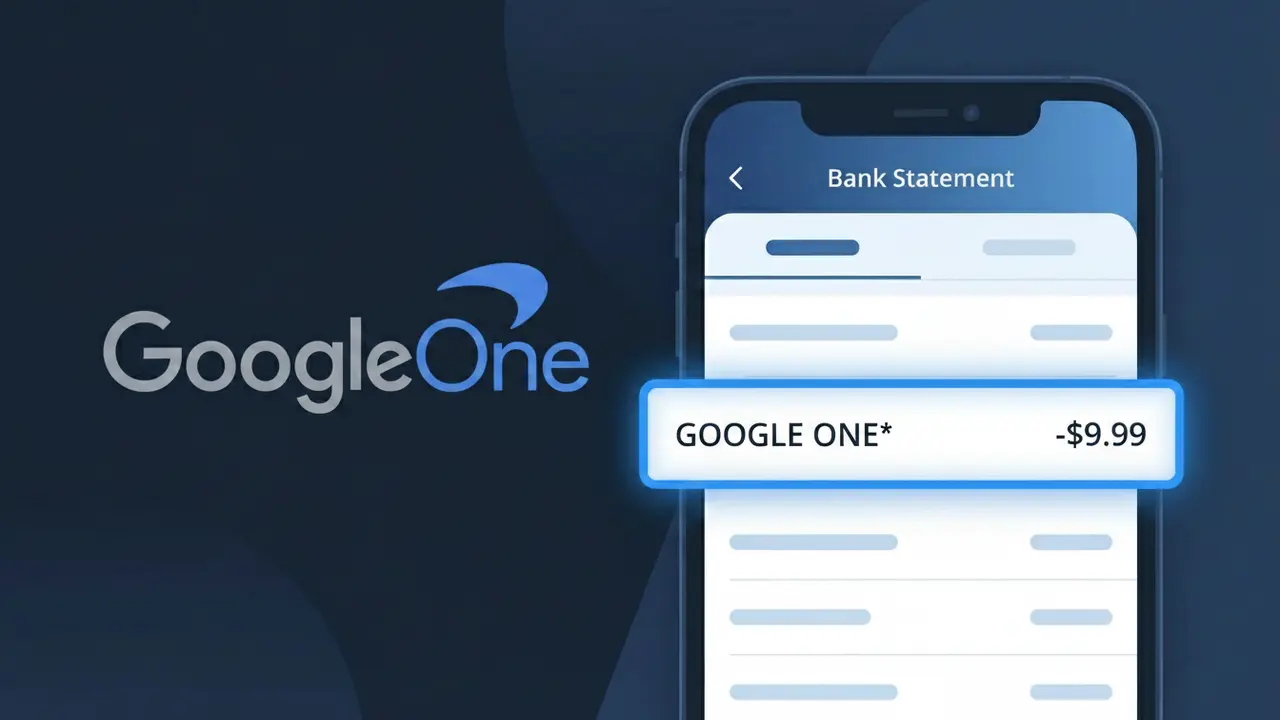
Why You're Seeing "GOOGLE ONE*" on Your Bank Statement
A charge labeled GOOGLE ONE* on your bank statement comes from Google One, the company's premium cloud storage and membership service. This subscription gives you expanded storage across Google Drive, Gmail, and Google Photos, along with additional perks like Google expert support and family sharing options. The charge recurs monthly or annually depending on the plan you selected when signing up. If you see this on your statement, it means you or someone with access to your payment method has an active Google One subscription.
The descriptor GOOGLE ONE* appears on bank statements because payment processors use a shortened, standardized version of the merchant name to identify transactions. The asterisk (*) following GOOGLE ONE is commonly used by Google to separate the service name from any additional transaction details that may follow, such as a plan identifier. This billing format is consistent across Google's various subscription services and is how your bank officially records the charge from Google One.
Is the GOOGLE ONE* Charge Legitimate or Fraud?
If you see GOOGLE ONE* on your bank or credit card statement, it is almost certainly a legitimate charge from Google One, Google's cloud storage and membership subscription service. Google One offers paid plans that expand your storage across Gmail, Google Drive, and Google Photos, and the billing descriptor GOOGLE ONE* is the standard way this charge appears on statements. However, it's worth verifying if you don't recall signing up, as free trials can convert to paid plans automatically.
- GOOGLE ONE* is the official billing name used by Google for Google One subscription plans
- Charges appear monthly or annually depending on the plan you selected
- Family group members you added to your Google One plan can trigger shared billing under this descriptor
- Google often bills GOOGLE ONE* after a free trial period ends without a reminder
How to Verify the GOOGLE ONE* Charge
- 1
Check your Google One account
Visit one.google.com and sign in to see your active Google One plan, storage tier, and billing history. The charge amount should match your current plan price.
- 2
Search your email for Google One receipts
Search your Gmail or other email inbox for 'Google One receipt' or 'GOOGLE ONE*'. Google sends an email confirmation every time a billing cycle renews.
- 3
Check household or family members
Google One allows family sharing with up to 5 members. Ask family members whether they signed up for Google One using a shared payment method you own.
- 4
Review your Google subscriptions
Go to myaccount.google.com > Payments & subscriptions > Manage subscriptions to see all active Google services billed under your account, including Google One.
- 5
Contact your bank for transaction details
Ask your bank for the full merchant name and transaction ID tied to the GOOGLE ONE* charge. This can help confirm whether the charge originated from Google's billing system.
How to Dispute a GOOGLE ONE* Charge
- 1
Act within 60 days
Most banks require you to dispute an unrecognized GOOGLE ONE* charge within 60 days of the statement date. Don't delay if you believe the charge is unauthorized or erroneous.
- 2
Contact Google One support first
Visit support.google.com/googleone and request a refund or explain the issue. Google One does offer refunds in certain cases, especially if you were charged after canceling or during a free trial conversion.
- 3
File a chargeback with your bank
If Google One denies your refund request, contact your bank or credit card issuer to initiate a formal chargeback for the GOOGLE ONE* charge, citing it as unauthorized or incorrectly billed.
- 4
Request a new card number
If you suspect your card details were used fraudulently to purchase Google One, ask your bank to issue a new card number to prevent any further GOOGLE ONE* charges from occurring.
Tips for Managing Google One Charges
Set a calendar alert before your Google One trial ends to avoid an unexpected GOOGLE ONE* charge on your statement.
Review your Google One plan tier regularly at one.google.com to ensure you're not paying for more storage than you actually use.
Secure your Google account with two-factor authentication to prevent unauthorized Google One subscriptions billed to your payment method.
Switch your Google One billing to annual to save money and reduce the frequency of GOOGLE ONE* charges appearing on your statements.
Enable Google account activity alerts so you're notified immediately of any new Google One subscription or payment changes.
Use WhatIsThisCharge.net to identify related charges like GOOGLE STORAGE* or other Google billing descriptors on your statement.
Frequently Asked Questions About GOOGLE ONE*
🔍 Decode this charge instantly
Search our database for GOOGLE ONE* and similar charges.
Decode GOOGLE ONE* →Was this article helpful?