Why You're Seeing "ITUNES*" on Your Bank Statement
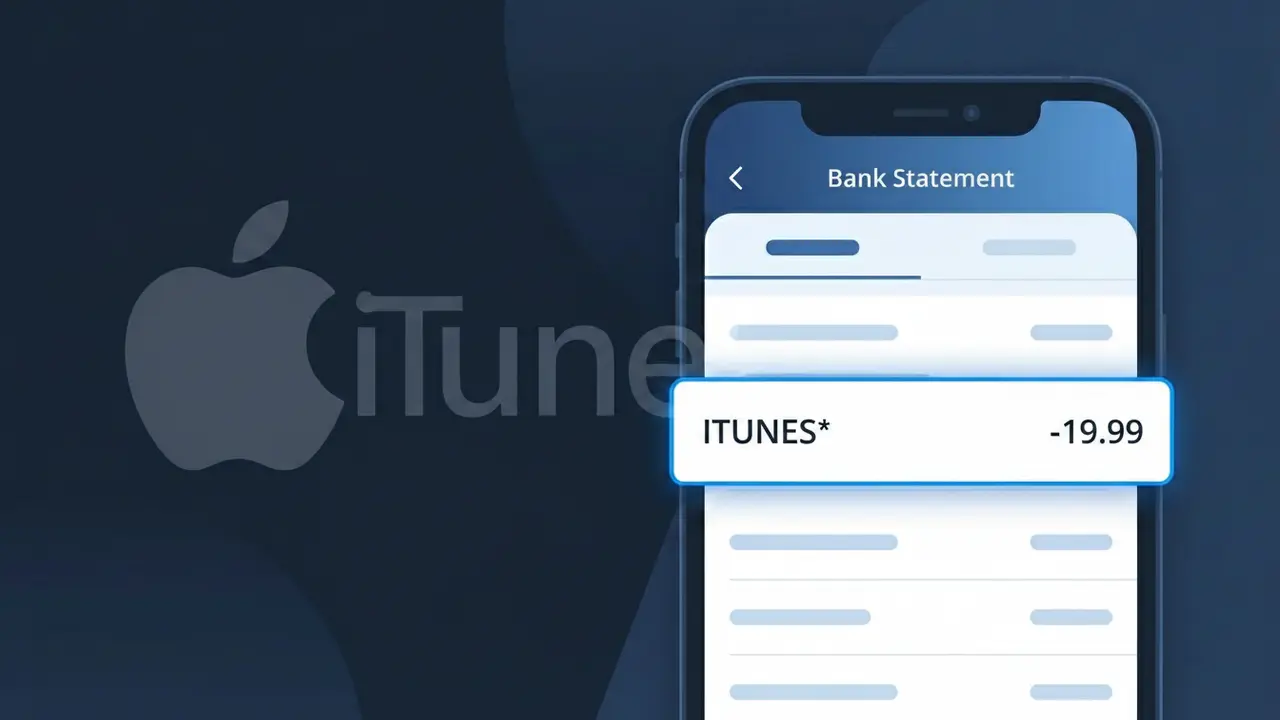
Why You're Seeing "ITUNES*" on Your Bank Statement
An ITUNES* charge on your bank statement comes from Apple iTunes and typically represents a purchase made through Apple's digital marketplace. This could include a song, album, movie, TV show, app, in-app purchase, or even an iTunes Gift Card redemption. The descriptor ITUNES* is used by Apple to identify transactions processed through the iTunes billing system, and it often appears alongside a dollar amount and sometimes a partial reference code. If you or someone with access to your Apple ID made a digital purchase, this charge is almost certainly the source.
Apple processes millions of digital transactions daily and uses the shorthand descriptor ITUNES* to identify charges routed through its iTunes payment platform, rather than displaying a longer brand name like 'Apple Inc.' or 'Apple Media Services.' This abbreviated format is standard practice for high-volume digital retailers, as bank systems have limited character space for merchant descriptors. The asterisk following ITUNES often precedes an order reference or location code that helps Apple's billing system track the specific transaction internally.
Is the ITUNES* Charge Legitimate or Fraud?
An ITUNES* charge on your bank or credit card statement is almost always a legitimate transaction from Apple iTunes, Apple's digital media and app marketplace. These charges typically appear when you purchase apps, music, movies, books, or subscribe to services like Apple Music or iCloud through your Apple ID. Common reasons you may see an ITUNES* charge include:
- A purchase of an app, game, or in-app item from the Apple App Store
- A recurring subscription to Apple Music, Apple TV+, or iCloud storage
- A movie, TV show, book, or song bought through Apple iTunes
- A family member using your payment method linked to a shared Apple Family account
How to Verify the ITUNES* Charge
- 1
Check your Apple ID purchase history
Log into your Apple iTunes account at reportaproblem.apple.com using your Apple ID to see a full list of recent purchases and charges tied to your account.
- 2
Search your email for Apple receipts
Look in your inbox for emails from 'no_reply@email.apple.com' — Apple iTunes sends a receipt for every ITUNES* transaction, usually within minutes of purchase.
- 3
Check household or family members
If you use Apple Family Sharing, other members can make purchases billed to your payment method, which show up as ITUNES* charges on your statement.
- 4
Review your active subscriptions
Open the Settings app on your iPhone or iPad, tap your name, then 'Subscriptions' to see every active Apple iTunes or App Store subscription currently billing your account.
- 5
Contact your bank for more details
If you still cannot identify the ITUNES* charge, call the number on the back of your card and ask your bank for the exact merchant descriptor and transaction date for further clarity.
How to Dispute an ITUNES* Charge
- 1
Act within 60 days
Report an unrecognized ITUNES* charge to Apple iTunes or your bank as soon as possible — most banks require disputes to be filed within 60 days of the statement date to be eligible.
- 2
Request a refund from Apple iTunes first
Visit reportaproblem.apple.com, find the ITUNES* transaction in question, and click 'Report a Problem' to request a refund directly from Apple iTunes before escalating to your bank.
- 3
File a chargeback with your bank
If Apple iTunes denies your refund request and you believe the ITUNES* charge is unauthorized or fraudulent, contact your bank or credit card issuer to file a formal chargeback dispute.
- 4
Request a new card number
If the ITUNES* charge is confirmed as unauthorized fraud, ask your bank to issue a new card number to prevent additional fraudulent charges from being billed to your account.
Tips for Managing Apple iTunes Charges
Enable purchase notifications in your Apple ID settings so you're alerted the moment any ITUNES* charge is made.
Review your Apple iTunes purchase history monthly at reportaproblem.apple.com to catch unexpected charges early.
Secure your Apple iTunes account with a strong, unique password and enable two-factor authentication to block unauthorized purchases.
Note your Apple iTunes subscription renewal dates so recurring ITUNES* charges never catch you off guard on your statement.
Turn on 'Require Password' for every Apple iTunes purchase in Screen Time settings to prevent accidental or unauthorized charges.
Use WhatIsThisCharge.net to identify related charges like APPLE.COM/BILL or APPLE SERVICES that may also appear alongside ITUNES*.
Frequently Asked Questions About ITUNES*
Was this article helpful?