Why You're Seeing "MICROSOFT*365" on Your Bank Statement
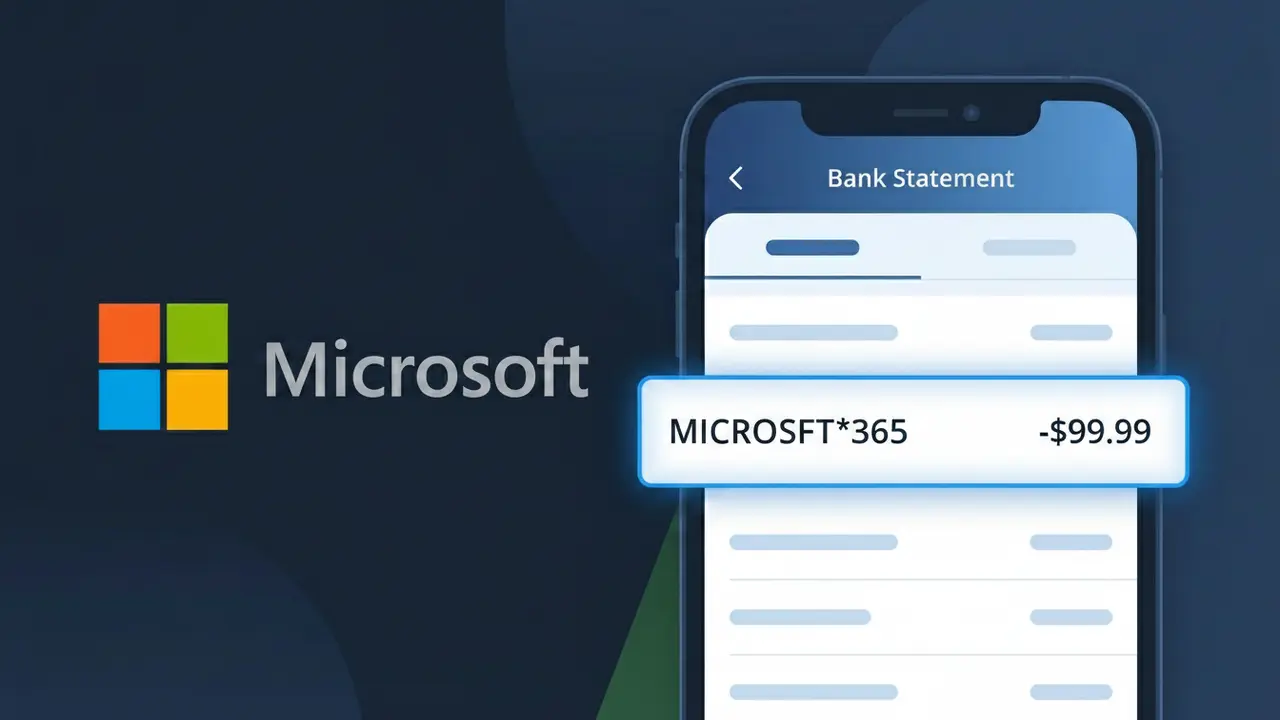
Why You're Seeing "MICROSOFT*365" on Your Bank Statement
The MICROSOFT*365 charge on your bank statement is a subscription fee from Microsoft 365, the company's suite of productivity apps and cloud services. This charge appears when you're paying for a personal, family, or business Microsoft 365 plan that includes popular apps like Word, Excel, PowerPoint, and Outlook. Microsoft bills subscribers on either a monthly or annual basis depending on the plan you signed up for. If you don't recognize this charge, it's possible a family member signed up, or you may have forgotten about a free trial that converted to a paid subscription.
The descriptor MICROSOFT*365 appears on your bank statement because Microsoft uses a shortened billing identifier that combines the company name with the product line, which is standard practice for large software companies managing multiple services. The asterisk (*) is commonly used by payment processors to separate the merchant name from the specific product or service being billed. This truncated format is required to fit within the character limits imposed by banks and card networks for transaction descriptors.
Is the MICROSOFT*365 Charge Legitimate or Fraud?
The MICROSOFT*365 charge is almost always a legitimate billing from Microsoft for a Microsoft 365 subscription, such as Personal, Family, or Business plans. It appears on your bank or credit card statement when Microsoft processes a recurring payment for access to Office apps, cloud storage, and other services. However, if you don't recall signing up, it's worth investigating before assuming fraud.
- Microsoft 365 subscriptions renew automatically, triggering the MICROSOFT*365 charge on your billing date
- Family plan members may not realize one household member set up the subscription under a shared payment method
- Free trials of Microsoft 365 automatically convert to paid plans, which show as MICROSOFT*365 on statements
- In rare cases, MICROSOFT*365 could indicate unauthorized use of your card if you have no Microsoft account or subscription
How to Verify the MICROSOFT*365 Charge
- 1
Log into your Microsoft account
Visit account.microsoft.com and sign in to check your active subscriptions. Look for any Microsoft 365 plan listed under 'Services & subscriptions' to confirm the MICROSOFT*365 charge.
- 2
Search your email for receipts
Search your inbox for emails from microsoft.com with subject lines like 'Your Microsoft 365 receipt' or 'Order confirmation.' These emails will match the date and amount of the MICROSOFT*365 charge on your statement.
- 3
Check with household members
Ask family members if they signed up for Microsoft 365 using your payment method. Microsoft 365 Family plans cover up to 6 users, and a relative may have set up billing without your knowledge.
- 4
Review all linked payment methods
Inside your Microsoft account, go to 'Payment & billing' to see which card is charged for Microsoft 365. Confirm the last four digits match the card showing the MICROSOFT*365 charge.
- 5
Contact your bank for details
If you still can't verify the MICROSOFT*365 charge, call the number on the back of your card. Your bank can provide the exact merchant ID and transaction details to help confirm whether the charge is genuine.
How to Dispute a MICROSOFT*365 Charge
- 1
Act within 60 days
Most banks require you to dispute an unrecognized MICROSOFT*365 charge within 60 days of the statement date. Act quickly to preserve your right to a chargeback and protect your funds.
- 2
Contact Microsoft 365 support first
Reach out to Microsoft support at support.microsoft.com before going to your bank. Microsoft 365 often issues refunds for accidental renewals or unauthorized charges faster than the bank dispute process.
- 3
File a chargeback with your bank
If Microsoft 365 support cannot resolve the issue, contact your bank or card issuer to file a formal chargeback for the MICROSOFT*365 charge. Provide your account details, the charge amount, and any communication you had with Microsoft.
- 4
Request a new card number
If you believe your card was used fraudulently for the MICROSOFT*365 charge, ask your bank to issue a new card number. This prevents any further unauthorized Microsoft 365 charges from being processed.
Tips for Managing Microsoft 365 Charges
Enable billing alerts on your bank account to get notified immediately when a MICROSOFT*365 charge is processed.
Keep a record of your Microsoft 365 plan type, cost, and renewal date so no MICROSOFT*365 charge catches you off guard.
Use a dedicated email address for your Microsoft 365 account so subscription receipts are easy to find and verify.
Note your Microsoft 365 annual or monthly renewal date in your calendar to anticipate the MICROSOFT*365 charge each cycle.
Use a virtual card number for your Microsoft 365 subscription to limit fraud exposure tied to MICROSOFT*365 billing.
Use WhatIsThisCharge.net to identify related charges that may appear alongside MICROSOFT*365 on your statement.
Frequently Asked Questions About MICROSOFT*365
🔍 Decode this charge instantly
Search our database for MICROSOFT*365 and similar charges.
Decode MICROSOFT*365 →Was this article helpful?