Why You're Seeing "ROBLOX*" on Your Bank Statement
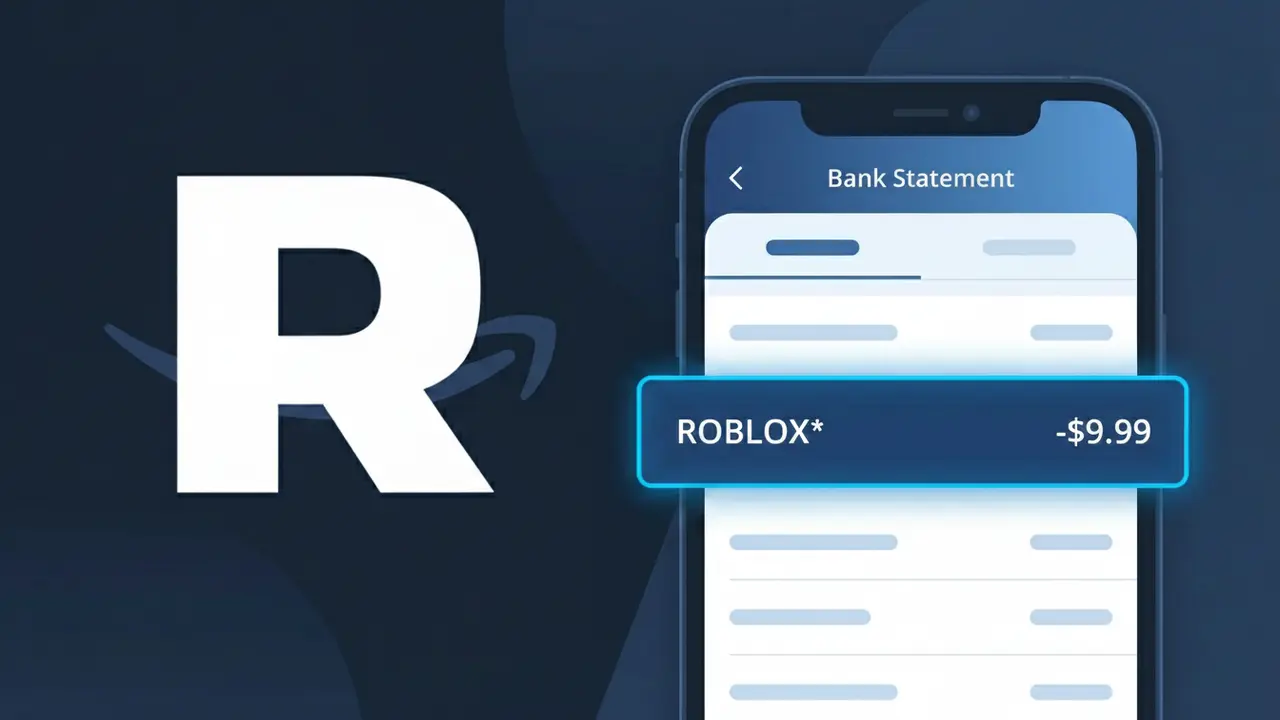
Why You're Seeing "ROBLOX*" on Your Bank Statement
A charge labeled ROBLOX* on your bank statement comes from Roblox Corporation, the company behind the massively popular online gaming platform Roblox. This charge typically indicates a purchase of Robux (the platform's virtual currency) or a Roblox Premium subscription, which grants players monthly Robux allowances and exclusive perks. If you or someone in your household plays Roblox, this charge is almost certainly tied to in-game spending or a recurring membership. Parents should be aware that younger players can make these purchases through saved payment methods, sometimes without realizing a real charge is being made.
The descriptor ROBLOX* appears on your bank statement because Roblox Corporation uses this truncated format when processing transactions through their payment system. The asterisk is commonly used by merchants to separate the brand name from additional transaction details, such as a product type or order ID, though many banks display only the first portion. This is a standard practice for digital game platforms and means the charge is a legitimate transaction directly from Roblox.
Is the ROBLOX* Charge Legitimate or Fraud?
If you see ROBLOX* on your bank or credit card statement, this charge almost always comes from Roblox, the popular online gaming platform used by millions of players worldwide. Roblox uses the billing descriptor ROBLOX* for purchases of Robux (in-game currency), Premium memberships, and other in-game transactions. Before assuming fraud, consider these common legitimate reasons for the charge:
- A purchase of Robux made directly through the Roblox website or app
- An active Roblox Premium subscription renewing automatically each month
- A child or family member making purchases on a shared account or device
- A one-time in-game item, game pass, or developer product bought on the Roblox platform
How to Verify the ROBLOX* Charge
- 1
Log into your Roblox account
Visit Roblox.com and go to Settings > Billing to review your purchase history and any active subscriptions tied to your account.
- 2
Search your email for Roblox receipts
Look for emails from no-reply@roblox.com with subject lines like 'Your Roblox receipt' — these are sent automatically after every ROBLOX* transaction.
- 3
Check household members
Ask family members, especially children, if they made a Roblox purchase. Kids often buy Robux without realizing a charge will appear on the family bank statement.
- 4
Review your Roblox Premium subscription
If you signed up for Roblox Premium, it renews monthly and will appear as a recurring ROBLOX* charge. Check your subscription status under Account Settings on Roblox.com.
- 5
Contact your bank
If you still cannot identify the ROBLOX* charge after checking your account and email, call your bank to get the exact transaction date and amount for further investigation.
How to Dispute a ROBLOX* Charge
- 1
Act within 60 days
Most banks require you to dispute an unauthorized ROBLOX* charge within 60 days of the statement date, so act quickly once you spot an unfamiliar transaction.
- 2
Contact Roblox Support first
Visit en.help.roblox.com and submit a support ticket describing the unauthorized ROBLOX* charge. Roblox may issue a refund directly, which is faster than a bank dispute.
- 3
File a chargeback with your bank
If Roblox Support does not resolve the issue, call your bank or card issuer and request a chargeback for the ROBLOX* charge, providing any email receipts or correspondence as evidence.
- 4
Request a new card number
If you suspect your card details were stolen and used for fraudulent ROBLOX* purchases, ask your bank to cancel the card and issue a new one with a different number immediately.
Tips for Managing Roblox Charges
Enable bank alerts for every transaction so you catch any unexpected ROBLOX* charge the moment it posts.
Keep Roblox email receipts in a dedicated folder so you can quickly match them to ROBLOX* charges on your statement.
Add a PIN or parental controls to your Roblox account to prevent unauthorized purchases by children or others.
Note your Roblox Premium renewal date each month so you are never surprised by a recurring ROBLOX* billing charge.
Use a virtual card number for Roblox purchases to limit exposure if your payment details are ever compromised.
Use WhatIsThisCharge.net to identify any related charges that appear alongside ROBLOX* on your statement.
Frequently Asked Questions About ROBLOX*
ℹ️ Note
In most cases, a ROBLOX* charge is a legitimate transaction from Roblox — often a Robux purchase or a recurring Premium membership made by you or a family member. Reviewing your Roblox account purchase history takes less than a minute and will typically explain the charge right away.
Was this article helpful?