Why You're Seeing "SHEIN*" on Your Bank Statement
Why You're Seeing "SHEIN*" on Your Bank Statement
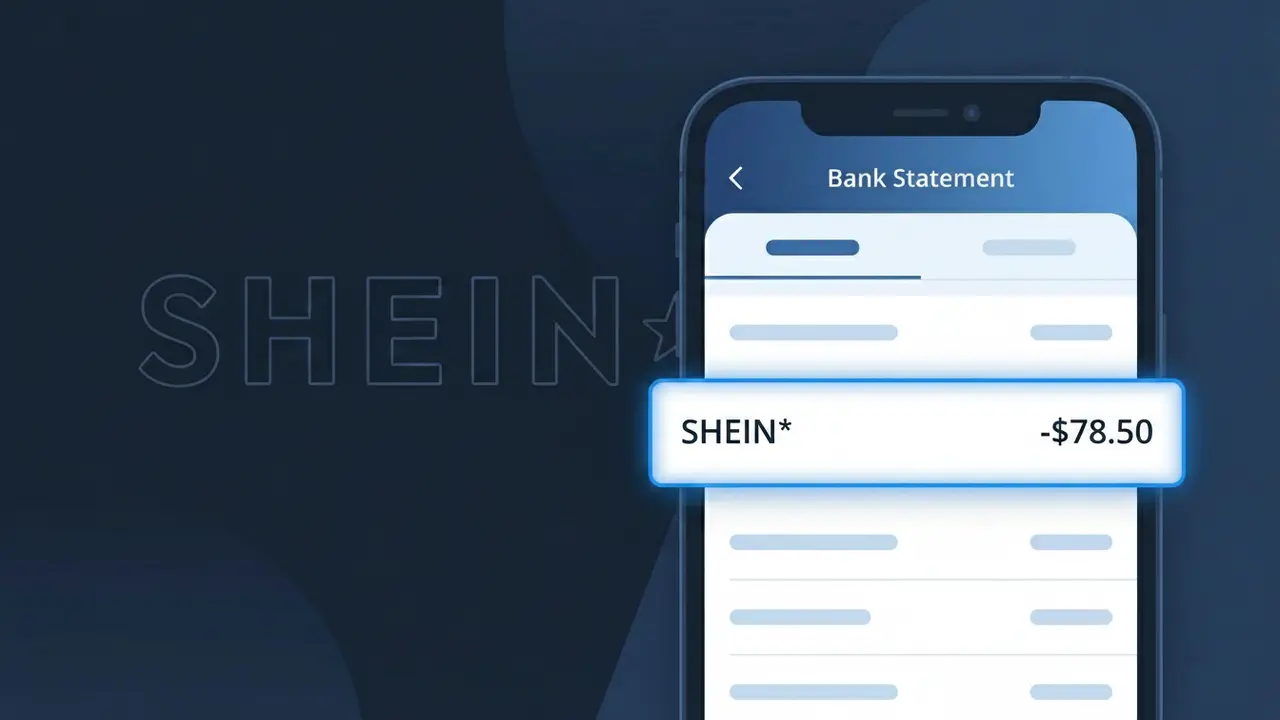
A charge showing SHEIN* on your bank statement comes from SHEIN, one of the world's largest fast-fashion online retailers. This descriptor appears when you make a purchase through SHEIN's website or mobile app, covering clothing, accessories, shoes, and beauty products. SHEIN processes payments globally, so this charge reflects an order placed on their platform. If you see SHEIN* followed by additional characters or numbers, this typically indicates a specific transaction ID or regional payment processor reference.
The SHEIN* descriptor appears on your bank statement because SHEIN uses a truncated merchant identifier when processing transactions through their payment gateway. The asterisk (*) is a standard formatting character used by payment processors to separate the merchant name from an order or transaction reference number. This is a completely normal billing practice for large e-commerce retailers and confirms the charge originated from a purchase made on SHEIN's website or app.
Is the SHEIN* Charge Legitimate or Fraud?
If you see a SHEIN* charge on your bank or credit card statement, it is most likely a legitimate purchase made on SHEIN, the popular online fast-fashion retailer. SHEIN processes payments under the descriptor SHEIN*, sometimes followed by an order number or country code, which can make it look unfamiliar. However, if you don't recall making a purchase, it's worth investigating further.
- SHEIN* is the official billing name used by SHEIN for online clothing and accessory orders
- The charge may appear days after your order is placed, when items actually ship
- Household members or friends may have used your payment method on SHEIN's website or app
- Unauthorized SHEIN* charges could indicate your card details were compromised and should be reported immediately
How to Verify the SHEIN* Charge
- 1
Check your SHEIN account order history
Log into your SHEIN account at shein.com or the SHEIN app and navigate to 'My Orders' to match the charge amount and date to a specific order.
- 2
Search your email for SHEIN receipts
Search your inbox for emails from SHEIN (noreply@shein.com or similar) containing order confirmations or shipping notifications that match the SHEIN* charge amount.
- 3
Check with household members
Ask family members or anyone with access to your payment method whether they placed an order on SHEIN, as shared cards are a common reason for unexpected SHEIN* charges.
- 4
Review any saved payment methods on SHEIN
Log into your SHEIN account and review saved payment methods under account settings to ensure your card isn't stored on an account you no longer actively use.
- 5
Contact your bank for details
If you still can't verify the SHEIN* charge, call the number on the back of your card and ask your bank for the exact merchant details and transaction timestamp.
How to Dispute a SHEIN* Charge
- 1
Act within 60 days of the charge
Most banks require disputes to be filed within 60 days of the SHEIN* charge appearing on your statement, so act quickly if you believe the charge is unauthorized or incorrect.
- 2
Contact SHEIN customer support first
Reach out to SHEIN directly through their live chat or support page at shein.com/robot to request a refund for an incorrect or unauthorized SHEIN* charge before escalating to your bank.
- 3
File a chargeback with your bank
If SHEIN does not resolve the issue, contact your bank or credit card issuer to file a formal chargeback dispute for the SHEIN* transaction, providing any supporting evidence.
- 4
Request a new card if fraud is suspected
If the SHEIN* charge appears to be part of unauthorized activity, ask your bank to cancel your compromised card and issue a new one to prevent further fraudulent charges.
Tips for Managing SHEIN Charges
Enable bank alerts to get notified instantly when a SHEIN* charge posts to your account.
Always save your SHEIN order confirmation emails to easily match them to SHEIN* charges later.
Use a strong, unique password for your SHEIN account to prevent unauthorized purchases on your saved card.
Note that SHEIN* charges may appear 1–3 days after ordering, typically when your items are shipped.
Use a virtual card number when shopping on SHEIN to limit exposure if your payment details are ever compromised.
Use WhatIsThisCharge.net to identify related charges and understand unfamiliar billing descriptors from SHEIN.
Frequently Asked Questions About SHEIN*
Was this article helpful?