Why You're Seeing "VENMO*" on Your Bank Statement
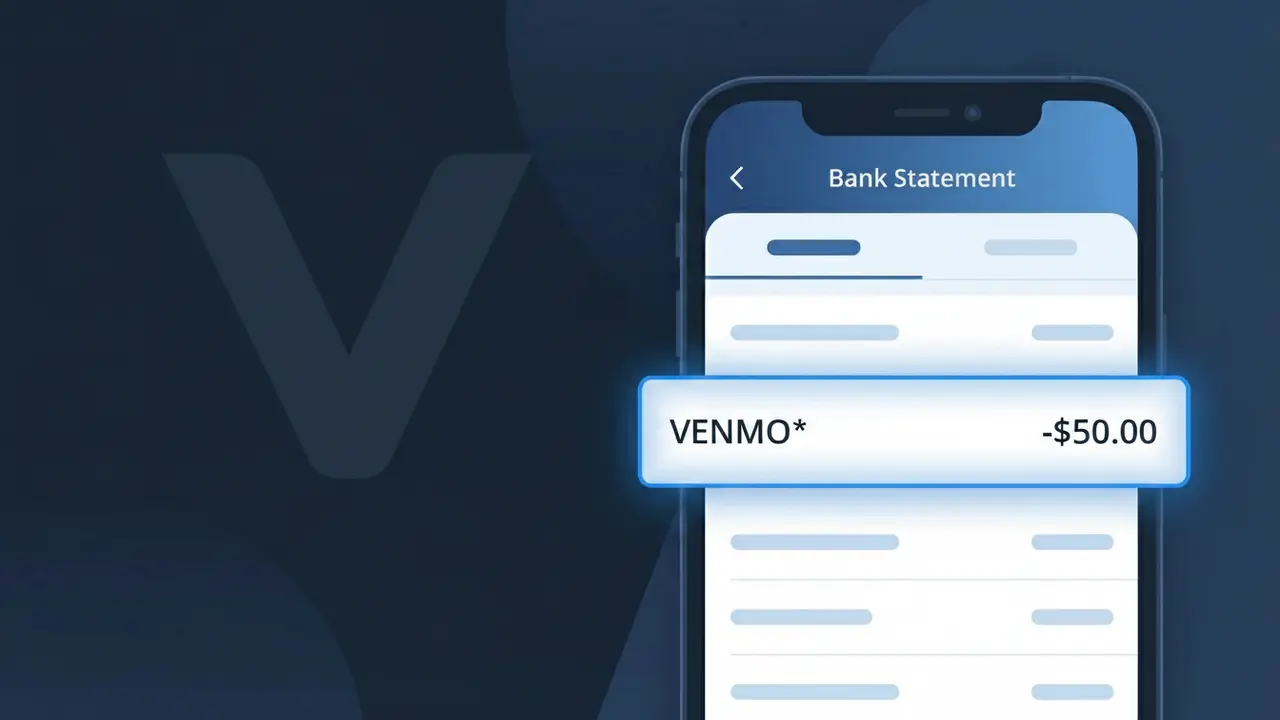
Why You're Seeing "VENMO*" on Your Bank Statement
A charge labeled VENMO* on your bank statement comes from Venmo, the popular peer-to-peer payment app owned by PayPal. This descriptor typically appears when you've sent money to someone, paid a business, or incurred a fee for an instant transfer from your Venmo balance to your bank account. Venmo may also charge a small fee when you use a credit card to fund a payment, which would show up as this same VENMO* descriptor. If you see this charge, it's almost always tied to a transaction or service fee processed through your Venmo account.
The VENMO* descriptor appears on your bank statement because Venmo uses a shortened, system-generated billing name when processing transactions through card networks and banking systems. The asterisk following "VENMO" is a common formatting convention used by payment processors to separate the company name from additional transaction details, such as a username or transaction ID. This truncated format is standard practice for digital payment platforms and is how your bank or card issuer receives and displays the merchant information.
Is the VENMO* Charge Legitimate or Fraud?
A VENMO* charge on your bank or credit card statement is typically a legitimate transaction processed by Venmo, the popular peer-to-peer payment platform owned by PayPal. This descriptor appears when money is moved through Venmo, whether for sending funds, paying for goods, or subscribing to Venmo's premium services. However, if you don't recognize the charge, it's worth investigating further — unauthorized access to a linked account can sometimes result in unexpected VENMO* charges.
- You or someone in your household sent or received money via Venmo recently
- You subscribed to Venmo's premium tier or Venmo Teen account features
- You made a purchase through a merchant that accepts Venmo as a payment method
- Someone with access to your Venmo account initiated a transaction without your knowledge
How to Verify the VENMO* Charge
- 1
Log into your Venmo account
Open the Venmo app or visit venmo.com and review your transaction history. Every payment sent or received will appear there with a timestamp that should match the VENMO* charge date.
- 2
Search your email for Venmo receipts
Search your inbox for emails from no-reply@venmo.com. Venmo sends email notifications for transactions, so a matching receipt will confirm the VENMO* charge is legitimate.
- 3
Check with household members
Ask family members or roommates if they used a shared payment method linked to Venmo. It's common for a VENMO* charge to appear when someone else in the household completed a transaction.
- 4
Review your Venmo subscriptions
Check if you signed up for Venmo's premium features or any recurring services. Navigate to Settings in the Venmo app to view any active subscriptions that could generate a recurring VENMO* charge.
- 5
Contact your bank for more details
If you still can't identify the VENMO* charge, call the number on the back of your card. Your bank can provide the exact transaction date, amount, and any additional merchant details tied to the charge.
How to Dispute a VENMO* Charge
- 1
Act within 60 days
Report any unauthorized VENMO* charge to your bank within 60 days of the statement date to preserve your rights under the Fair Credit Billing Act. Acting quickly improves your chances of a full refund.
- 2
Contact Venmo support first
Reach out to Venmo's customer support at help.venmo.com or through the in-app Help Center. Venmo may be able to reverse an unauthorized transaction faster than a formal bank dispute.
- 3
File a chargeback with your bank
If Venmo cannot resolve the issue, contact your bank or credit card issuer to file a formal chargeback against the VENMO* charge. Provide all transaction details and any correspondence with Venmo as evidence.
- 4
Request a new card number
If the VENMO* charge appears fraudulent, ask your bank to issue a replacement card. This prevents any further unauthorized charges from being processed using your compromised card details.
Tips for Managing Venmo Charges
Enable Venmo push notifications so every VENMO* transaction alerts you in real time.
Reconcile your bank statement monthly and match each VENMO* charge to your Venmo transaction history.
Secure your Venmo account with a strong, unique password and enable two-factor authentication.
Note the dates of any Venmo subscriptions so recurring VENMO* charges don't catch you off guard.
Use Venmo's privacy settings to limit who can see your transactions and reduce fraud exposure.
Use WhatIsThisCharge.net to identify related charges on your statement you don't recognize.
Frequently Asked Questions About VENMO*
Was this article helpful?