Why You're Seeing "XBOX*" on Your Bank Statement
Why You're Seeing "XBOX*" on Your Bank Statement
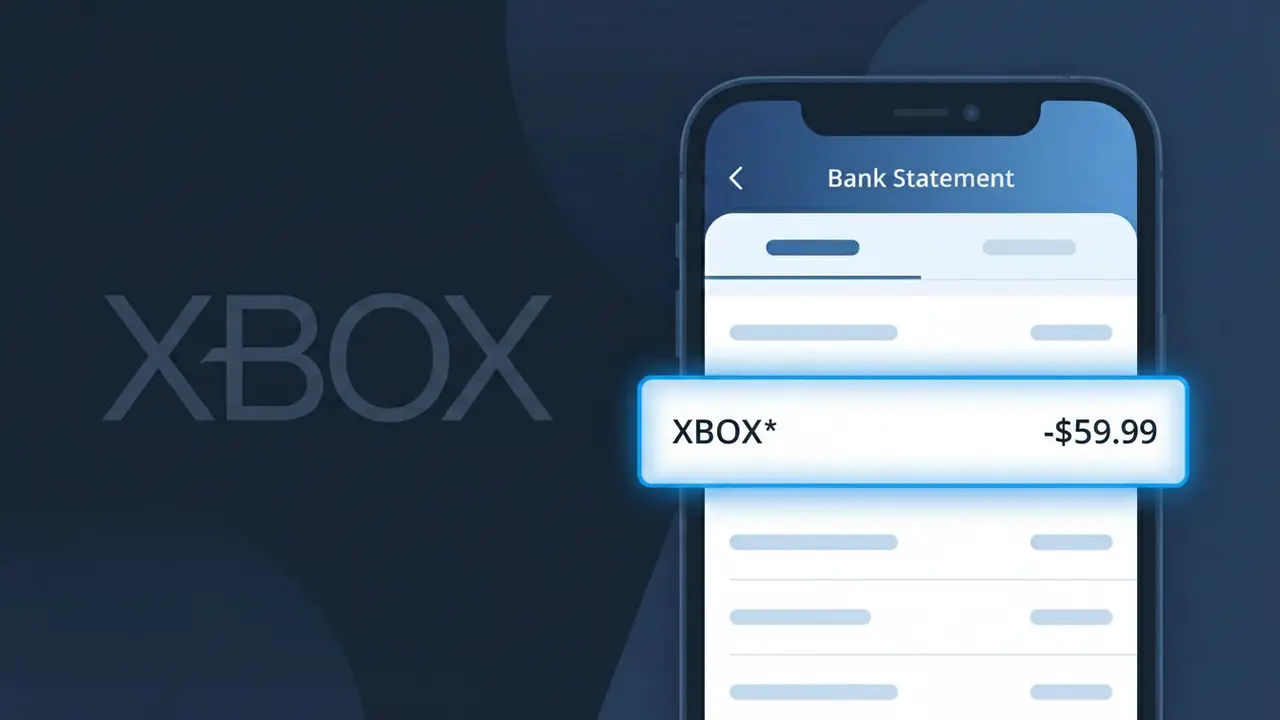
The XBOX* charge on your bank statement comes from Xbox Game Pass, Microsoft's gaming subscription service that gives members access to a large library of games on console, PC, or cloud. This charge typically appears when you've signed up for Xbox Game Pass, Xbox Game Pass Ultimate, or a related Microsoft gaming subscription. The 'XBOX*' descriptor is used by Microsoft's billing system to identify payments made toward these gaming services. If you see this charge, it's most likely a recurring monthly or annual subscription fee for continued access to the Game Pass catalog.
Microsoft uses the shortened XBOX* descriptor on bank and credit card statements as part of their standardized billing system for Xbox-related services and subscriptions. Rather than spelling out the full product name like 'Xbox Game Pass Ultimate,' the payment processor truncates it to fit within the character limits imposed by banking transaction systems. You may also see additional characters after the asterisk, such as a reference number or region code, which are used internally to identify the specific transaction or subscription type.
Is the XBOX* Charge Legitimate or Fraud?
An XBOX* charge on your bank or credit card statement is almost always a legitimate billing from Microsoft for an Xbox Game Pass subscription or related Xbox service. Microsoft uses the abbreviated merchant descriptor 'XBOX*' followed by additional characters (such as XBOX*GAME PASS or XBOX*ULTIMATE) depending on your bank's display format. If you or someone in your household subscribes to Xbox Game Pass Core, Xbox Game Pass Ultimate, or PC Game Pass, this charge is expected and recurring.
- Xbox Game Pass subscriptions bill automatically each month or year under the XBOX* descriptor
- Microsoft may charge separately for Xbox Game Pass Ultimate upgrades or add-ons
- Family members or children with linked Microsoft accounts may trigger an XBOX* charge on the primary payment method
- Free trials that were not cancelled before expiration will result in an XBOX* charge at the standard subscription rate
How to Verify the XBOX* Charge
- 1
Log into your Microsoft account
Visit account.microsoft.com and navigate to 'Services & Subscriptions' to see all active Xbox Game Pass plans tied to your account and their billing dates.
- 2
Search your email for Xbox receipts
Search your inbox for emails from microsoft.com or xbox.com containing 'Xbox Game Pass' or 'XBOX*' — Microsoft sends a receipt every time a charge is processed.
- 3
Check household or family members
Ask family members if they set up an Xbox Game Pass subscription using your payment method, especially if you share a Microsoft Family account.
- 4
Review your active Xbox subscriptions
On your Xbox console or the Xbox app, go to Settings > Account > Subscriptions to see exactly which Xbox Game Pass tier is active and when it renews.
- 5
Contact your bank for transaction details
Call the number on the back of your card and ask for the full merchant name and transaction ID associated with the XBOX* charge to help pinpoint its origin.
How to Dispute a XBOX* Charge
- 1
Act within 60 days of the charge
Most banks require you to dispute an unauthorized XBOX* charge within 60 days of your statement date, so act quickly if you believe the charge is fraudulent.
- 2
Contact Xbox Game Pass support first
Reach out to Microsoft Support at support.xbox.com — they can investigate the XBOX* charge, issue a refund for accidental renewals, and cancel the subscription on the spot.
- 3
File a chargeback with your bank
If Microsoft does not resolve the issue, contact your bank or credit card issuer to formally dispute the XBOX* charge as unauthorized and provide any supporting documentation.
- 4
Request a new card number
If the XBOX* charge appears to be fraudulent and not linked to any known Xbox Game Pass account, ask your bank to issue a new card to prevent future unauthorized charges.
Tips for Managing Xbox Game Pass Charges
Set a calendar reminder before your Xbox Game Pass renewal date so the XBOX* charge never surprises you.
Save Microsoft's email receipts for each XBOX* charge so you have a clear billing history ready if disputes arise.
Secure your Microsoft account with two-factor authentication to prevent unauthorized Xbox Game Pass purchases.
Check whether you're on a monthly or annual Xbox Game Pass plan — annual billing means one larger XBOX* charge per year.
Enable purchase notifications on your bank account to get instant alerts whenever an XBOX* charge posts.
Use WhatIsThisCharge.net to identify related charges like XBOX*ULTIMATE or XBOX*LIVE that may also appear on your statement.
Frequently Asked Questions About XBOX*
How to Dispute an XBOX* Charge
- 1
Act within 60 days of the charge
Most banks and credit card companies require you to report unauthorized charges within 60 days of the statement date. Don't delay if you believe the XBOX* charge is fraudulent or incorrect.
- 2
Contact Xbox Support first
Reach out to Xbox Support at support.xbox.com or call 1-800-469-9269. Microsoft may be able to refund the XBOX* charge directly, especially for accidental purchases or unauthorized transactions, which is faster than a bank dispute.
- 3
File a chargeback with your bank
If Xbox Support cannot resolve the issue, contact your bank or credit card issuer to file a chargeback for the XBOX* charge. Provide your order history and any communication with Xbox as supporting evidence.
- 4
Request a new card number
If you believe your payment information was stolen and used to create an Xbox account without your knowledge, ask your bank to issue a new card number to prevent future unauthorized XBOX* charges.
Was this article helpful?