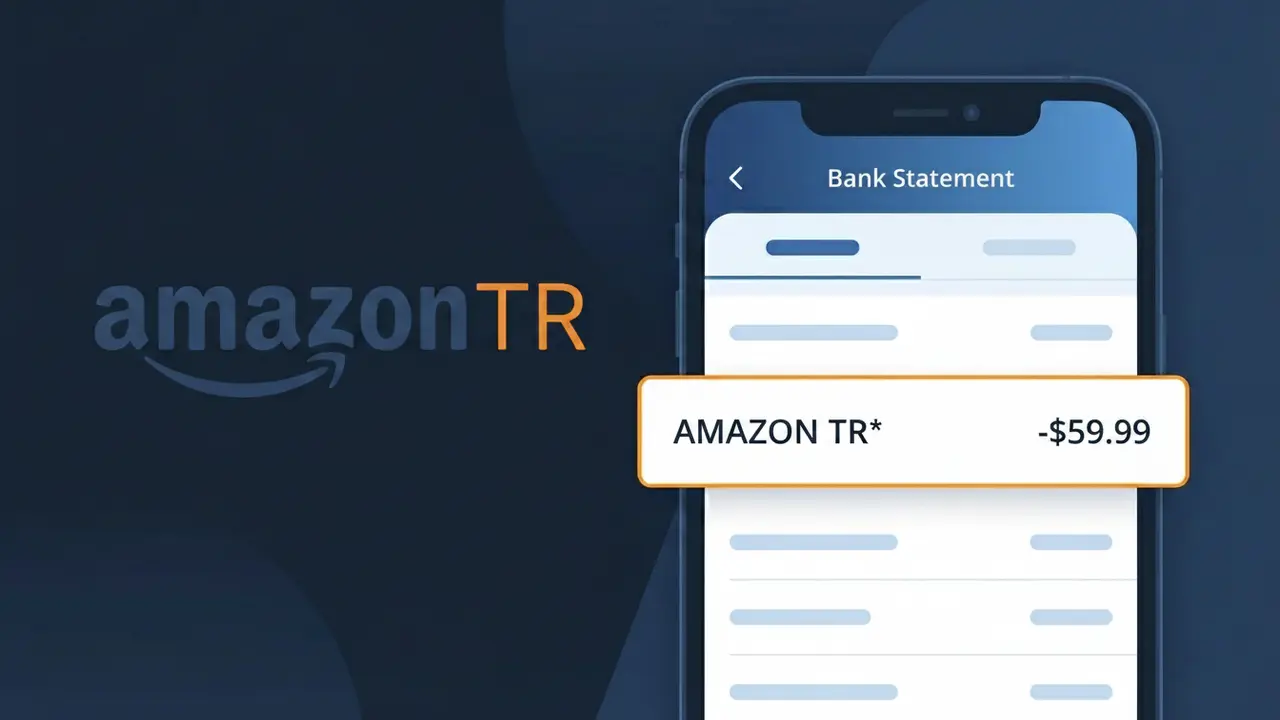
AMAZON TR* Charge (What It Is + Is It Legit?)
✓ LegitimateThe "AMAZON TR*" charge is from Amazon Turkey. Purchase or subscription from Amazon Turkey. This descriptor appears on Turkish bank statements for Amazon marketplace purchases.

Amazon Turkey
Purchase or subscription from Amazon Turkey. This descriptor appears on Turkish bank statements for Amazon marketplace purchases.
Category
Shopping
Avg. Charge
Variable
Country
TR
Billing Cycle
One-time
Cancel At
amazon.com.tr/gp/help/customer/display.html?nodeId=201909600
Support
0850-891-0102
Why does this charge appear?
Amazon Turkey operates on Amazon's regional billing infrastructure, which uses abbreviated country-code suffixes to identify marketplace transactions across different territories. The "AMAZON TR\*" descriptor follows this standardized format where "TR" represents the ISO country code for Turkey, allowing Amazon's payment processing systems to distinguish Turkish marketplace purchases from other regional Amazon entities like Amazon.de or Amazon.co.uk. When customers shop on Amazon's Turkish storefront, this shortened descriptor is what gets transmitted to their bank rather than the full legal entity name, which is why "Amazon Turkey" never appears in full on the statement.
Your next steps
Check Your Amazon Turkey Order History
Log in to your account at amazon.com.tr and navigate to 'Returns & Orders' in the top right corner. Cross-reference the charge amount and date on your bank statement with any recent purchases or active subscriptions made through Amazon Turkey to confirm the AMAZON TR* charge is accounted for.
Review Active Amazon Turkey Subscriptions
Visit amazon.com.tr and go to your Account settings to check for any active subscriptions or recurring services such as Amazon Prime Turkey. The AMAZON TR* descriptor commonly appears for both one-time purchases and recurring subscription billing cycles, so make sure any subscription charges align with your signup date and renewal schedule.
Verify the Charge Amount in Turkish Lira
Because Amazon Turkey processes transactions in Turkish Lira, the AMAZON TR* charge on your bank statement may reflect a currency conversion if your account is in a different currency. Log in to amazon.com.tr and compare the exact order total shown in your purchase history against the converted amount your bank charged to ensure the figures match correctly.
Manage or Cancel Amazon Turkey Services if Needed
If you no longer want a subscription or wish to manage your Amazon Turkey account settings, visit amazon.com.tr/gp/help/customer/display.html?nodeId=201909600 for official guidance on cancellations and billing management. If you believe the AMAZON TR* charge is an error after reviewing your orders, contact Amazon Turkey customer support directly through that page to request a review or refund.
💡 Tip — call before disputing
Try calling Amazon Turkey at 0850-891-0102 first. Most refund requests get resolved in one call, and bank disputes take 10+ days.
ℹ️ International processing
This charge is processed in TR. You may see a foreign transaction fee from your bank (typically 1-3%).
Legitimate or scam?
No, this is a legitimate charge from Amazon Turkey. However, if you did not authorize this charge or cancelled your subscription, you may be eligible for a refund.
ℹ️ Note
In most cases, seeing "AMAZON TR*" on your statement is completely normal. Before assuming fraud, check your recent purchases — most mystery charges have a simple explanation.
Is the AMAZON TR* Charge Legitimate or Fraud?
If you've spotted AMAZON TR* on your bank or credit card statement, it is most commonly a legitimate charge from AMAZON TR, Amazon's Turkish marketplace or a related Amazon service operating in Turkey. This charge typically appears when you make a purchase, subscribe to a service like Prime, or use a digital product through Amazon's Turkish platform. However, if you don't recognize it, it's worth investigating further.
- AMAZON TR* charges often appear when buying physical or digital products on Amazon's Turkish storefront (amazon.com.tr)
- Amazon Prime Turkey subscriptions bill as AMAZON TR* on your statement
- Kindle, Audible, or other Amazon digital services linked to a Turkish account may also show as AMAZON TR*
- Unauthorized AMAZON TR* charges could indicate your payment info was compromised or a family member made a purchase
How to Verify the AMAZON TR* Charge
- 1
Log into your Amazon TR account
Visit amazon.com.tr and sign in. Navigate to 'Returns & Orders' to check your recent purchase history for any transaction matching the AMAZON TR* charge amount and date.
- 2
Search your email for AMAZON TR receipts
Search your inbox for emails from Amazon TR using keywords like 'amazon.com.tr' or 'sipariş' (Turkish for order). AMAZON TR* charges always come with a confirmation email.
- 3
Check all household members
Ask family members or anyone sharing your Amazon account or payment method if they made a purchase through AMAZON TR, including digital purchases like Kindle books or Prime Video rentals.
- 4
Review your active subscriptions
Go to your Amazon TR account settings and check 'Memberships & Subscriptions' to see if an Amazon Prime Turkey or other recurring AMAZON TR* subscription is active and billing you.
- 5
Contact your bank for details
If you still can't identify the AMAZON TR* charge, call your bank and ask for the full merchant details. They can provide a transaction ID you can cross-reference with Amazon TR customer support.
How to Dispute an AMAZON TR* Charge
- 1
Act within 60 days
Most banks require you to dispute an unrecognized AMAZON TR* charge within 60 days of the statement date. Act quickly to preserve your right to a chargeback.
- 2
Contact AMAZON TR customer support first
Reach out to Amazon TR's customer service via amazon.com.tr or the Amazon app. Provide the charge amount and date — Amazon TR can often issue a refund faster than a bank dispute.
- 3
File a chargeback with your bank
If AMAZON TR does not resolve your issue, contact your bank or card issuer and formally dispute the AMAZON TR* charge. Provide your order investigation results as supporting evidence.
- 4
Request a new card number
If the AMAZON TR* charge appears to be fraudulent and you did not authorize it, ask your bank to cancel your current card and issue a new one to prevent further unauthorized charges.
Tips for Managing AMAZON TR Charges
Set up bank alerts for any AMAZON TR* charge so you're notified immediately of new transactions.
Keep a record of all amazon.com.tr orders so you can quickly match them to AMAZON TR* statement entries.
Enable two-factor authentication on your AMAZON TR account to prevent unauthorized purchases.
Note your Amazon Prime Turkey renewal date to anticipate recurring AMAZON TR* billing charges.
Use a dedicated card for AMAZON TR purchases to make it easier to spot and isolate unexpected charges.
Use WhatIsThisCharge.net to identify related charges from Amazon TR or similar merchants.
Quick answers
Was this page helpful?
Community Reports (0)
0 votesNo votes yet — be the first to report on this charge!
Have you seen this charge? Help others by voting:
Community Comments (0)
No comments yet. Be the first to share your experience!
Share your experience
Your email is only used to verify your comment and will never be shown publicly.
Search Another Charge
Popular Charges
View all charges
Related Charges
Need to dispute this charge?
Generate a professional dispute letter in seconds with our AI tool.
Open Charge AssistantCommunity Verified
Real user reports
Free to Use
Always free to check
Secure & Private
Your data is safe
Help Millions
48K+ charges identified