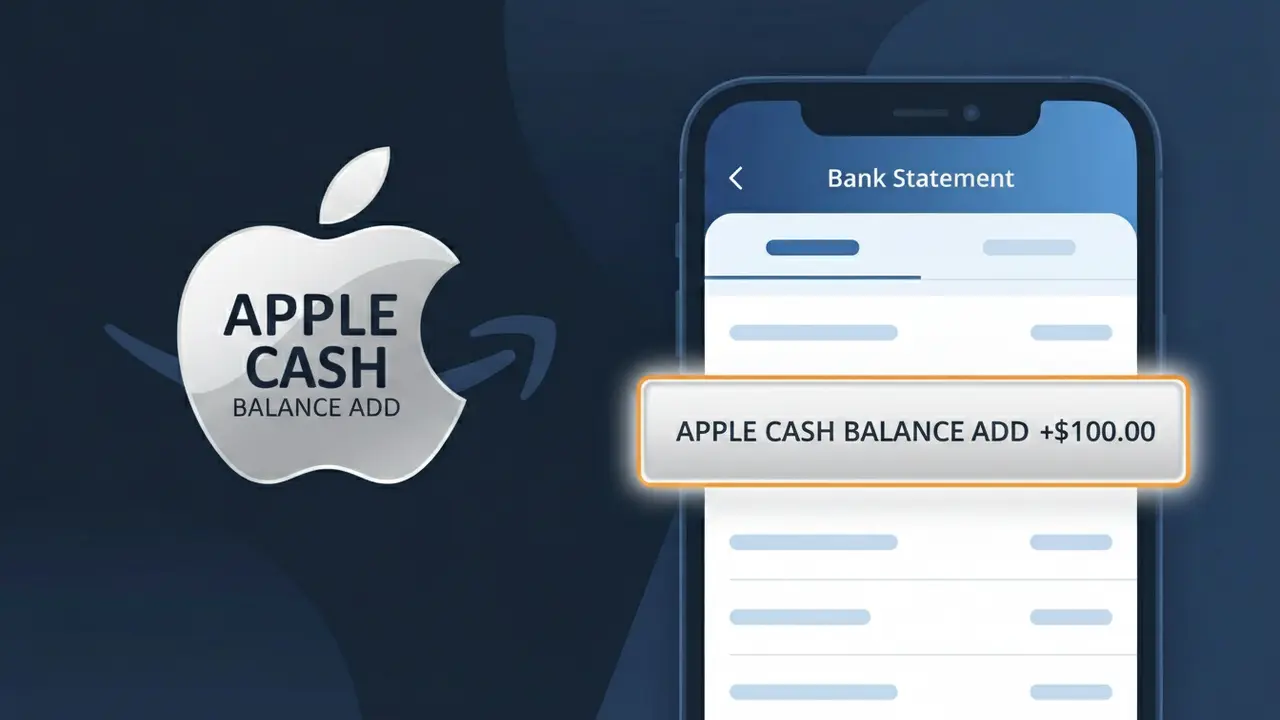
APPLE CASH BALANCE ADD Charge (What It Is + Is It Legit?)
✓ LegitimateThe "APPLE CASH BALANCE ADD" charge is from Apple Cash. Adding funds to your Apple Cash balance from a linked debit card.
Apple Cash
Adding funds to your Apple Cash balance from a linked debit card.
Category
Finance
Avg. Charge
Variable
Country
US
Billing Cycle
One-time
Cancel At
support.apple.com/apple-cash
Support
See website
Understanding this descriptor
When you add money to your Apple Cash balance from a linked debit card, the transaction is processed through Apple's internal payment infrastructure, which logs the action as a functional descriptor rather than a branded one. The label "APPLE CASH BALANCE ADD" is generated automatically by Apple's billing system to describe precisely what the transaction did, combining the service name with the action taken, so that both Apple and your bank can categorize and reconcile the movement of funds accurately. This format is common in Apple's ecosystem, where technical clarity in transaction records takes priority over displaying a simplified brand name.
Recommended actions
Confirm the Apple Cash Transfer
Open the Wallet app on your iPhone and tap your Apple Cash card to review your transaction history. Look for a matching fund addition that corresponds to the APPLE CASH BALANCE ADD charge on your bank statement to confirm the transfer was initiated by you.
Check Your Linked Debit Card
Go to Settings, then Wallet and Apple Pay, and select your Apple Cash account to verify which debit card is linked. The APPLE CASH BALANCE ADD charge should match the debit card on file, confirming that funds were legitimately moved from your bank to your Apple Cash balance.
Review Your Apple Cash Spending
In the Wallet app, review your Apple Cash balance and recent activity to ensure the added funds are accounted for and were used for purchases or transfers you recognize. If the balance does not reflect the deposited amount, contact Apple Support at support.apple.com/apple-cash for assistance.
Manage Future Apple Cash Transfers
If you want to control when and how much money is added to Apple Cash, visit apple.com or go to Settings and Wallet and Apple Pay to adjust your Apple Cash preferences. You can disable automatic transfers or remove linked debit cards to prevent unexpected APPLE CASH BALANCE ADD charges in the future.
Is this charge fraudulent?
No, this is a legitimate charge from Apple Cash. However, if you did not authorize this charge or cancelled your subscription, you may be eligible for a refund.
ℹ️ Note
In most cases, seeing "APPLE CASH BALANCE ADD" on your statement is completely normal. Before assuming fraud, check your recent purchases — most mystery charges have a simple explanation.
Is the APPLE CASH BALANCE ADD Charge Legitimate or Fraud?
An APPLE CASH BALANCE ADD charge on your bank or card statement typically means money was added to your Apple Cash balance through the Wallet app on your iPhone or Apple device. This is a legitimate transaction processed by Apple when you fund your Apple Cash account using a linked debit card or bank account.
Common legitimate reasons you might see an APPLE CASH BALANCE ADD charge include:
- You manually added money to your Apple Cash balance via the Wallet app
- A family member using Apple Family Sharing added funds to a shared Apple Cash account
- An automatic top-up was triggered when your Apple Cash balance dropped below a set threshold
- You received a payment via Apple Pay and it was deposited into your Apple Cash balance
If you do not recognize the APPLE CASH BALANCE ADD charge, it could indicate unauthorized access to your Apple ID or a linked payment method used without your knowledge.
How to Verify the APPLE CASH BALANCE ADD Charge
- 1
Check your Apple Wallet transaction history
Open the Wallet app on your iPhone, tap your Apple Cash card, and review recent transactions to match the APPLE CASH BALANCE ADD amount and date.
- 2
Search your email for Apple receipts
Look in your inbox for emails from Apple (no_reply@email.apple.com) confirming a balance addition that corresponds to the APPLE CASH BALANCE ADD charge on your statement.
- 3
Check Apple ID account activity
Sign in at appleid.apple.com and review your account activity to see if any Apple Cash funding events are listed under your payment history.
- 4
Ask household or family members
If you use Apple Family Sharing, ask other family members whether they initiated an APPLE CASH BALANCE ADD transaction from a shared or linked account.
- 5
Contact Apple Support
If you still can't verify the charge, contact Apple Support at support.apple.com or call 1-800-275-2273 and reference the APPLE CASH BALANCE ADD transaction.
How to Dispute a APPLE CASH BALANCE ADD Charge
- 1
Act within 60 days
Most banks require you to dispute an unauthorized APPLE CASH BALANCE ADD charge within 60 days of your statement date, so act quickly to protect your rights.
- 2
Contact Apple Support first
Reach out to Apple Support directly at support.apple.com to report the unauthorized APPLE CASH BALANCE ADD transaction and request a refund before escalating to your bank.
- 3
Secure your Apple ID immediately
Change your Apple ID password and enable two-factor authentication to prevent further unauthorized APPLE CASH BALANCE ADD transactions while the dispute is under review.
- 4
File a chargeback with your bank
If Apple does not resolve the issue, contact your bank or card issuer and file a formal chargeback citing the unauthorized APPLE CASH BALANCE ADD charge with supporting documentation.
- 5
Request a new card if needed
If fraud is confirmed, ask your bank to issue a new debit or credit card to prevent the compromised card from being used for further APPLE CASH BALANCE ADD or other unauthorized charges.
Tips for Managing APPLE CASH BALANCE ADD Charges
Enable Apple Pay notifications so you're alerted instantly whenever an APPLE CASH BALANCE ADD transaction occurs.
Regularly review your Apple Cash transaction history in the Wallet app to catch unexpected balance additions early.
Secure your Apple ID with two-factor authentication to prevent unauthorized APPLE CASH BALANCE ADD transactions.
Check your bank statement monthly and cross-reference any APPLE CASH BALANCE ADD charges with your Wallet app history.
Remove unused debit cards from your Apple Wallet to reduce the risk of unexpected APPLE CASH BALANCE ADD charges.
Use WhatIsThisCharge.net to identify related charges that may appear alongside APPLE CASH BALANCE ADD on your statement.
Common questions
Was this page helpful?
Community Reports (0)
0 votesNo votes yet — be the first to report on this charge!
Have you seen this charge? Help others by voting:
Community Comments (0)
No comments yet. Be the first to share your experience!
Share your experience
Your email is only used to verify your comment and will never be shown publicly.
Search Another Charge
Popular Charges

Amazon Marketplace
AMZN MKTP US
Netflix
NETFLIX *SUBSCRIPTION
Apple
APPLE *SUBSCRIPTION
Netflix
NETFLIX.COM *
Apple
APPLE.COM/BILL
Need to dispute this charge?
Generate a professional dispute letter in seconds with our AI tool.
Open Charge AssistantCommunity Verified
Real user reports
Free to Use
Always free to check
Secure & Private
Your data is safe
Help Millions
48K+ charges identified