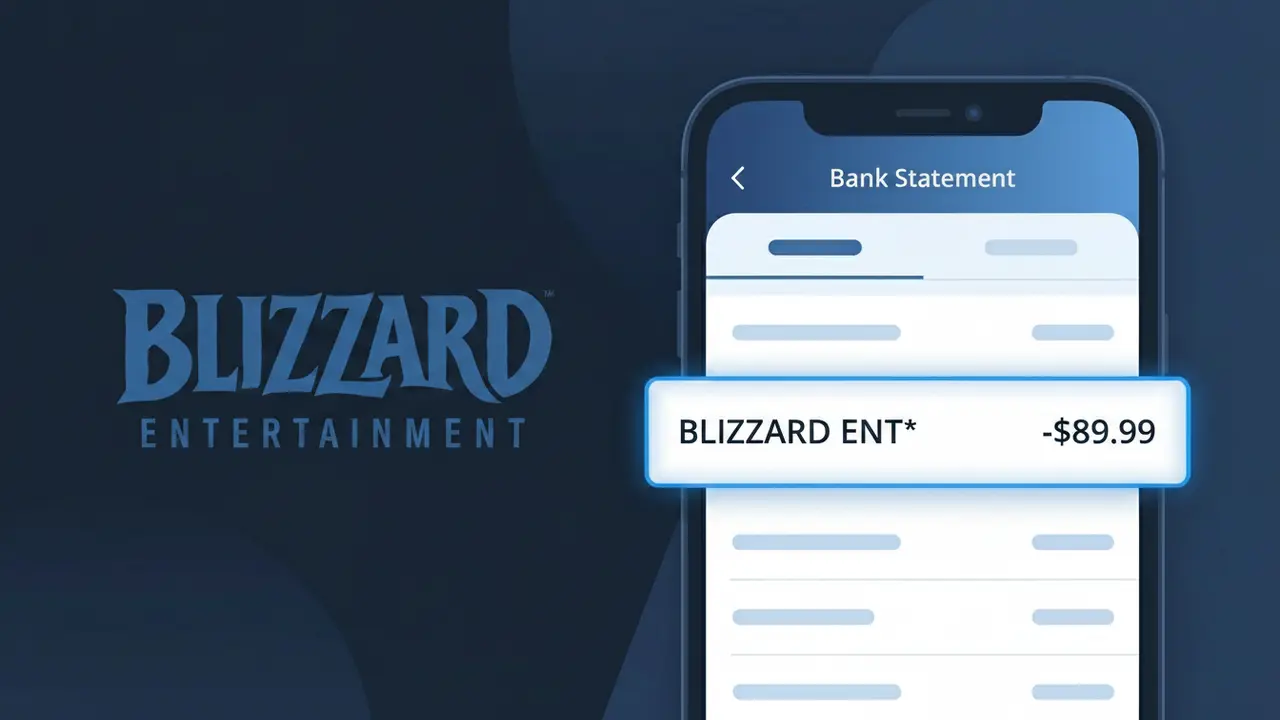
BLIZZARD ENT* Charge (What It Is + Is It Legit?)
✓ LegitimateThe "BLIZZARD ENT*" charge is from Blizzard Entertainment. Purchases from the Battle.net shop for games like World of Warcraft, Overwatch, and Diablo.
Blizzard Entertainment
Purchases from the Battle.net shop for games like World of Warcraft, Overwatch, and Diablo.
Category
Gaming
Avg. Charge
Variable
Country
US
Billing Cycle
One-time
Cancel At
account.battle.net/transactions
Support
See website
What is this charge?
Blizzard Entertainment processes payments for Battle.net purchases through their internal billing system under the shortened merchant identifier "BLIZZARD ENT*" because most banking networks cap transaction descriptors at around 22 characters, making the full company name too long to display. The asterisk following the abbreviation is a standard delimiter used by Blizzard's payment processor to separate the merchant name from additional purchase detail that may follow, such as a subscription type or regional code. If you recently bought a World of Warcraft subscription, an Overwatch cosmetic, or a Diablo expansion through Battle.net, this descriptor is the expected confirmation of that transaction.
How to handle this charge
Check Your Battle.net Purchase History
Log into your account at battle.net and navigate to your transaction history. Look for any recent purchases from the Battle.net shop, such as game expansions, in-game items, or subscriptions for titles like World of Warcraft, Overwatch, or Diablo that would match the BLIZZARD ENT* charge on your statement.
Review Active Blizzard Subscriptions
Visit account.battle.net/transactions to see a full list of your Blizzard Entertainment subscriptions and recurring charges. World of Warcraft subscriptions in particular can generate regular BLIZZARD ENT* charges, so confirm whether an active subscription aligns with the amount you were billed.
Verify the Charge Amount Against Blizzard Pricing
Cross-reference the exact dollar amount of the BLIZZARD ENT* charge with current pricing on battle.net for games, DLC, or Battle.net balance top-ups. Blizzard Entertainment charges are typically consistent with their listed shop prices, making it straightforward to match the charge to a specific purchase.
Manage or Cancel Blizzard Services If Needed
If you recognize the BLIZZARD ENT* charge but no longer want the service, go to account.battle.net/transactions to manage or cancel any active Blizzard Entertainment subscriptions. Canceling before your next billing cycle will prevent future BLIZZARD ENT* charges from appearing on your bank statement.
Quick fraud check
No, this is a legitimate charge from Blizzard Entertainment. However, if you did not authorize this charge or cancelled your subscription, you may be eligible for a refund.
ℹ️ Note
In most cases, seeing "BLIZZARD ENT*" on your statement is completely normal. Before assuming fraud, check your recent purchases — most mystery charges have a simple explanation.
Is the BLIZZARD ENT* Charge Legitimate or Fraud?
If you've spotted BLIZZARD ENT* on your bank or credit card statement, it most likely comes from Blizzard Entertainment, the game developer behind titles like World of Warcraft, Overwatch, Diablo, and Hearthstone. This charge is typically associated with a game purchase, subscription, or in-game content bought through the Battle.net platform.
- A World of Warcraft subscription or game time renewal processed via Blizzard Entertainment
- A purchase of a Blizzard game title such as Diablo IV, Overwatch 2 credits, or Starcraft II
- In-game microtransactions including skins, mounts, or loot boxes on Battle.net
- A Battle.net Balance top-up used for future Blizzard Entertainment purchases
While most BLIZZARD ENT* charges are legitimate, unauthorized charges can occur if your Battle.net account credentials have been compromised. Always verify purchases in your account history before assuming fraud.
How to Verify the BLIZZARD ENT* Charge
- 1
Log into your Battle.net account
Visit Battle.net and sign in to your Blizzard Entertainment account. Navigate to 'Account' then 'Order History' to review all recent BLIZZARD ENT* transactions and confirm the charge amount and date match.
- 2
Search your email for Blizzard receipts
Search your inbox for emails from 'noreply@blizzard.com' or 'support@blizzard.com'. Blizzard Entertainment sends order confirmation emails for every BLIZZARD ENT* charge processed on your account.
- 3
Check household members' accounts
Ask family members or roommates if they used a shared card to make a Blizzard Entertainment purchase. A spouse or child may have bought a game or in-game item that generated the BLIZZARD ENT* charge.
- 4
Review active Blizzard subscriptions
Log into your Battle.net account and check 'Subscriptions' under account settings. A recurring World of Warcraft subscription from Blizzard Entertainment is one of the most common sources of the BLIZZARD ENT* charge.
- 5
Contact your bank for transaction details
If you still can't identify the BLIZZARD ENT* charge, call your bank and request the full merchant details. This can help confirm whether the charge truly originates from Blizzard Entertainment or is potentially fraudulent.
How to Dispute a BLIZZARD ENT* Charge
- 1
Act within 60 days of the charge
Most banks require you to dispute a BLIZZARD ENT* charge within 60 days of the statement date. Acting quickly gives you the best chance of a successful chargeback against Blizzard Entertainment.
- 2
Contact Blizzard Entertainment first
Submit a support ticket at support.blizzard.com explaining the unauthorized or incorrect BLIZZARD ENT* charge. Blizzard Entertainment's billing support can often issue a refund faster than a bank dispute process.
- 3
File a chargeback with your bank
If Blizzard Entertainment denies your refund request, contact your bank or credit card issuer to initiate a formal chargeback. Provide your BLIZZARD ENT* transaction details and any correspondence with Blizzard support as evidence.
- 4
Request a new card if compromised
If you suspect your card was used fraudulently to make BLIZZARD ENT* purchases, ask your bank for a replacement card with a new number. Also immediately change your Blizzard Entertainment Battle.net account password and enable two-factor authentication.
Tips for Managing BLIZZARD ENT Charges
Enable bank alerts for every transaction so you're notified immediately when a new BLIZZARD ENT* charge appears.
Regularly review your Battle.net order history to reconcile all BLIZZARD ENT* charges against your actual purchases.
Secure your Blizzard Entertainment account with a unique password and the Battle.net Authenticator to prevent unauthorized BLIZZARD ENT* charges.
Note your World of Warcraft subscription renewal date so recurring BLIZZARD ENT* charges never catch you off guard.
If you stop playing, cancel your Blizzard Entertainment subscription before the next billing cycle to avoid unwanted BLIZZARD ENT* charges.
Use WhatIsThisCharge.net to identify related charges that may appear alongside BLIZZARD ENT* on your statement.
Frequently Asked Questions
Was this page helpful?
Community Reports (0)
0 votesNo votes yet — be the first to report on this charge!
Have you seen this charge? Help others by voting:
Community Comments (0)
No comments yet. Be the first to share your experience!
Share your experience
Your email is only used to verify your comment and will never be shown publicly.
Search Another Charge
Popular Charges

Amazon Marketplace
AMZN MKTP US
Netflix
NETFLIX *SUBSCRIPTION
Apple
APPLE *SUBSCRIPTION
Netflix
NETFLIX.COM *
Apple
APPLE.COM/BILL
Related Charges
Need to dispute this charge?
Generate a professional dispute letter in seconds with our AI tool.
Open Charge AssistantCommunity Verified
Real user reports
Free to Use
Always free to check
Secure & Private
Your data is safe
Help Millions
48K+ charges identified