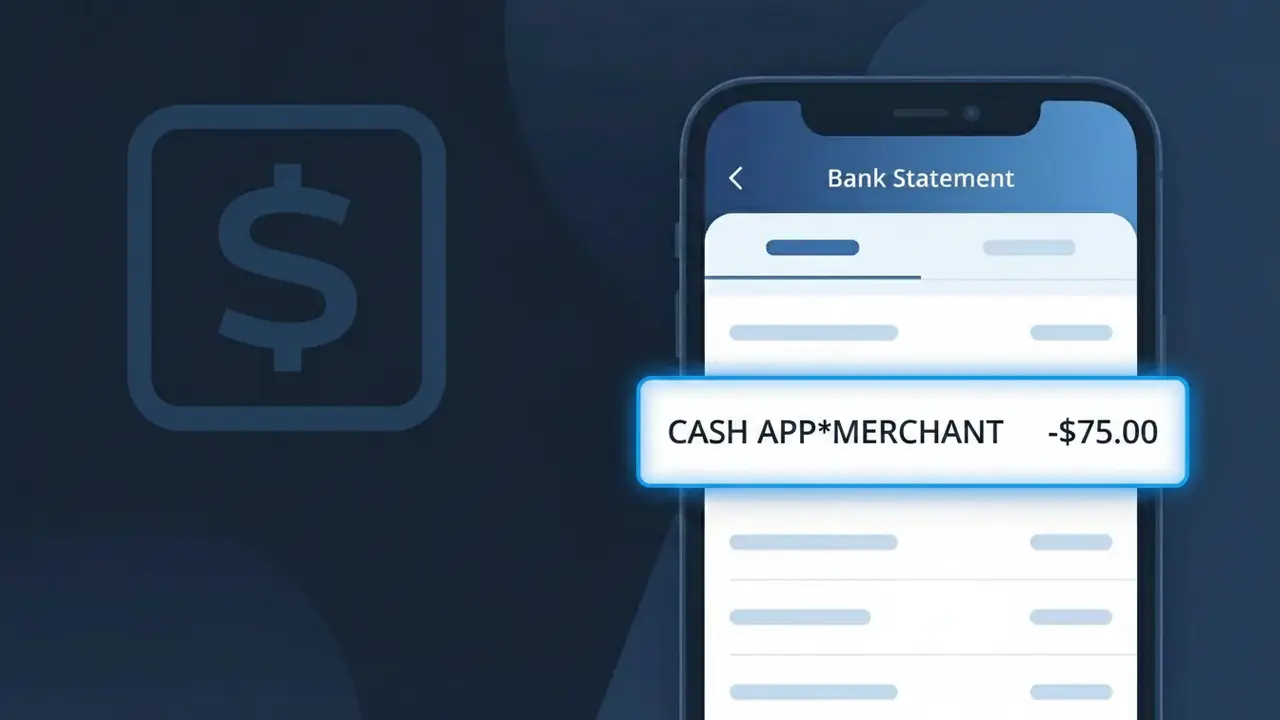
CASH APP*MERCHANT Charge (What It Is + Is It Legit?)
✓ LegitimateThe "CASH APP*MERCHANT" charge is from Cash App Card. A purchase made at a retail store or online using the physical or virtual Cash Card.
Cash App Card
A purchase made at a retail store or online using the physical or virtual Cash Card.
Category
Shopping
Avg. Charge
Variable
Country
US
Billing Cycle
One-time
Cancel At
https://cash.app/help/3084
Support
See website
What is this charge?
When you use your Cash Card to make a purchase at a store or online, the transaction is routed through Cash App's internal payment processing infrastructure, which stamps the descriptor as CASH APP*MERCHANT rather than identifying the specific retailer or the card program by its full name. Square, Inc., the parent company behind Cash App, uses this standardized billing label to reflect that Cash App itself is acting as the intermediary processor for the transaction, grouping all Cash Card purchases under one recognizable umbrella descriptor. The asterisk in CASH APP*MERCHANT is a common formatting convention used by payment networks to separate the platform name from the transaction type, which is why cardholders see this on their bank statements instead of the name of the actual store where the purchase was made.
How to handle this charge
Check Your Cash App Transaction History
Open the Cash App on your phone and tap the Activity tab to review your recent Cash Card transactions. Look for a purchase amount that matches the CASH APP*MERCHANT charge on your bank statement to confirm which retail or online purchase triggered it.
Match the Charge to a Recent Cash Card Purchase
Think back to any recent in-store or online purchases where you used your physical or virtual Cash Card. The CASH APP*MERCHANT descriptor is how Cash App Card purchases appear on bank statements, so the charge is likely tied to a specific retailer you recently visited or ordered from.
Review or Update Your Cash Card Spending Settings
Visit cash.app and navigate to your Cash Card settings to review spending limits, merchant categories, and any Cash Boosts applied to recent purchases. This helps you understand exactly where the CASH APP*MERCHANT charge originated and manage future Cash Card spending.
Contact Cash App Support if the Amount Seems Off
If the CASH APP*MERCHANT charge amount does not match any purchase you recall making with your Cash Card, visit cash.app/help/3084 to get help from Cash App support. You can report the transaction directly through that page to request clarification or dispute assistance.
Quick fraud check
No, this is a legitimate charge from Cash App Card. However, if you did not authorize this charge or cancelled your subscription, you may be eligible for a refund.
Is the CASH APP*MERCHANT Charge Legitimate or Fraud?
A CASH APP*MERCHANT charge on your bank or card statement typically indicates a purchase made using your Cash App Card at a retail store, online shop, or other merchant that accepts Visa debit payments. The 'MERCHANT' portion of the descriptor is replaced or appended with the business name in many cases, so this label appears when the full merchant name is truncated by your bank's display system. Before assuming fraud, consider these common legitimate reasons this charge appears:
- You or a household member used the Cash App Card for an in-store or online purchase
- A merchant processed a delayed or pending authorization from a prior Cash App Card transaction
- A recurring subscription or service fee was charged to your linked Cash App Card
- A Cash App Boost discount was applied and the net charge posted under CASH APP*MERCHANT
How to Verify the CASH APP*MERCHANT Charge
- 1
Review your Cash App transaction history
Open the Cash App on your phone, tap the Activity tab, and look for a transaction matching the CASH APP*MERCHANT amount and date. The full merchant name is usually shown inside the app even when truncated on your bank statement.
- 2
Search your email for receipts
Search your inbox for emails from Cash App or from merchants around the same date as the CASH APP*MERCHANT charge. Most online retailers send an order confirmation that will match the dollar amount.
- 3
Check with household members
Ask anyone who may have access to your Cash App Card — including family members — whether they made a purchase that could have generated this CASH APP*MERCHANT charge.
- 4
Review active subscriptions
Check whether you signed up for any subscription services using your Cash App Card. Streaming platforms, apps, and membership sites commonly bill under a CASH APP*MERCHANT-style descriptor.
- 5
Contact Cash App support directly
If you still cannot identify the charge, reach out to Cash App support via the app under Profile > Support and ask for details on the CASH APP*MERCHANT transaction, including the full merchant name.
How to Dispute a CASH APP*MERCHANT Charge
- 1
Act promptly — within 60 days
To protect your rights under Visa's dispute policy, report the unauthorized CASH APP*MERCHANT charge as soon as possible and no later than 60 days after the statement date on which it appeared.
- 2
Contact Cash App Card support first
Open Cash App, go to Profile > Support > Something Else, and report the CASH APP*MERCHANT charge as unauthorized or incorrect. Cash App may resolve the issue faster than a formal bank dispute.
- 3
File a chargeback through your bank
If Cash App does not resolve the dispute, contact your bank or card issuer and formally request a chargeback on the CASH APP*MERCHANT transaction, providing the date, amount, and any supporting evidence.
- 4
Request a replacement Cash App Card
If the CASH APP*MERCHANT charge appears fraudulent, immediately request a new Cash App Card through the app under the Cash Card tab to prevent further unauthorized transactions on your current card number.
Tips for Managing Cash App Card Charges
Enable instant Cash App notifications so every CASH APP*MERCHANT charge alerts you in real time.
Screenshot your Cash App activity monthly to keep a personal record of all merchant purchases.
Secure your Cash App Card account with a unique PIN and enable Touch/Face ID to block unauthorized use.
Note subscription renewal dates for services billed to your Cash App Card to anticipate recurring charges.
Use Cash App Card's card-lock feature instantly if you spot a suspicious CASH APP*MERCHANT charge.
Use WhatIsThisCharge.net to identify related charges that appear alongside CASH APP*MERCHANT on your statement.
ℹ️ Note
Most CASH APP*MERCHANT charges are completely legitimate and simply reflect an everyday purchase made with your Cash App Card at a store or online retailer. If the amount and timing match a recent shopping trip or subscription renewal, there is no cause for concern.
Frequently Asked Questions
Was this page helpful?
Community Reports (0)
0 votesNo votes yet — be the first to report on this charge!
Have you seen this charge? Help others by voting:
Community Comments (0)
No comments yet. Be the first to share your experience!
Share your experience
Your email is only used to verify your comment and will never be shown publicly.
Search Another Charge
Popular Charges

Amazon Marketplace
AMZN MKTP US
Netflix
NETFLIX *SUBSCRIPTION
Apple
APPLE *SUBSCRIPTION
Netflix
NETFLIX.COM *
Apple
APPLE.COM/BILL
Related Charges
Need to dispute this charge?
Generate a professional dispute letter in seconds with our AI tool.
Open Charge AssistantCommunity Verified
Real user reports
Free to Use
Always free to check
Secure & Private
Your data is safe
Help Millions
48K+ charges identified