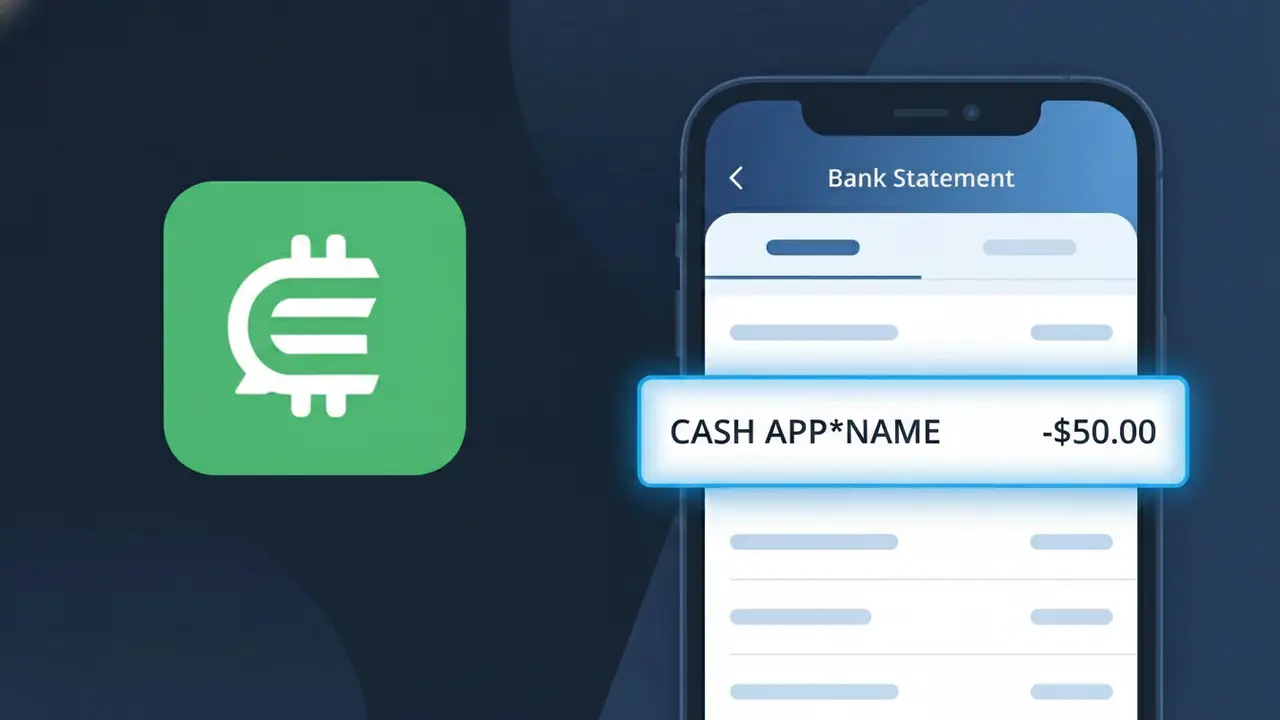
CASH APP*NAME Charge (What It Is + Is It Legit?)
✓ LegitimateThe "CASH APP*NAME" charge is from Cash App (Person-to-Person). A payment sent to an individual user. The name after the asterisk is the recipient.
Cash App (Person-to-Person)
A payment sent to an individual user. The name after the asterisk is the recipient.
Category
Finance
Avg. Charge
Variable
Country
US
Billing Cycle
One-time
Cancel At
https://cash.app/help
Support
See website
Why does this charge appear?
Cash App uses the truncated descriptor format "CASH APP*NAME" on bank statements because its payment network is built around direct peer-to-peer transfers, where the asterisk serves a functional purpose — the text following it identifies the specific individual who received your money rather than a business name. Square, Inc. (now Block, Inc.), the parent company behind Cash App, designed this descriptor structure so that customers could quickly match a transaction to a person in their contacts rather than seeing a vague company reference. Because each transfer is unique to the recipient, the full company name "Cash App (Person-to-Person)" is replaced by this personalized shorthand to make the statement entry as traceable as possible.
Your next steps
Identify the recipient
The CASH APP*NAME charge on your bank statement represents a person-to-person payment you sent through Cash App. The name following the asterisk is the Cash App username or display name of the person who received your money. Open your Cash App and check your transaction history to match the name on your bank statement with the payment you sent.
Confirm the payment in Cash App
Log into your Cash App account at cash.app and navigate to the Activity tab to review your recent transactions. Locate the specific payment that matches the CASH APP*NAME charge and verify the amount, date, and recipient match what appears on your bank statement. This confirms the charge is a legitimate person-to-person transfer you authorized.
Reach out to the recipient if needed
If you recognize the CASH APP*NAME charge but believe the amount is incorrect or the payment was sent by mistake, contact the recipient directly through Cash App by finding their profile in your transaction history. Cash App allows you to request money back from the recipient, though the other person must agree to return the funds since person-to-person payments are typically instant and not automatically reversible.
Get help from Cash App support
If you do not recognize the CASH APP*NAME charge or believe it was an unauthorized person-to-person payment, visit cash.app/help immediately to report the issue to Cash App support. You can also enable additional security features in your Cash App settings, such as requiring a PIN or Touch ID for every payment, to prevent unauthorized transfers from happening in the future.
Legitimate or scam?
No, this is a legitimate charge from Cash App (Person-to-Person). However, if you did not authorize this charge or cancelled your subscription, you may be eligible for a refund.
Is the CASH APP*NAME Charge Legitimate or Fraud?
A CASH APP*NAME charge on your bank or credit card statement is typically a legitimate transaction processed through Cash App (Person-to-Person), where the asterisk is followed by the name of the person who sent or received money. This descriptor appears when someone uses Cash App to transfer funds directly between individuals. However, if you don't recognize the name shown after the asterisk, it's worth investigating further.
- You or a household member sent a peer-to-peer payment via Cash App (Person-to-Person)
- Someone repaid you and Cash App reversed or adjusted the transaction
- A Cash App Pay purchase was made at a merchant using your linked card
- An unauthorized party gained access to your Cash App account and initiated a transfer
How to Verify the CASH APP*NAME Charge
- 1
Check your Cash App activity feed
Log into your Cash App (Person-to-Person) account and tap the clock icon to view your full transaction history. Look for a payment matching the date and dollar amount of the CASH APP*NAME charge on your statement.
- 2
Search your email for receipts
Look for confirmation emails from Cash App (Person-to-Person) sent to your registered email address. These receipts include the recipient's name, which should match the name shown after 'CASH APP*' on your statement.
- 3
Check with household members
Ask family members or anyone who shares your payment method whether they used Cash App (Person-to-Person) to send money. The name in 'CASH APP*NAME' identifies the recipient, which may be someone they know.
- 4
Review linked payment methods
In your Cash App (Person-to-Person) settings, check which bank accounts or cards are linked. If your card appears there without your knowledge, someone may have added it to their own Cash App account.
- 5
Contact your bank for details
Call the number on the back of your card and ask for the full merchant descriptor and transaction details for the CASH APP*NAME charge. Your bank may provide additional metadata that helps confirm or deny the charge's legitimacy.
How to Dispute a CASH APP*NAME Charge
- 1
Act within 60 days
For unauthorized CASH APP*NAME charges, dispute the transaction with your bank within 60 days of the statement date. Acting quickly preserves your rights under the Fair Credit Billing Act and improves your chance of a full refund.
- 2
Contact Cash App (Person-to-Person) first
Open Cash App, go to your transaction history, select the charge in question, and tap 'Need Help & Cash App Support' to report it. Cash App (Person-to-Person) may be able to reverse the payment directly, especially if it was unauthorized.
- 3
File a chargeback with your bank
If Cash App (Person-to-Person) does not resolve the issue, contact your bank or card issuer to file a formal chargeback for the CASH APP*NAME transaction. Provide your case number from Cash App support as supporting documentation.
- 4
Request a new card
If you suspect your card details were stolen and used to fund a Cash App (Person-to-Person) account without your permission, ask your bank to cancel your current card and issue a replacement to prevent further CASH APP*NAME charges.
Tips for Managing Cash App (Person-to-Person) Charges
Enable instant notifications in Cash App so every CASH APP*NAME transaction alerts you the moment it posts.
Always note the recipient's name when sending money — it appears verbatim as 'CASH APP*NAME' on your bank statement.
Secure your Cash App (Person-to-Person) account with a unique PIN and enable two-factor authentication to block unauthorized transfers.
Reconcile your bank statement monthly and cross-reference each CASH APP*NAME entry with your Cash App activity feed.
Never share your Cash App (Person-to-Person) sign-in code or $Cashtag with anyone to protect against fraudulent charges.
Use WhatIsThisCharge.net to identify related charges from Cash App or other peer-to-peer payment services.
ℹ️ Note
In most cases, a <strong>CASH APP*NAME</strong> charge is simply a peer-to-peer payment you or someone in your household sent through <strong>Cash App (Person-to-Person)</strong> — the name after the asterisk identifies exactly who received the money, making it easy to verify in your app's activity feed.
Quick answers
Was this page helpful?
Community Reports (0)
0 votesNo votes yet — be the first to report on this charge!
Have you seen this charge? Help others by voting:
Community Comments (0)
No comments yet. Be the first to share your experience!
Share your experience
Your email is only used to verify your comment and will never be shown publicly.
Search Another Charge
Popular Charges

Amazon Marketplace
AMZN MKTP US
Netflix
NETFLIX *SUBSCRIPTION
Netflix
NETFLIX.COM *
Apple
APPLE *SUBSCRIPTION
Apple
APPLE.COM/BILL
Need to dispute this charge?
Generate a professional dispute letter in seconds with our AI tool.
Open Charge AssistantCommunity Verified
Real user reports
Free to Use
Always free to check
Secure & Private
Your data is safe
Help Millions
48K+ charges identified