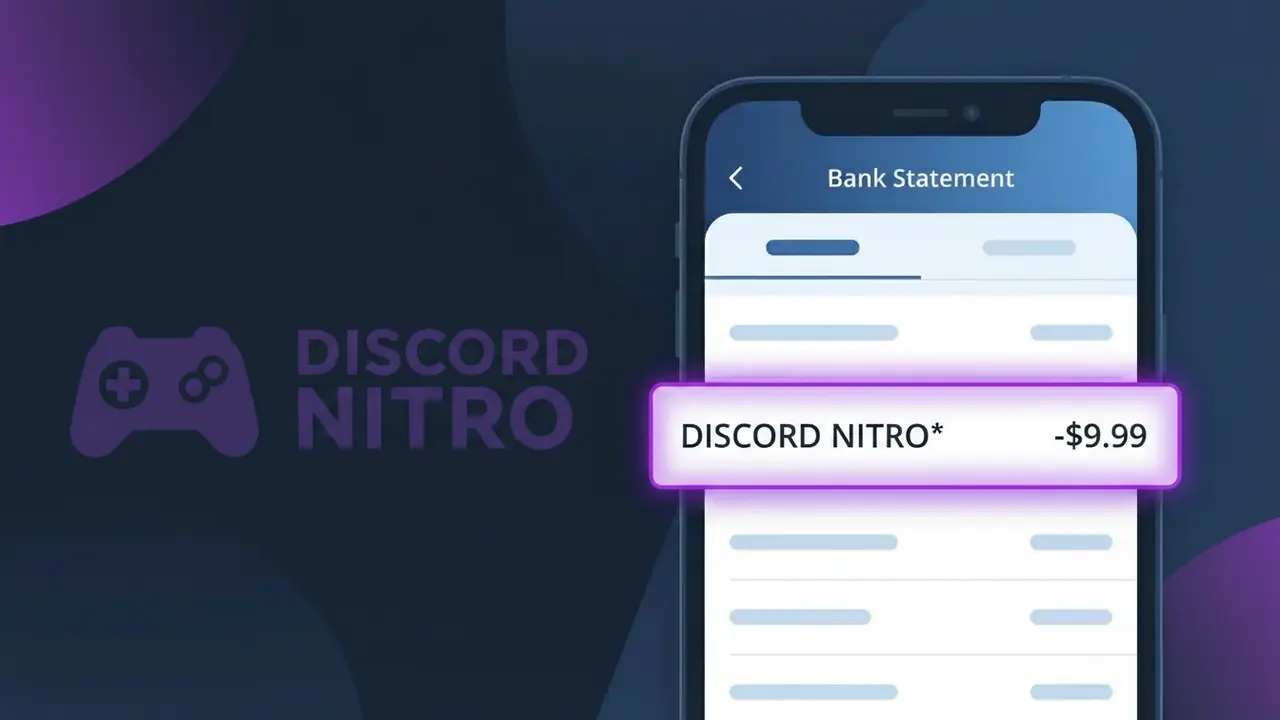
DISCORD NITRO* Charge (What It Is + Is It Legit?)
✓ LegitimateThe "DISCORD NITRO*" charge is from Discord Nitro. Discord Nitro subscription.
Discord Nitro
Discord Nitro subscription.
Category
Gaming
Avg. Charge
$9.99
Country
US
Billing Cycle
Monthly
Cancel At
discord.com/billing
Support
See website
Why this shows on your statement
When Discord processes subscription payments for its premium Discord Nitro service, it transmits the merchant descriptor to your bank using a truncated format that combines the brand name with an asterisk followed by the product tier, which is a common convention used by payment processors like Stripe to separate the company identifier from the specific product or plan being billed. The asterisk in "DISCORD NITRO*" acts as a delimiter that payment networks use to distinguish the merchant name from additional billing detail, and your bank displays this raw descriptor string rather than a formatted version. If you see this charge for $9.99 on a monthly basis, it is almost certainly your recurring Discord Nitro subscription and not an unauthorized transaction.
What should you do?
Confirm Your Discord Nitro Subscription
Log into your Discord account at discord.com and navigate to User Settings to verify that you have an active Discord Nitro subscription. The DISCORD NITRO* charge on your bank statement is a legitimate billing from Discord for their premium Nitro service.
Review Your Discord Nitro Billing History
Visit discord.com/billing to view your full billing history and confirm the exact amount charged matches what you see on your bank statement for the DISCORD NITRO* entry. This page will also show you your current subscription plan and renewal date.
Check Your Discord Nitro Plan Type
At discord.com/billing, verify whether you are subscribed to Discord Nitro or Discord Nitro Basic, as each has a different monthly or annual cost. This will help you understand the recurring DISCORD NITRO* charge amount and billing frequency going forward.
Cancel Discord Nitro If No Longer Needed
If you no longer wish to be charged for Discord Nitro, go to discord.com/billing and select the option to cancel your subscription before your next renewal date. Canceling will stop future DISCORD NITRO* charges from appearing on your bank statement while allowing you to use Nitro perks until the current period ends.
How to cancel Discord Nitro
Discord Nitro bills you Monthly. To stop future charges, cancel from your account directly.
Cancel at Discord NitroShould you be worried?
No, this is a legitimate charge from Discord Nitro. However, if you did not authorize this charge or cancelled your subscription, you may be eligible for a refund.
Is the DISCORD NITRO* Charge Legitimate or Fraud?
The DISCORD NITRO* charge on your bank or credit card statement is most commonly a legitimate billing from Discord Nitro, Discord's premium subscription service for gamers. It covers enhanced features like animated avatars, custom emojis, boosted upload limits, and server boosts. Here are the most common reasons you might see this charge:
- You or a family member subscribed to Discord Nitro (monthly at ~$9.99 or yearly at ~$99.99)
- A free Discord Nitro trial from a game purchase or promotion has converted to a paid subscription
- You gifted Discord Nitro to another user and the recurring charge is still active
- A server boost purchased through Discord Nitro is renewing automatically each month
How to Verify the DISCORD NITRO* Charge
- 1
Check your Discord account
Log into Discord and go to User Settings > Subscriptions to confirm whether an active Discord Nitro plan is listed with a matching billing date.
- 2
Search your email for receipts
Search your inbox for emails from 'noreply@discord.com' or 'Discord Nitro' to find a receipt that matches the DISCORD NITRO* charge amount and date.
- 3
Check household members
Ask family members or anyone who shares your payment method if they signed up for Discord Nitro or redeemed a Nitro gift that required a card on file.
- 4
Review linked payment methods
In Discord, go to User Settings > Billing to see which card is attached to your Discord Nitro subscription and confirm it matches the charged card.
- 5
Contact your bank
If you still cannot identify the DISCORD NITRO* charge, call the number on the back of your card and ask for the full merchant details associated with the transaction.
How to Dispute a DISCORD NITRO* Charge
- 1
Act within 60 days
Most banks require disputes to be filed within 60 days of the DISCORD NITRO* charge appearing on your statement, so act quickly once you spot an unrecognized transaction.
- 2
Contact Discord Nitro first
Visit Discord's support page at support.discord.com and submit a billing ticket explaining the unauthorized DISCORD NITRO* charge — Discord may issue a refund directly, which is faster than a chargeback.
- 3
File a chargeback with your bank
If Discord Nitro support does not resolve the issue, contact your bank or card issuer to initiate a formal chargeback, providing the charge date, amount, and any correspondence with Discord.
- 4
Request a new card
If you suspect your card details were compromised to purchase Discord Nitro fraudulently, ask your bank to cancel the card and issue a new one to prevent further unauthorized charges.
Tips for Managing Discord Nitro Charges
Enable email billing alerts from Discord so you're notified the moment a DISCORD NITRO* charge is processed.
Screenshot your Discord Nitro subscription page monthly so you have a record of your plan tier and renewal date.
Secure your Discord Nitro account with two-factor authentication to prevent unauthorized subscription changes or purchases.
Note your Discord Nitro renewal date in your calendar to avoid surprise DISCORD NITRO* charges, especially after annual plan rollovers.
Use a virtual card number for your Discord Nitro subscription to isolate it and easily cancel without affecting other services.
Use WhatIsThisCharge.net to identify related charges that may appear alongside DISCORD NITRO* on your statement.
ℹ️ Note
In most cases, the DISCORD NITRO* charge is a legitimate recurring billing from Discord Nitro for their popular gaming subscription — it often goes unrecognized simply because the statement descriptor differs from the familiar 'Discord' brand name.
Questions and answers
Was this page helpful?
Community Reports (0)
0 votesNo votes yet — be the first to report on this charge!
Have you seen this charge? Help others by voting:
Community Comments (0)
No comments yet. Be the first to share your experience!
Share your experience
Your email is only used to verify your comment and will never be shown publicly.
Search Another Charge
Popular Charges

Amazon Marketplace
AMZN MKTP US
Netflix
NETFLIX *SUBSCRIPTION
Apple
APPLE *SUBSCRIPTION
Netflix
NETFLIX.COM *
Apple
APPLE.COM/BILL
Related Charges
Need to dispute this charge?
Generate a professional dispute letter in seconds with our AI tool.
Open Charge AssistantCommunity Verified
Real user reports
Free to Use
Always free to check
Secure & Private
Your data is safe
Help Millions
48K+ charges identified