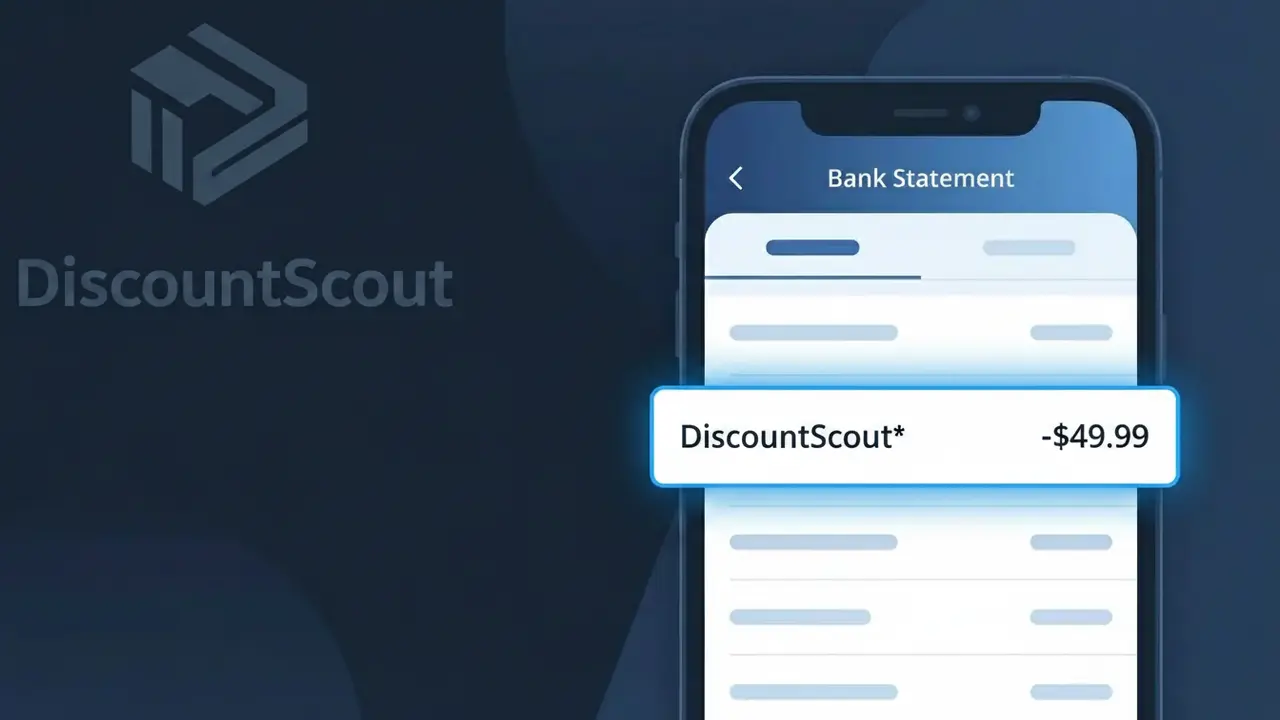
DiscountScout* Charge (What It Is + Is It Legit?)
✓ LegitimateThe "DiscountScout*" charge is from discountscout. Browser extension or app that automatically finds and applies coupon codes during online shopping.
discountscout
Browser extension or app that automatically finds and applies coupon codes during online shopping.
Category
Shopping
Avg. Charge
$4.99
Country
US
Billing Cycle
Monthly
Cancel At
discountscout.net
Support
See website
Why does this charge appear?
When discountscout processes its monthly $4.99 subscription fee, the charge hits your bank statement as "DiscountScout*" because the company uses a payment processor that formats merchant descriptors by combining a compressed version of the business name with an asterisk, a common shorthand used in the payments industry to separate the merchant name from any additional transaction detail that may follow. The asterisk you see after "DiscountScout" is essentially a delimiter character that payment networks like Visa and Mastercard allow processors to use when a merchant's full descriptor includes a secondary identifier such as a product name or billing period. So if you signed up for the discountscout browser extension to automatically hunt down and apply coupon codes while you shop, that "DiscountScout*" line on your statement is simply how your bank displays the subscription charge coming through their payment processing system.
Your next steps
Confirm your DiscountScout subscription
Visit discountscout.net and log in to your account to verify that the DiscountScout* charge on your statement matches your active subscription plan and billing date.
Check your browser extensions or apps
Look through your installed browser extensions or mobile apps for DiscountScout to confirm it is actively installed and that you intentionally signed up for a paid tier of the coupon-finding service.
Review your DiscountScout billing history
Once logged in at discountscout.net, navigate to your billing or account settings to review past charges and ensure the DiscountScout* amount matches what you agreed to when signing up.
Cancel DiscountScout if no longer needed
If you no longer use DiscountScout or did not mean to continue a paid plan, go to discountscout.net and follow the cancellation steps in your account settings to stop future DiscountScout* charges from appearing on your statement.
How to cancel discountscout
discountscout bills you Monthly. To stop future charges, cancel from your account directly.
Cancel at discountscoutLegitimate or scam?
No, this is a legitimate charge from discountscout. However, if you did not authorize this charge or cancelled your subscription, you may be eligible for a refund.
Is the DiscountScout* Charge Legitimate or Fraud?
The DiscountScout* charge on your bank or credit card statement typically comes from discountscout, a shopping platform that helps users find deals, coupons, and discounts on purchases. If you've recently signed up for a membership, free trial, or used their browser extension or app, this charge is most likely legitimate. Here are common reasons you might see this charge:
- You enrolled in a DiscountScout* membership or subscription plan
- A free trial from discountscout converted to a paid subscription
- A household member signed up for discountscout using your payment method
- You made a purchase or activated a deal through the discountscout platform
How to Verify the DiscountScout* Charge
- 1
Log into your discountscout account
Visit discountscout's website and sign in to review your billing history and active plans. Your account dashboard should show any charges matching the DiscountScout* amount.
- 2
Search your email for discountscout receipts
Search your inbox for emails from discountscout using keywords like 'DiscountScout*', 'discountscout receipt', or 'discountscout subscription'. A confirmation email will confirm the charge is legitimate.
- 3
Check with household members
Ask family members or anyone with access to your card if they signed up for discountscout or activated a deal through the platform using your payment details.
- 4
Review your active subscriptions
Check your phone's app subscriptions (Apple ID or Google Play) and any browser extensions you've installed to see if discountscout is listed as an active paid service.
- 5
Contact your bank for details
If you still can't place the DiscountScout* charge, call the number on the back of your card. Your bank can provide the exact merchant ID and transaction details to help confirm its origin.
How to Dispute a DiscountScout* Charge
- 1
Act within 60 days
Most banks require you to dispute an unrecognized DiscountScout* charge within 60 days of the statement date. Act quickly to protect your right to a chargeback.
- 2
Contact discountscout directly first
Reach out to discountscout's customer support to explain the unauthorized or unexpected charge. Many billing issues — including unwanted renewals — are resolved faster directly with discountscout than through your bank.
- 3
File a chargeback with your bank
If discountscout does not resolve your dispute, contact your bank or card issuer to file a formal chargeback for the DiscountScout* charge, citing it as unauthorized or not matching services rendered.
- 4
Request a new card number
If you suspect your card details were used fraudulently on discountscout, ask your bank to issue a new card to prevent any further unauthorized DiscountScout* charges.
Tips for Managing discountscout Charges
Set a billing alert for DiscountScout* charges so you're notified immediately when a payment is processed.
Keep a record of your discountscout sign-up date and plan details to quickly verify any future charges.
Secure your discountscout account with a strong, unique password to prevent unauthorized use of your payment method.
Note your discountscout billing cycle renewal date to avoid surprise DiscountScout* charges on your statement.
Use a virtual card number for discountscout subscriptions to limit exposure if your card details are compromised.
Use WhatIsThisCharge.net to identify related charges that may appear alongside DiscountScout* on your statement.
ℹ️ Note
The DiscountScout* charge is most often a legitimate billing from discountscout and is commonly seen after signing up for a deals membership or when a free trial converts to a paid plan — reviewing your discountscout account usually clears up the confusion right away.
Quick answers
Was this page helpful?
Community Reports (0)
0 votesNo votes yet — be the first to report on this charge!
Have you seen this charge? Help others by voting:
Community Comments (0)
No comments yet. Be the first to share your experience!
Share your experience
Your email is only used to verify your comment and will never be shown publicly.
Search Another Charge
Popular Charges

Amazon Marketplace
AMZN MKTP US
Netflix
NETFLIX *SUBSCRIPTION
Netflix
NETFLIX.COM *
Apple
APPLE *SUBSCRIPTION
Apple
APPLE.COM/BILL
Related Charges
Need to dispute this charge?
Generate a professional dispute letter in seconds with our AI tool.
Open Charge AssistantCommunity Verified
Real user reports
Free to Use
Always free to check
Secure & Private
Your data is safe
Help Millions
48K+ charges identified