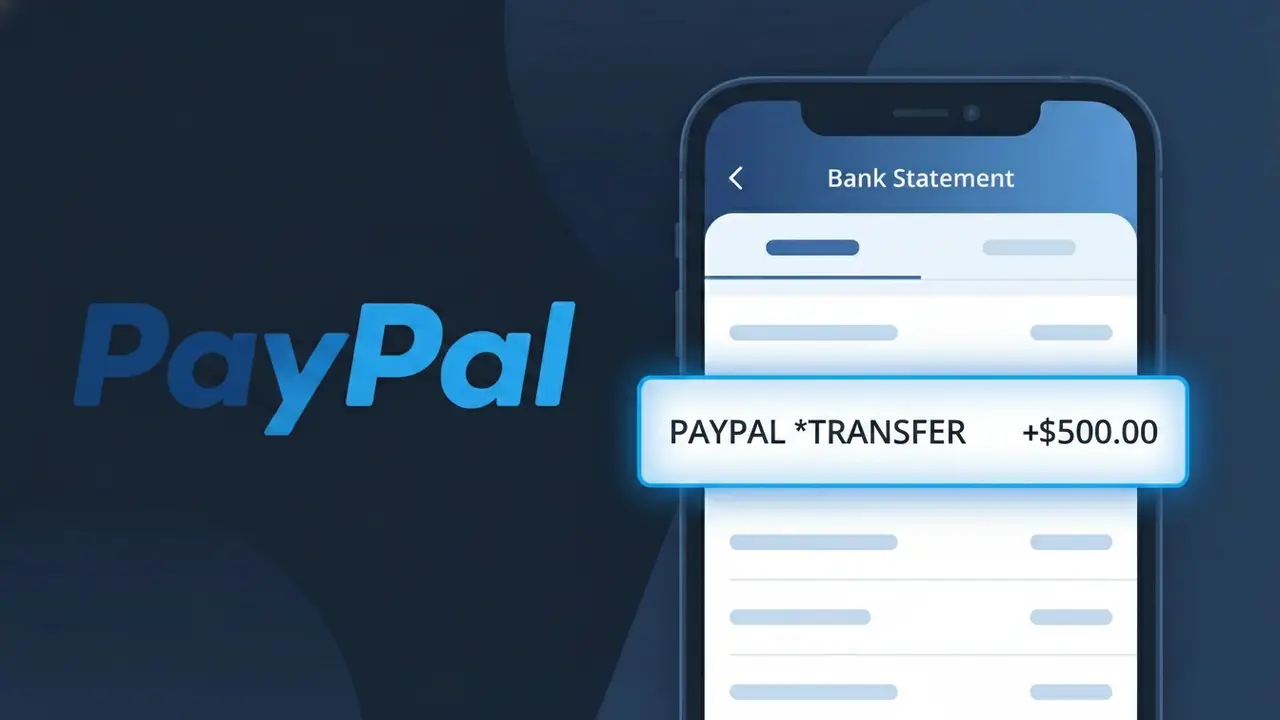
PAYPAL *TRANSFER Charge (What It Is + Is It Legit?)
✓ LegitimateThe "PAYPAL *TRANSFER" charge is from PayPal. A payment or transfer made via PayPal.
PayPal
A payment or transfer made via PayPal.
Category
Finance
Avg. Charge
Variable
Country
US
Billing Cycle
One-time
Cancel At
paypal.com/disputes
Support
See website
Why does this charge appear?
When PayPal processes a money transfer or peer-to-peer payment through its platform, it appends the word "TRANSFER" to its truncated name in order to distinguish this type of transaction from a standard merchant purchase, helping both PayPal and your bank categorize the movement of funds accurately. Bank statement descriptors have a strict character limit, which is why you see the shortened "PAYPAL *TRANSFER" rather than a longer description, with the asterisk serving as a standard separator that PayPal uses across its descriptor formats to indicate the transaction type following its name. If you see this charge and don't immediately recognize it, it's worth checking your PayPal account activity, as it could reflect a payment you sent to a friend, a transfer to your bank account, or a funding transaction initiated through the PayPal app.
Your next steps
Log Into Your PayPal Account
Visit paypal.com and sign in to your account to review your transaction history. Search for the PAYPAL *TRANSFER charge that matches the date and amount shown on your bank statement to confirm it corresponds to a payment or transfer you initiated.
Match the Transfer to a Recipient
Inside your PayPal activity feed, click on the PAYPAL *TRANSFER transaction to see the full details, including who received the funds. This will help you confirm whether you sent money to a friend, family member, or merchant you recognize.
Check Your PayPal Notifications and Emails
Look for a confirmation email from PayPal sent around the time of the PAYPAL *TRANSFER charge. PayPal sends receipts for every transaction, so your inbox should have a record that matches the payment details shown on your bank statement.
Open a Dispute If Something Looks Off
If the PAYPAL *TRANSFER charge does not match any transaction you recognize in your PayPal account, go to paypal.com/disputes to open a dispute or report unauthorized activity. PayPal's Resolution Center will guide you through the process of investigating and potentially reversing the charge.
Legitimate or scam?
No, this is a legitimate charge from PayPal. However, if you did not authorize this charge or cancelled your subscription, you may be eligible for a refund.
Is the PAYPAL *TRANSFER Charge Legitimate or Fraud?
The PAYPAL *TRANSFER charge on your bank or credit card statement is most commonly a legitimate transaction processed by PayPal, reflecting a money transfer or fund movement between accounts. This descriptor appears when PayPal moves funds on your behalf, such as sending money to another user, funding your PayPal balance, or withdrawing to a linked bank account. However, if you don't recognize it, it's worth investigating immediately.
- You or a family member sent money to another PayPal user
- A PayPal balance top-up was initiated from your linked bank or card
- A scheduled or automatic transfer was triggered by a PayPal service
- Unauthorized access to your PayPal account may have initiated the transfer
How to Verify the PAYPAL *TRANSFER Charge
- 1
Log into your PayPal account
Visit paypal.com and review your Activity or Transaction History. Search for the date and amount matching the PAYPAL *TRANSFER charge on your statement.
- 2
Search your email for PayPal receipts
Look for emails from service@paypal.com around the date of the charge. PayPal sends a confirmation email for every transfer, including the recipient and amount.
- 3
Check with household members
Ask family members or anyone who has access to your PayPal account or linked cards if they initiated a PAYPAL *TRANSFER transaction recently.
- 4
Review linked PayPal subscriptions and auto-transfers
In your PayPal account, check Settings > Payments > Automatic Payments to see if any recurring transfers are set up that could trigger a PAYPAL *TRANSFER charge.
- 5
Contact your bank for more details
If you still can't identify the PAYPAL *TRANSFER charge, call the number on the back of your card. Your bank can provide the exact merchant ID and transaction details.
How to Dispute a PAYPAL *TRANSFER Charge
- 1
Act within 60 days
Dispute a PAYPAL *TRANSFER charge as quickly as possible. Most banks require disputes to be filed within 60 days of the charge appearing on your statement.
- 2
Contact PayPal's Resolution Center first
Log into your PayPal account and go to the Resolution Center at paypal.com/disputes. Open a dispute directly for the unrecognized PAYPAL *TRANSFER transaction before escalating.
- 3
File a chargeback with your bank
If PayPal does not resolve your dispute satisfactorily, contact your bank or card issuer and formally request a chargeback for the PAYPAL *TRANSFER charge, citing it as unauthorized.
- 4
Request a new card number
If the PAYPAL *TRANSFER charge was fraudulent, ask your bank to issue a new card number and update or remove the compromised card from your PayPal account immediately.
Tips for Managing PayPal Charges
Enable PayPal notifications so you get an instant alert every time a PAYPAL *TRANSFER is initiated from your account.
Regularly review your PayPal transaction history monthly to catch any unexpected PAYPAL *TRANSFER charges early.
Secure your PayPal account with a strong password and two-factor authentication to prevent unauthorized transfers.
Check your billing cycles and note recurring PayPal transfers so you can distinguish expected charges from suspicious ones.
Use PayPal's Purchase Protection features and only transfer funds to verified, trusted recipients to minimize fraud risk.
Use WhatIsThisCharge.net to identify related charges and get clarity on unfamiliar PayPal billing descriptors.
ℹ️ Note
In most cases, a PAYPAL *TRANSFER charge is a legitimate transaction initiated through your PayPal account — such as sending money to a friend or moving funds between accounts. If you recognize the amount and date, no action is needed; if not, PayPal's Resolution Center makes it straightforward to investigate and resolve.
Quick answers
Was this page helpful?
Community Reports (0)
0 votesNo votes yet — be the first to report on this charge!
Have you seen this charge? Help others by voting:
Community Comments (0)
No comments yet. Be the first to share your experience!
Share your experience
Your email is only used to verify your comment and will never be shown publicly.
Search Another Charge
Popular Charges

Amazon Marketplace
AMZN MKTP US
Netflix
NETFLIX *SUBSCRIPTION
Netflix
NETFLIX.COM *
Apple
APPLE *SUBSCRIPTION
Apple
APPLE.COM/BILL
Need to dispute this charge?
Generate a professional dispute letter in seconds with our AI tool.
Open Charge AssistantCommunity Verified
Real user reports
Free to Use
Always free to check
Secure & Private
Your data is safe
Help Millions
48K+ charges identified