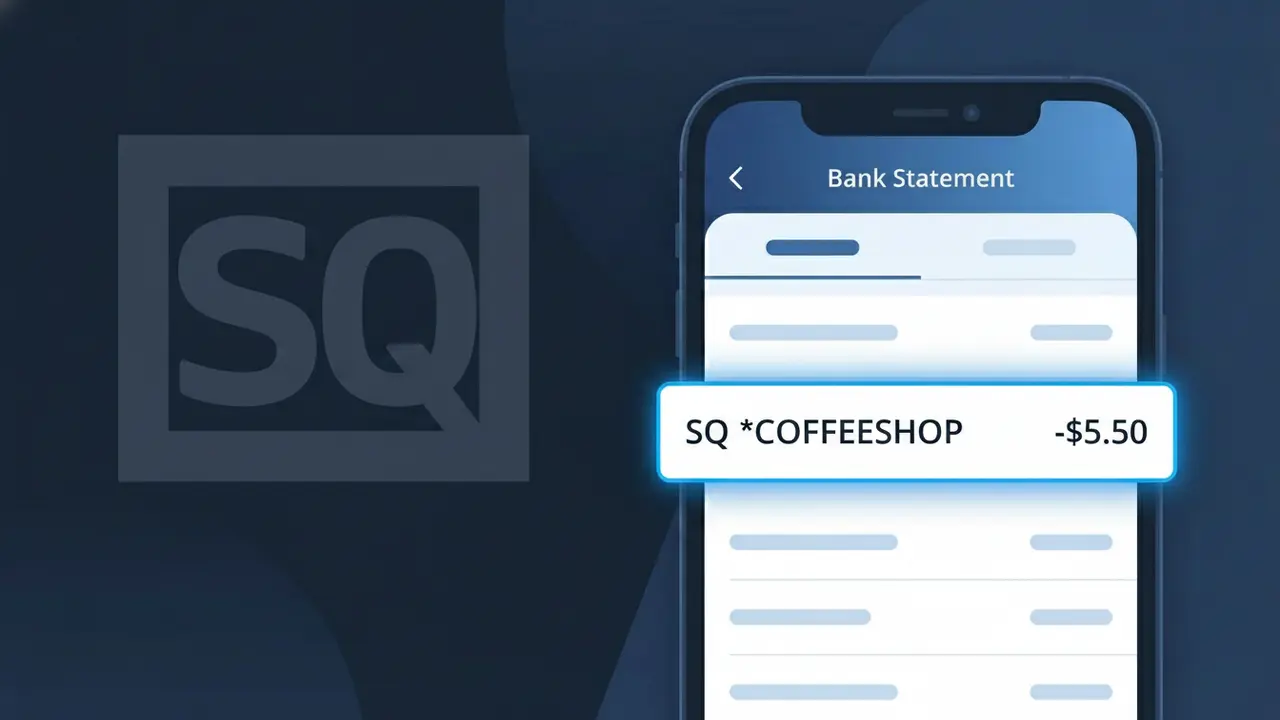
SQ *COFFEESHOP Charge (What It Is + Is It Legit?)
✓ LegitimateThe "SQ *COFFEESHOP" charge is from Square POS. A purchase at a local business using Square point-of-sale.
Square POS
A purchase at a local business using Square point-of-sale.
Category
Shopping
Avg. Charge
Variable
Country
US
Billing Cycle
One-time
Cancel At
N/A
Support
See website
Why does this charge appear?
When you use your card at a small coffee shop or café that processes payments through Square's point-of-sale system, the charge on your bank statement reflects Square's abbreviated billing format rather than the individual business's full name. Square, the popular payment processing company, prefixes transactions with "SQ *" followed by a shortened version of the merchant's name, which is why you see "SQ *COFFEESHOP" instead of the actual café's name or "Square POS" itself. This descriptor is generated automatically by Square's payment infrastructure to identify both the processor and the local business in a condensed format that fits within standard bank statement character limits.
Your next steps
Recall your recent coffee purchases
Think back to any recent visits to a local coffee shop. The charge SQ *COFFEESHOP indicates a purchase was processed through Square POS, a popular payment system used by many small and independent coffee shops. Check the date and amount on your bank statement to match it with a specific visit.
Look up the merchant through Square
Visit squareup.com and use their merchant lookup tools or receipt search feature. Square POS sends email or text receipts for transactions, so check your inbox for a receipt from Square that matches the SQ *COFFEESHOP charge, which will confirm the exact business name and purchase details.
Verify the charge amount matches your order
Cross-reference the dollar amount of the SQ *COFFEESHOP charge with any physical receipts, email receipts from Square POS, or your memory of what you ordered. Square POS itemizes purchases, so if you received a digital receipt, it will show exactly what was purchased at the coffee shop.
Contact the coffee shop directly if unclear
If you still have questions about the SQ *COFFEESHOP charge after checking your Square POS receipts, visit or call the coffee shop in person. Since Square POS is used at the point of sale, the staff can look up your transaction using the date and amount to confirm the purchase was legitimate and belongs to you.
Legitimate or scam?
No, this is a legitimate charge from Square POS. However, if you did not authorize this charge or cancelled your subscription, you may be eligible for a refund.
Is the SQ *COFFEESHOP Charge Legitimate or Fraud?
The SQ *COFFEESHOP charge on your bank or credit card statement is almost always a legitimate transaction processed through Square POS, the popular point-of-sale system used by independent coffee shops and cafés. Square prefixes merchant charges with "SQ *" followed by a shortened business name, which is why a local coffee shop visit might appear as SQ *COFFEESHOP instead of the café's full name. If you've recently purchased coffee, pastries, or other items at a small or independent coffee shop, this charge is very likely valid.
- Square POS is widely used by independent coffee shops, so SQ *COFFEESHOP is a common descriptor for in-store café purchases
- The charge amount typically reflects coffee drinks, food items, or merchandise bought at a café using Square's card reader
- Square sometimes processes tips added at checkout as part of the same SQ *COFFEESHOP transaction total
- If you don't recognize it, a family member or coworker may have used your card at a coffee shop that runs on Square POS
How to Verify the SQ *COFFEESHOP Charge
- 1
Check your Square POS email receipt
Square POS automatically sends digital receipts to your email or phone number. Search your inbox for 'Square' or 'receipt' around the date the SQ *COFFEESHOP charge appeared on your statement.
- 2
Review your recent coffee shop visits
Think back to any coffee shops, cafés, or espresso bars you visited near the charge date. Many small and independent coffee shops use Square POS, and the SQ *COFFEESHOP descriptor will appear instead of the shop's actual name.
- 3
Check with household members
Ask anyone who shares access to your card whether they stopped at a coffee shop recently. A partner, family member, or roommate may have made the SQ *COFFEESHOP purchase without mentioning it.
- 4
Log into your Square account
If you have a Square account linked to your email, log in at squareup.com and review your purchase history. The SQ *COFFEESHOP transaction may appear there with the exact merchant name and location.
- 5
Contact your bank for merchant details
Call the number on the back of your card and ask your bank for the full merchant name and location behind the SQ *COFFEESHOP charge. Banks can often retrieve additional Square POS transaction metadata.
How to Dispute a SQ *COFFEESHOP Charge
- 1
Act within 60 days
Most banks require you to dispute an unrecognized SQ *COFFEESHOP charge within 60 days of your statement date. Don't wait — gather your evidence and begin the process as soon as you spot the charge.
- 2
Contact Square POS support first
Reach out to Square POS directly at squareup.com/help or call their support line. Provide the transaction date and amount for the SQ *COFFEESHOP charge — they can identify the exact merchant and may resolve the issue faster than a bank dispute.
- 3
File a chargeback with your bank
If Square POS cannot resolve the issue, contact your bank or card issuer to formally dispute the SQ *COFFEESHOP charge. Provide your receipts, the transaction date, and any communication you've had with Square as supporting evidence.
- 4
Request a new card if fraud is suspected
If you believe the SQ *COFFEESHOP charge is part of fraudulent activity — especially if there are multiple unfamiliar Square POS charges — ask your bank to cancel your card and issue a new one immediately.
Tips for Managing Square POS Charges
Enable bank transaction alerts so you're notified instantly when any SQ *COFFEESHOP charge posts to your account.
Always provide your email at Square POS checkouts to receive itemized receipts that match SQ *COFFEESHOP charges on your statement.
Create or log into your Square account at squareup.com to keep a searchable history of all your Square POS purchases.
Review your statement weekly — Square POS charges like SQ *COFFEESHOP typically post within 1–2 business days of your café visit.
Use a credit card (not debit) at coffee shops running Square POS for stronger fraud protection on SQ *COFFEESHOP disputes.
Use WhatIsThisCharge.net to identify related charges from Square POS merchants that appear alongside SQ *COFFEESHOP on your statement.
ℹ️ Note
In most cases, the SQ *COFFEESHOP charge is simply a routine café purchase — like a latte or breakfast item — processed through Square POS at a local or independent coffee shop. If the amount matches what you'd expect to spend at a café, it's very likely a valid charge you made in person.
Quick answers
Was this page helpful?
Community Reports (0)
0 votesNo votes yet — be the first to report on this charge!
Have you seen this charge? Help others by voting:
Community Comments (0)
No comments yet. Be the first to share your experience!
Share your experience
Your email is only used to verify your comment and will never be shown publicly.
Search Another Charge
Popular Charges

Amazon Marketplace
AMZN MKTP US
Netflix
NETFLIX *SUBSCRIPTION
Netflix
NETFLIX.COM *
Apple
APPLE *SUBSCRIPTION
Apple
APPLE.COM/BILL
Related Charges
Need to dispute this charge?
Generate a professional dispute letter in seconds with our AI tool.
Open Charge AssistantCommunity Verified
Real user reports
Free to Use
Always free to check
Secure & Private
Your data is safe
Help Millions
48K+ charges identified