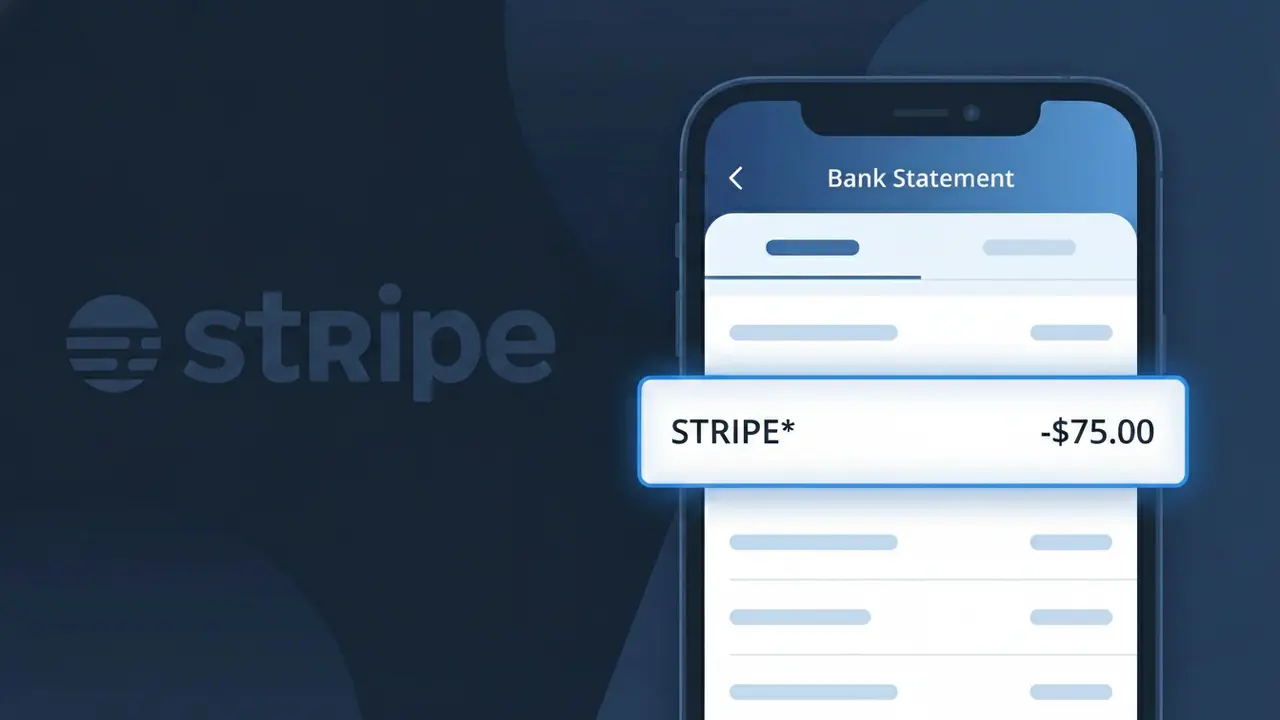
STRIPE* Charge (What It Is + Is It Legit?)
✓ LegitimateThe "STRIPE*" charge is from Stripe. Payment processed through Stripe.
Stripe
Payment processed through Stripe.
Category
Finance
Avg. Charge
Variable
Country
US
Billing Cycle
Variable
Cancel At
N/A
Support
See website
Why this shows on your statement
When a business uses Stripe as its payment processing platform, the charge on your bank statement often shows up as "STRIPE*" followed by an abbreviated merchant name because Stripe processes the transaction on the seller's behalf rather than the seller handling it directly. Banks and card networks have strict character limits for transaction descriptors, so Stripe's name appears first as the recognizable processor, with the actual business name truncated after the asterisk. If you see STRIPE* on your statement, it means you made a purchase from a company that relies on Stripe's infrastructure to handle payments, and the merchant name immediately following the asterisk should help you identify exactly who charged you.
What should you do?
Identify the merchant behind STRIPE*
Stripe is a payment processor used by many online businesses, so the charge labeled STRIPE* on your bank statement means a merchant uses Stripe to collect payments. Log into any recent online purchases or subscriptions and check if any of those businesses use Stripe as their payment platform.
Check your Stripe receipts via stripe.com
Visit stripe.com and look for any receipt emails sent from Stripe to your inbox. Stripe automatically sends email receipts for charges, so search your email for messages from receipts@stripe.com that match the charge amount and date on your bank statement.
Contact the merchant directly
Since STRIPE* charges originate from a specific business using Stripe, reach out to the merchant you believe made the charge. Stripe itself does not sell products, so the merchant is responsible for explaining the charge, issuing refunds, or canceling any active subscriptions tied to the STRIPE* transaction.
Monitor your account for additional STRIPE* charges
If the charge was for a subscription or recurring billing, log into the merchant's website to review or cancel your plan to prevent future STRIPE* charges. Keep an eye on your bank statement in the following billing cycle to confirm no unexpected repeat charges appear from STRIPE*.
Should you be worried?
No, this is a legitimate charge from Stripe. However, if you did not authorize this charge or cancelled your subscription, you may be eligible for a refund.
Is the STRIPE* Charge Legitimate or Fraud?
A STRIPE* charge on your bank or credit card statement is typically a legitimate transaction processed through Stripe, one of the world's most widely used online payment platforms. Stripe does not usually sell directly to consumers — instead, it processes payments on behalf of thousands of online businesses, so the STRIPE* descriptor appears when a merchant you purchased from uses Stripe as their payment processor. Common reasons you might see this charge include:
- A recent online purchase from a business that uses Stripe to handle payments
- A recurring subscription billed through a Stripe-powered merchant
- A donation made to a nonprofit or crowdfunding platform that uses Stripe
- A marketplace or SaaS product that collects payments via Stripe's infrastructure
How to Verify the STRIPE* Charge
- 1
Check your Stripe receipt email
Search your inbox for 'receipt from Stripe' or 'stripe.com' — Stripe automatically sends email receipts on behalf of the merchant when a payment is processed, often including the merchant's name.
- 2
Look at the full charge descriptor
Your statement may show 'STRIPE* [MERCHANT NAME]' after the prefix. The text following 'STRIPE*' often identifies the specific business that charged you through Stripe's platform.
- 3
Review recent online purchases
Think back to any online stores, SaaS tools, or subscription services you've signed up for recently — many use Stripe as their backend payment processor without advertising it.
- 4
Ask household or account members
If you share payment cards, check with family members or colleagues who may have made a purchase through a Stripe-powered merchant using your card.
- 5
Contact your bank for more details
If the charge is still unrecognized, call the number on the back of your card and ask your bank for the full merchant name associated with the STRIPE* transaction.
How to Dispute a STRIPE* Charge
- 1
Act within 60 days
Most banks require disputes to be filed within 60 days of the statement date. Don't delay if you suspect the STRIPE* charge is unauthorized or fraudulent.
- 2
Contact the merchant first
Since STRIPE* represents a merchant using Stripe's platform, try contacting that merchant directly for a refund — Stripe's own support at stripe.com/contact can help identify the business if you're unsure who charged you.
- 3
File a chargeback with your bank
If the merchant is unresponsive or the charge is fraudulent, contact your bank or card issuer to initiate a formal chargeback against the STRIPE* transaction, providing any relevant receipts or correspondence.
- 4
Request a new card number
If you believe your card details were compromised and used to make unauthorized STRIPE* charges, ask your bank to cancel your current card and issue a new one to prevent further fraud.
Tips for Managing Stripe Charges
Enable real-time transaction alerts from your bank to catch any unexpected STRIPE* charges immediately.
Save email receipts from Stripe-powered merchants — they help you match STRIPE* charges on your statement quickly.
If you have a Stripe account, log in at stripe.com to review your payment history and connected merchant activity.
Note billing cycle dates for any subscriptions using Stripe — recurring STRIPE* charges often appear on a fixed monthly date.
Use a virtual card number for online purchases to limit exposure if a Stripe-powered merchant is ever compromised.
Use WhatIsThisCharge.net to identify STRIPE* and other related unfamiliar charges on your statement.
ℹ️ Note
Most STRIPE* charges are completely legitimate and simply reflect a purchase made from an online business that uses Stripe as its payment processor — identifying the merchant name after the asterisk or checking your email receipts usually resolves any confusion quickly.
Questions and answers
Was this page helpful?
Community Reports (0)
0 votesNo votes yet — be the first to report on this charge!
Have you seen this charge? Help others by voting:
Community Comments (0)
No comments yet. Be the first to share your experience!
Share your experience
Your email is only used to verify your comment and will never be shown publicly.
Search Another Charge
Popular Charges

Amazon Marketplace
AMZN MKTP US
Netflix
NETFLIX *SUBSCRIPTION
Netflix
NETFLIX.COM *
Apple
APPLE *SUBSCRIPTION
Apple
APPLE.COM/BILL
Need to dispute this charge?
Generate a professional dispute letter in seconds with our AI tool.
Open Charge AssistantCommunity Verified
Real user reports
Free to Use
Always free to check
Secure & Private
Your data is safe
Help Millions
48K+ charges identified