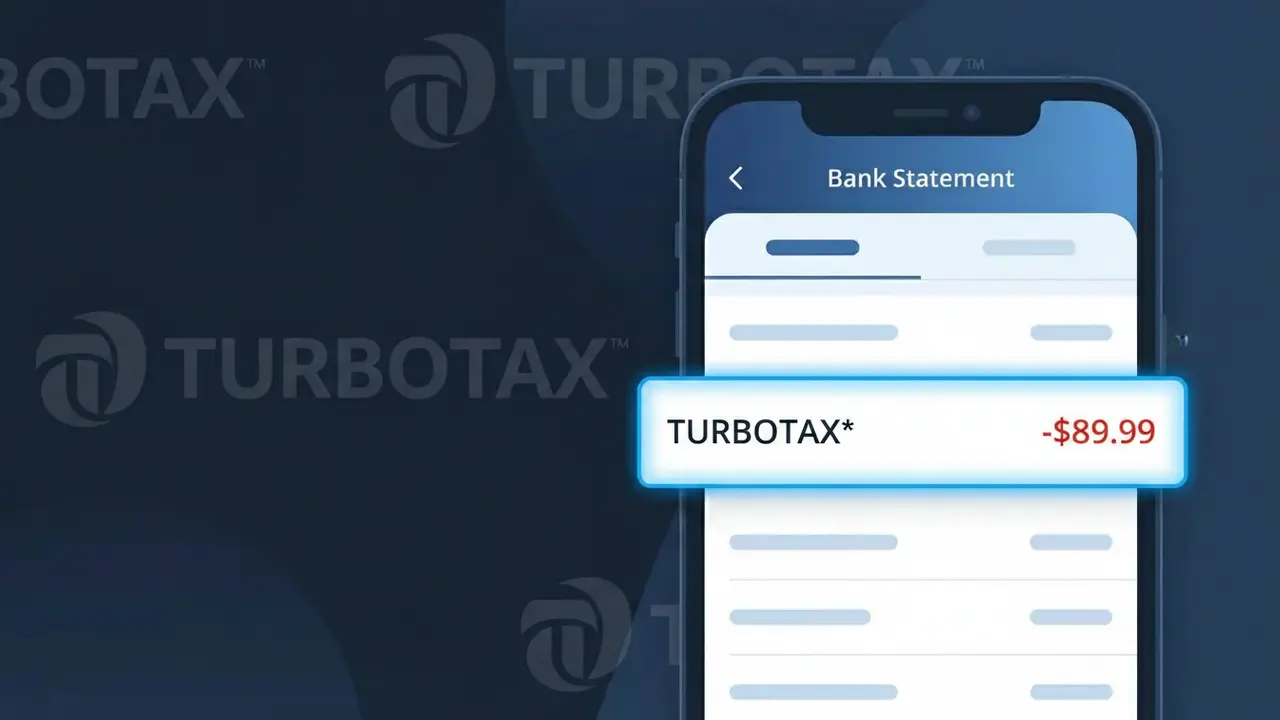
TURBOTAX* Charge (What It Is + Is It Legit?)
✓ LegitimateThe "TURBOTAX*" charge is from TurboTax. TurboTax tax filing service.
TurboTax
TurboTax tax filing service.
Category
Finance
Avg. Charge
$89.00
Country
US
Billing Cycle
Annual
Cancel At
turbotax.intuit.com/account
Support
See website
Understanding this descriptor
When TurboTax processes payments for its tax filing software through Intuit's billing system, the transaction is recorded using a truncated descriptor format that combines the brand name with an asterisk separator, which is a standard convention used by Intuit's payment processing infrastructure to distinguish TurboTax purchases from other Intuit products like QuickBooks or Mint. The "TURBOTAX*" descriptor appears in uppercase because merchant identifiers submitted to card networks are typically stored and transmitted in capital letters, stripped of any stylized formatting. If you see this charge for around $89.00 on your bank statement, it most likely reflects your annual TurboTax software subscription or a one-time filing fee for the current tax year.
Recommended actions
Confirm your TurboTax activity
Log in to your account at turbotax.com and review your filing history or any active subscriptions to confirm whether the TURBOTAX* charge aligns with a recent tax return filing or TurboTax service you purchased.
Check your TurboTax order summary
Within your TurboTax account, navigate to your order history or billing section to match the charge amount on your bank statement to a specific TurboTax product, such as TurboTax Deluxe, Premier, or Self-Employed.
Manage or cancel your TurboTax subscription
If you no longer need the service or did not intend to enroll in a recurring TurboTax plan, visit turbotax.intuit.com/account to review and cancel any active TurboTax subscriptions before the next billing cycle.
Contact TurboTax support for clarification
If the TURBOTAX* charge amount does not match any product you recall purchasing, reach out to TurboTax customer support directly through turbotax.com to request a detailed explanation of the charge and get confirmation in writing.
How to cancel TurboTax
TurboTax bills you Annual. To stop future charges, cancel from your account directly.
Cancel at TurboTaxIs this charge fraudulent?
No, this is a legitimate charge from TurboTax. However, if you did not authorize this charge or cancelled your subscription, you may be eligible for a refund.
Is the TURBOTAX* Charge Legitimate or Fraud?
A TURBOTAX* charge on your bank or credit card statement is most commonly a legitimate transaction from TurboTax, Intuit's popular tax preparation software. This charge typically appears when you purchase a TurboTax filing plan, upgrade your service tier, or are billed for an add-on like PLUS, MAX, or Live assistance. However, if you don't recall using TurboTax recently, it's worth investigating further.
- You purchased a TurboTax filing package (Basic, Deluxe, Premier, or Self-Employed)
- You added a TurboTax service like Live Expert assistance or Audit Defense
- A household member filed their taxes using your saved payment method on TurboTax
- TurboTax billed you for state tax return filing, which is often a separate charge from federal
How to Verify the TURBOTAX* Charge
- 1
Log into your TurboTax account
Visit TurboTax.com and sign in to review your order history and billing details under 'My Account' to confirm the TURBOTAX* charge matches a recent transaction.
- 2
Search your email for receipts
Search your inbox for emails from 'TurboTax' or 'noreply@intuit.com' — TurboTax sends order confirmation emails that will match the TURBOTAX* charge amount and date.
- 3
Check if a household member filed
Ask family members whether they used your payment information to file their taxes through TurboTax, as the TURBOTAX* charge may have been made by someone in your household.
- 4
Review your TurboTax subscriptions
Check if you have an active TurboTax Advantage subscription, which auto-ships the latest TurboTax software each year and would generate a recurring TURBOTAX* charge.
- 5
Contact your bank
If you still cannot identify the TURBOTAX* charge, call the number on the back of your card and ask your bank for the full merchant name, transaction ID, and any additional details.
How to Dispute a TURBOTAX* Charge
- 1
Act within 60 days
Credit card disputes for unauthorized TURBOTAX* charges should be initiated within 60 days of the statement date to stay within Fair Credit Billing Act protections.
- 2
Contact TurboTax support first
Reach out to TurboTax customer support at 1-800-446-8848 or via Intuit's Help Center — they can confirm what the TURBOTAX* charge was for and may issue a refund directly.
- 3
File a chargeback with your bank
If TurboTax cannot resolve the issue, contact your bank or credit card issuer to dispute the TURBOTAX* charge and request a chargeback for the unauthorized transaction.
- 4
Request a new card number
If the TURBOTAX* charge appears fraudulent and your card details were compromised, ask your bank to issue a new card number to prevent any further unauthorized charges.
Tips for Managing TurboTax Charges
Set a bank alert for TURBOTAX* transactions so you're notified immediately each time TurboTax bills your card.
Save your TurboTax order confirmation emails each tax season so you can quickly match any TURBOTAX* charge on your statement.
Secure your TurboTax account with a strong password and two-factor authentication to prevent unauthorized purchases.
Remember that TurboTax charges federal and state filing fees separately — expect multiple TURBOTAX* charges if you file a state return.
Enroll in TurboTax's MAX protection plan only if needed — it adds a recurring TURBOTAX* charge for audit defense coverage.
Use WhatIsThisCharge.net to identify other related charges that may appear alongside a TURBOTAX* transaction on your statement.
ℹ️ Note
In most cases, a TURBOTAX* charge simply means you or someone in your household recently used TurboTax to file a federal or state tax return — it's one of the most recognized and legitimate tax-season charges you'll see on your statement.
Common questions
Was this page helpful?
Community Reports (0)
0 votesNo votes yet — be the first to report on this charge!
Have you seen this charge? Help others by voting:
Community Comments (0)
No comments yet. Be the first to share your experience!
Share your experience
Your email is only used to verify your comment and will never be shown publicly.
Search Another Charge
Popular Charges

Amazon Marketplace
AMZN MKTP US
Netflix
NETFLIX *SUBSCRIPTION
Apple
APPLE *SUBSCRIPTION
Netflix
NETFLIX.COM *
Apple
APPLE.COM/BILL
Need to dispute this charge?
Generate a professional dispute letter in seconds with our AI tool.
Open Charge AssistantCommunity Verified
Real user reports
Free to Use
Always free to check
Secure & Private
Your data is safe
Help Millions
48K+ charges identified