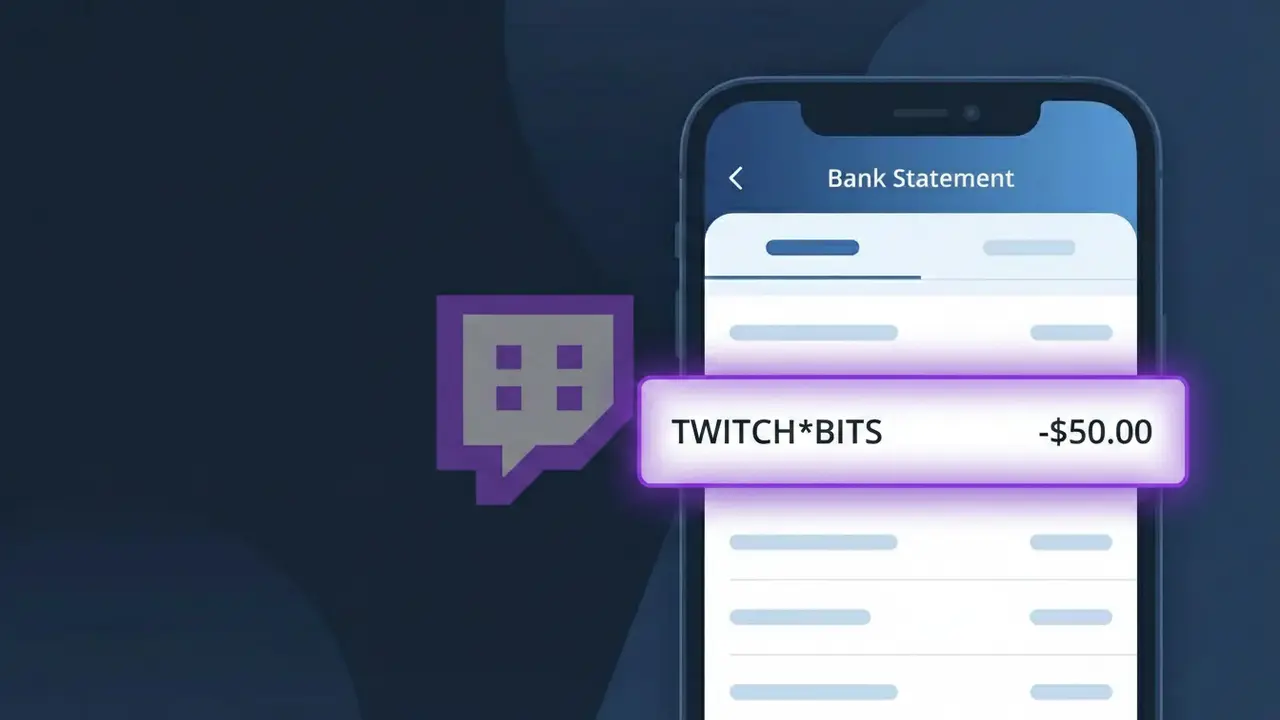
TWITCH*BITS Charge (What It Is + Is It Legit?)
✓ LegitimateThe "TWITCH*BITS" charge is from Twitch Bits. Twitch Bits purchase for donations.
Twitch Bits
Twitch Bits purchase for donations.
Category
Gaming
Avg. Charge
$10.00
Country
US
Billing Cycle
One-time
Cancel At
twitch.tv/settings/billing
Support
See website
What is this charge?
When you purchase Twitch Bits through Amazon's payment processing system, the transaction is recorded using a compressed billing format that combines the platform name with the product name, resulting in the descriptor TWITCH*BITS on your bank statement. The asterisk in the middle is a standard separator used by Amazon's billing infrastructure, which handles payments for Twitch since Amazon acquired the streaming platform in 2014. This shortened format is necessary because bank statement descriptors have strict character limits, so TWITCH*BITS efficiently identifies both the service and the specific virtual currency product you purchased in one concise label.
How to handle this charge
Verify Your Twitch Bits Purchase
Log into your Twitch account at twitch.tv and navigate to your purchase history to confirm that a Bits purchase was made around the date the TWITCH*BITS charge appeared on your bank statement. Twitch Bits are used to support streamers through donations, so check if you recently cheered on any channels.
Review the Charge Amount
Cross-reference the exact dollar amount of the TWITCH*BITS charge with Twitch's Bits pricing tiers. Twitch sells Bits in specific bundle sizes such as 100, 500, 1000, or more, so matching the charge to a known bundle size can confirm whether the purchase was intentional and accurate.
Manage or Cancel Future Twitch Bits Purchases
If you want to prevent future unintended Twitch Bits purchases, visit twitch.tv/settings/billing to review your saved payment methods and adjust or remove any stored billing information that could be used for one-click Bits purchases.
Contact Twitch Support If Needed
If you do not recognize the TWITCH*BITS charge after reviewing your account history, reach out to Twitch support directly through twitch.tv to report the transaction. Provide the charge date and amount so their team can investigate whether the Bits purchase was made on your account without your authorization.
Quick fraud check
No, this is a legitimate charge from Twitch Bits. However, if you did not authorize this charge or cancelled your subscription, you may be eligible for a refund.
Is the TWITCH*BITS Charge Legitimate or Fraud?
The TWITCH*BITS charge on your bank or credit card statement is almost always a legitimate purchase of Bits on Twitch — the platform's virtual currency used to cheer for and support streamers. This charge is processed directly by Twitch and will appear as TWITCH*BITS whenever you buy a Bits package through the Twitch website or mobile app.
- Twitch Bits are purchased in bundles (e.g., 100, 500, 1000 Bits) and each bundle triggers a TWITCH*BITS charge
- The charge amount will match a standard Twitch Bits package price, typically ranging from $1.40 to $140+
- Twitch sends a purchase confirmation email to your registered address whenever Bits are bought
- If you share your Twitch account or payment method with family members, they may have purchased Bits without your knowledge
How to Verify the TWITCH*BITS Charge
- 1
Check your Twitch purchase history
Log into your Twitch account at twitch.tv, navigate to Settings > Subscriptions & Bits, and review your Bits purchase history to match the TWITCH*BITS charge amount and date.
- 2
Search your email for Twitch receipts
Search your inbox for emails from Twitch (noreply@twitch.tv) containing 'Bits' or 'receipt.' Each TWITCH*BITS transaction generates a confirmation email with the exact purchase amount.
- 3
Check household members
Ask family members or anyone with access to your payment method if they purchased Twitch Bits recently — children or partners may have bought Bits to cheer on a favorite streamer.
- 4
Review your Twitch payment methods
Go to Twitch Settings > Security & Privacy > Payment Methods to confirm your card is listed there, which would confirm the TWITCH*BITS charge originated from your account.
- 5
Contact your bank
If you cannot verify the TWITCH*BITS charge through Twitch, call the number on the back of your card and ask your bank for additional merchant details such as transaction ID or IP location.
How to Dispute a TWITCH*BITS Charge
- 1
Act within 60 days
Most banks require disputes to be filed within 60 days of the TWITCH*BITS charge appearing on your statement. Act quickly to preserve your right to a chargeback.
- 2
Contact Twitch Bits support first
Visit help.twitch.tv and submit a support ticket referencing the TWITCH*BITS charge. Twitch may issue a refund directly, which is faster than a bank dispute, especially for unauthorized purchases.
- 3
File a chargeback with your bank
If Twitch Bits support does not resolve the issue, call your bank or card issuer and formally dispute the TWITCH*BITS charge as unauthorized. Provide the transaction date, amount, and any correspondence with Twitch.
- 4
Request a new card
If the TWITCH*BITS charge appears to be fraudulent and your card details were compromised, ask your bank to cancel your current card and issue a new one to prevent further unauthorized charges.
Tips for Managing Twitch Bits Charges
Enable Twitch email notifications so you receive instant confirmation every time a TWITCH*BITS purchase is made on your account.
Keep a log of your Twitch Bits purchases so you can quickly reconcile any TWITCH*BITS charge that appears on your statement.
Secure your Twitch account with two-factor authentication to prevent unauthorized Bits purchases and unexpected TWITCH*BITS charges.
Remember that Twitch Bits are one-time purchases, not subscriptions — each TWITCH*BITS charge reflects a specific bundle you or someone on your account bought.
Use a virtual card number for Twitch Bits purchases so you can easily block future charges without affecting your main card.
Use WhatIsThisCharge.net to identify related charges such as TWITCH*SUB or other Twitch billing descriptors you may not recognize.
ℹ️ Note
In most cases, a TWITCH*BITS charge is a legitimate Twitch Bits purchase made by you or someone with access to your account — it's one of the most common gaming-related charges reported by Twitch users who regularly support streamers.
Frequently Asked Questions
Was this page helpful?
Community Reports (0)
0 votesNo votes yet — be the first to report on this charge!
Have you seen this charge? Help others by voting:
Community Comments (0)
No comments yet. Be the first to share your experience!
Share your experience
Your email is only used to verify your comment and will never be shown publicly.
Search Another Charge
Popular Charges

Amazon Marketplace
AMZN MKTP US
Netflix
NETFLIX *SUBSCRIPTION
Apple
APPLE *SUBSCRIPTION
Netflix
NETFLIX.COM *
Apple
APPLE.COM/BILL
Related Charges
Need to dispute this charge?
Generate a professional dispute letter in seconds with our AI tool.
Open Charge AssistantCommunity Verified
Real user reports
Free to Use
Always free to check
Secure & Private
Your data is safe
Help Millions
48K+ charges identified