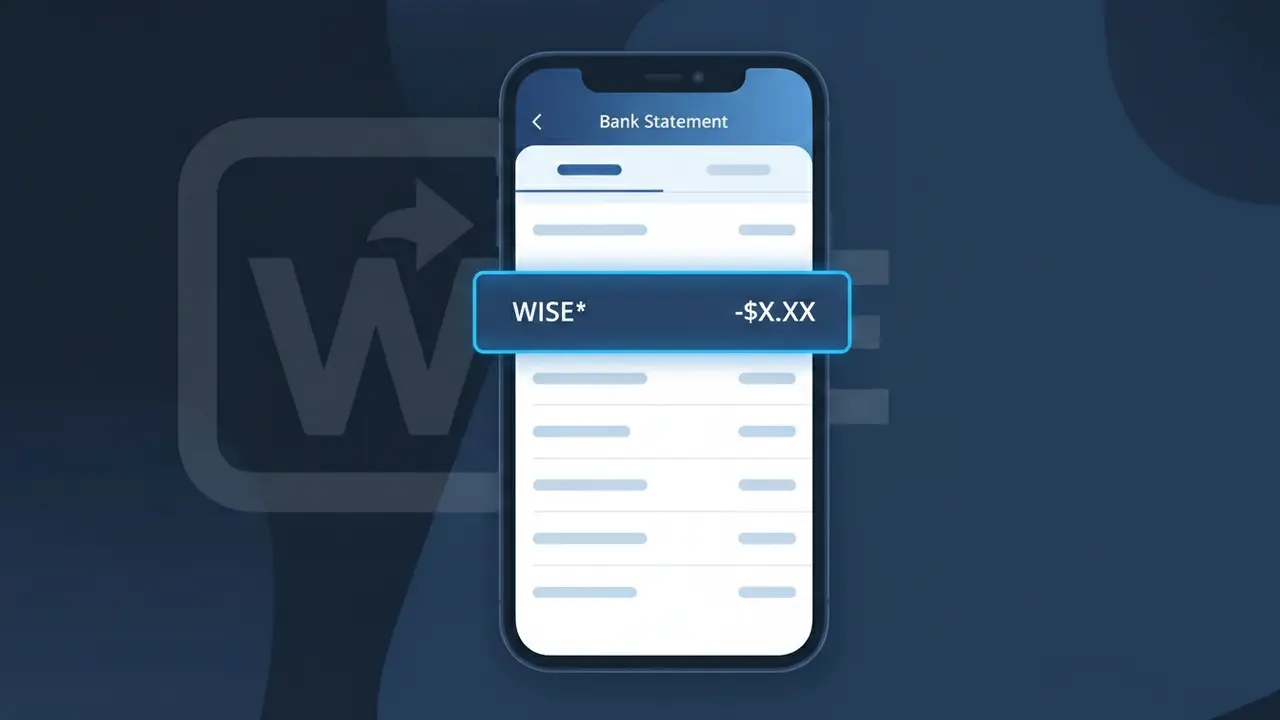
WISE* Charge (What It Is + Is It Legit?)
✓ LegitimateThe "WISE*" charge is from Wise (TransferWise). Wise international money transfer fee.
Wise (TransferWise)
Wise international money transfer fee.
Category
Finance
Avg. Charge
Variable
Country
US
Billing Cycle
One-time
Cancel At
wise.com/settings
Support
See website
What is this charge?
Wise uses the truncated descriptor "WISE*" on bank statements because payment processing networks like Visa and Mastercard impose strict character limits on merchant descriptors, often capping them at 22 characters or fewer, which means the full brand name "Wise (TransferWise)" simply cannot fit. The asterisk following "WISE" is a common formatting convention used by payment processors to separate the merchant name from a secondary identifier, such as a transaction reference or service type. If you recently sent money internationally through Wise's platform, this abbreviated descriptor is the expected way the charge will appear, even though no full company name or "TransferWise" branding will be visible on your statement.
How to handle this charge
Log into your Wise account
Visit wise.com and sign in to your Wise account to review your transaction history. The WISE* charge on your bank statement corresponds to a fee associated with an international money transfer you initiated through Wise (formerly TransferWise).
Match the charge to a transfer
Inside your Wise account dashboard, navigate to your transfer history and look for a transaction whose date and amount align with the WISE* charge on your bank statement. Wise charges a small fee for each international transfer, so the amount should closely match the fee shown in your transfer details.
Review or update your transfer settings
If you use Wise regularly and want to monitor or manage future transfer fees, go to wise.com/settings to review your account preferences, linked payment methods, and any recurring or scheduled transfers that may generate additional WISE* charges in the future.
Contact Wise support if something looks off
If the WISE* charge does not match any transfer in your Wise account history or the amount seems incorrect, reach out to Wise customer support directly through wise.com to clarify the charge before considering any dispute with your bank.
Quick fraud check
No, this is a legitimate charge from Wise (TransferWise). However, if you did not authorize this charge or cancelled your subscription, you may be eligible for a refund.
Is the WISE* Charge Legitimate or Fraud?
A WISE* charge on your bank or credit card statement is almost always a legitimate transaction from Wise (TransferWise), the popular international money transfer and multi-currency account platform. This descriptor appears when Wise processes a transfer fee, currency conversion, or account-related payment on your behalf. Common reasons you might see a WISE* charge include:
- A fee charged for sending money internationally through your Wise (TransferWise) account
- A currency conversion fee when exchanging money between supported currencies
- A payment for ordering or using a Wise debit card (physical or virtual)
- A top-up or balance load transaction initiated from your linked bank account
How to Verify the WISE* Charge
- 1
Log into your Wise account
Visit wise.com or open the Wise (TransferWise) app and check your transaction history. The charge amount and date should match exactly what appears on your bank statement.
- 2
Search your email for Wise receipts
Look for emails from Wise (TransferWise) sent to your registered address. Wise sends confirmation emails for every transfer, fee, and card transaction.
- 3
Check with household members
Ask family members or housemates if they used a linked card or a shared account to send money via Wise (TransferWise), as the WISE* charge would appear on the card owner's statement.
- 4
Review any active Wise transfers
Log into Wise (TransferWise) and check for any pending or recently completed transfers that may have triggered a fee billed separately as WISE* on your statement.
- 5
Contact your bank for more details
Ask your bank for the full merchant descriptor and transaction ID associated with the WISE* charge. This can help you match it to a specific Wise (TransferWise) transaction.
How to Dispute a WISE* Charge
- 1
Act within 60 days
Most banks require you to dispute an unrecognized WISE* charge within 60 days of the statement date. Act quickly to preserve your right to a chargeback.
- 2
Contact Wise (TransferWise) first
Reach out to Wise (TransferWise) support at wise.com/help or through the in-app chat. Wise can often identify the transaction and issue a refund faster than a formal bank dispute.
- 3
File a chargeback with your bank
If Wise (TransferWise) cannot resolve the issue, contact your bank or card issuer to file a formal chargeback, citing the unrecognized WISE* charge and providing any reference numbers from Wise.
- 4
Request a new card if fraud is suspected
If you believe your card details were stolen and used to fund a Wise (TransferWise) transfer without your knowledge, ask your bank to cancel your card and issue a replacement immediately.
Tips for Managing Wise (TransferWise) Charges
Enable push notifications in the Wise app so you get instant alerts whenever a WISE* fee or transfer is processed.
Save Wise (TransferWise) email receipts in a dedicated folder to make reconciling WISE* charges on your statement effortless.
Enable two-factor authentication on your Wise (TransferWise) account to prevent unauthorized transfers that could result in unexpected WISE* charges.
Review your Wise (TransferWise) transaction history monthly to catch any unexpected WISE* charges before your bank statement closes.
Use a dedicated card for Wise (TransferWise) top-ups so WISE* charges are easy to spot and isolate from other spending.
Use WhatIsThisCharge.net to identify related charges that may appear alongside WISE* on your statement.
ℹ️ Note
In most cases, a WISE* charge is a routine and expected fee from Wise (TransferWise) for an international money transfer or currency conversion you recently made — simply log into your Wise account to confirm the matching transaction and put your mind at ease.
Frequently Asked Questions
Was this page helpful?
Community Reports (0)
0 votesNo votes yet — be the first to report on this charge!
Have you seen this charge? Help others by voting:
Community Comments (0)
No comments yet. Be the first to share your experience!
Share your experience
Your email is only used to verify your comment and will never be shown publicly.
Search Another Charge
Popular Charges

Amazon Marketplace
AMZN MKTP US
Netflix
NETFLIX *SUBSCRIPTION
Netflix
NETFLIX.COM *
Apple
APPLE *SUBSCRIPTION
Apple
APPLE.COM/BILL
Need to dispute this charge?
Generate a professional dispute letter in seconds with our AI tool.
Open Charge AssistantCommunity Verified
Real user reports
Free to Use
Always free to check
Secure & Private
Your data is safe
Help Millions
48K+ charges identified