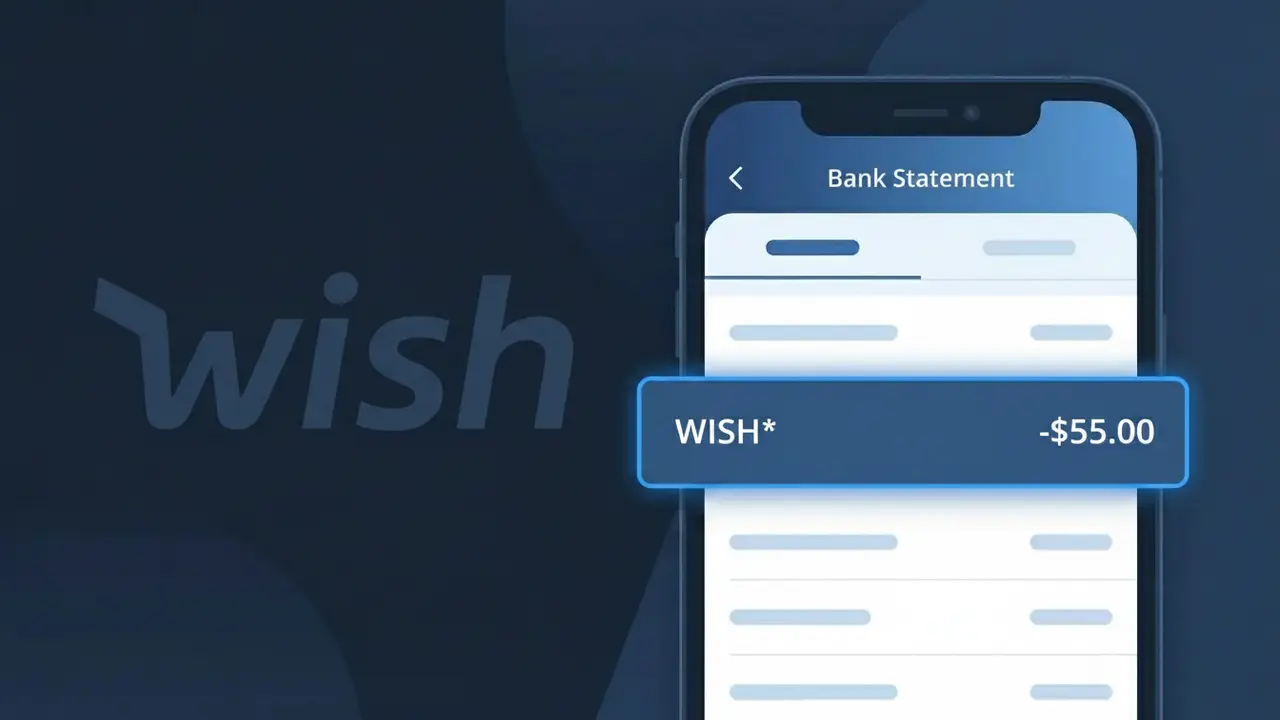
WISH* Charge (What It Is + Is It Legit?)
✓ LegitimateThe "WISH*" charge is from Wish. Wish online marketplace purchase.
Wish
Wish online marketplace purchase.
Category
Shopping
Avg. Charge
$15.00
Country
US
Billing Cycle
One-time
Cancel At
wish.com/account
Support
See website
Why does this charge appear?
When you make a purchase through the Wish online marketplace, the charge shows up on your bank statement as "WISH*" rather than simply "Wish" because payment processors used by the platform append an asterisk to act as a truncation or wildcard marker, signaling that additional transaction detail may follow depending on your bank's display format. The asterisk is a common convention among third-party payment systems to separate the merchant identifier from order-specific suffixes, such as a partial order number or product category, which some banks display in full while others cut off entirely. If you see "WISH*" on your statement alongside a charge of around $15.00, it is almost certainly a legitimate one-time purchase made through the Wish shopping app or website.
Your next steps
Log in and review your Wish orders
Visit wish.com and sign in to your account. Navigate to your order history to match the WISH* charge on your bank statement with a specific purchase. The charge amount should correspond to an item or items you bought on the Wish marketplace.
Check for Wish shipping or processing fees
On wish.com, review your order details carefully, as Wish often charges shipping fees separately from the item price. The WISH* charge may reflect a shipping cost rather than the product itself, so compare all line items in your order summary.
Manage or cancel your Wish account subscriptions
If you subscribed to Wish's membership program, visit wish.com/account to review any active subscriptions or recurring charges. You can manage or cancel these services directly from your account settings to prevent future WISH* charges you do not want.
Contact Wish support if the amount seems off
If the WISH* charge does not match any order in your Wish account history, reach out to Wish customer support through wish.com. Provide the exact charge amount and date so their team can identify the transaction and clarify whether it was a duplicate charge, a delayed processing fee, or another order-related cost.
Legitimate or scam?
No, this is a legitimate charge from Wish. However, if you did not authorize this charge or cancelled your subscription, you may be eligible for a refund.
Is the WISH* Charge Legitimate or Fraud?
A WISH* charge on your bank or credit card statement typically comes from Wish (wish.com), a popular online discount shopping marketplace. This charge appears when you purchase products through the Wish app or website, and the billing descriptor is truncated to WISH* followed by an order or merchant identifier. While most WISH* charges are legitimate, unauthorized charges can occur if your Wish account credentials were compromised or your card details were stolen.
- You recently ordered low-cost goods through the Wish app or wish.com
- A family member or household user made a purchase using your saved payment method on Wish
- Wish may split a single order into multiple charges if items ship from different sellers
- Your Wish account was accessed without authorization, resulting in a fraudulent purchase
How to Verify the WISH* Charge
- 1
Log into your Wish account
Visit wish.com or open the Wish app and navigate to your Order History. Match the charge amount and date to a recent Wish purchase to confirm it's legitimate.
- 2
Search your email for Wish receipts
Search your inbox for emails from Wish (noreply@wish.com or support@wish.com). Wish sends order confirmation emails that include the charge amount and item details.
- 3
Check household members
Ask family members or anyone with access to your device whether they placed an order on Wish using your saved payment method, as the Wish app stores card details for easy checkout.
- 4
Review Wish subscription services
Check if you signed up for Wish Cash, Wish Express, or any promotional Wish membership. Some Wish features carry recurring fees that appear as WISH* on your statement.
- 5
Contact your bank
If you still cannot identify the WISH* charge, call the number on the back of your card. Your bank can provide the full merchant details attached to the WISH* transaction.
How to Dispute a WISH* Charge
- 1
Act within 60 days
Report an unauthorized WISH* charge to your bank as soon as possible — most banks require disputes to be filed within 60 days of the statement date to qualify for a chargeback.
- 2
Contact Wish customer support first
Reach out to Wish support at wish.com/support or through the Wish app. Wish can issue a refund directly for unrecognized or fraudulent WISH* charges, which is often faster than a bank dispute.
- 3
File a chargeback with your bank
If Wish does not resolve the issue, contact your bank or card issuer to formally dispute the WISH* charge. Provide your Wish order history and any email correspondence as supporting evidence.
- 4
Request a new card
If you suspect your card details were stolen and used on Wish without your knowledge, ask your bank to cancel the compromised card and issue a new one to prevent further WISH* charges.
Tips for Managing Wish Charges
Enable bank transaction alerts so you're notified instantly when a new WISH* charge posts to your account.
Keep your Wish order confirmation emails — they make it easy to match any WISH* charge on your statement.
Use a strong, unique password for your Wish account and enable two-factor authentication to prevent unauthorized WISH* purchases.
Note that Wish may charge each seller separately, so one order can generate multiple WISH* entries on the same billing cycle.
Use a virtual card number for Wish purchases to limit exposure if your Wish account is ever compromised.
Use WhatIsThisCharge.net to identify any other unfamiliar charges that appear alongside WISH* on your statement.
ℹ️ Note
Most WISH* charges are straightforward purchases from Wish's online marketplace — if the amount matches something in your Wish order history, there's no cause for concern. If anything looks unfamiliar, Wish's support team and your bank are both quick to help resolve the issue.
Quick answers
Was this page helpful?
Community Reports (0)
0 votesNo votes yet — be the first to report on this charge!
Have you seen this charge? Help others by voting:
Community Comments (0)
No comments yet. Be the first to share your experience!
Share your experience
Your email is only used to verify your comment and will never be shown publicly.
Search Another Charge
Popular Charges

Amazon Marketplace
AMZN MKTP US
Netflix
NETFLIX *SUBSCRIPTION
Netflix
NETFLIX.COM *
Apple
APPLE *SUBSCRIPTION
Apple
APPLE.COM/BILL
Related Charges
Need to dispute this charge?
Generate a professional dispute letter in seconds with our AI tool.
Open Charge AssistantCommunity Verified
Real user reports
Free to Use
Always free to check
Secure & Private
Your data is safe
Help Millions
48K+ charges identified