Why You're Seeing "CHIME*" on Your Bank Statement
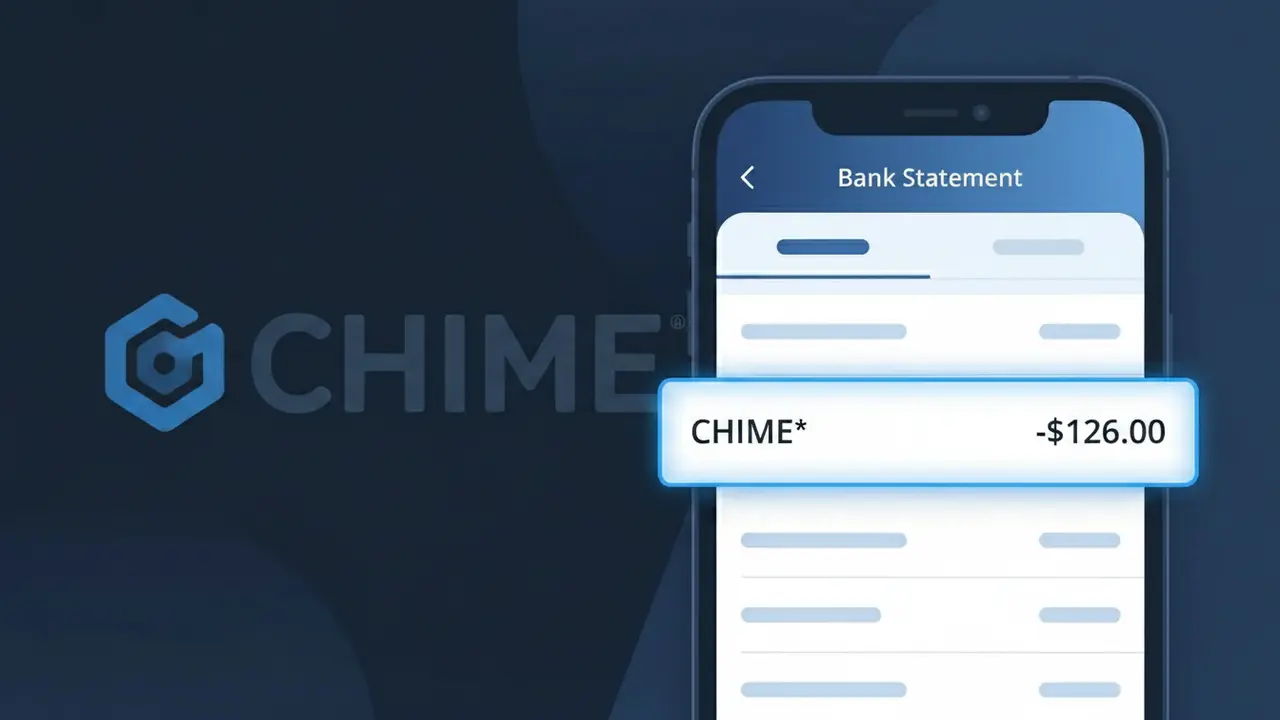
Why You're Seeing "CHIME*" on Your Bank Statement
A CHIME* charge on your bank statement comes from Chime, the popular US-based digital banking platform. This descriptor appears when Chime processes transactions related to their financial services, such as account fees, optional paid features, or transfers connected to your Chime account. If you see CHIME* on your statement, it almost certainly relates to activity tied to a Chime banking account you or someone in your household has opened. Chime is known for its fee-free banking model, so if you're seeing an unexpected charge, it's worth logging into your Chime account to review recent activity.
The CHIME* descriptor appears on bank statements because Chime processes payments through their own payment systems, which register under their abbreviated merchant name followed by an asterisk. The asterisk typically indicates a digital or subscription-based transaction, a common formatting convention used by fintech and online banking providers. If you have a Chime account or recently signed up for one of their optional paid services, this is the standard way Chime-related charges will appear across most major US banks and credit unions.
Is the CHIME* Charge Legitimate or Fraud?
A CHIME* charge on your bank or credit card statement is almost always a legitimate transaction associated with Chime Bank, a popular fee-free online banking platform. This descriptor appears when Chime Bank processes a transaction, account activity, or a linked service on your behalf. Common legitimate reasons you might see CHIME* include:
- A transfer or payment initiated through your Chime Bank account
- A Chime Credit Builder card transaction posting to your statement
- An instant transfer fee charged by Chime Bank for expedited fund transfers
- A linked external account being debited or credited via Chime Bank's platform
How to Verify the CHIME* Charge
- 1
Log into your Chime Bank account
Open the Chime Bank mobile app or visit chime.com and review your recent transaction history to match the CHIME* charge amount and date.
- 2
Search your email for Chime Bank receipts
Search your inbox for emails from Chime Bank (no-reply@chime.com) around the date of the CHIME* charge to find a matching transaction confirmation.
- 3
Check if a household member used Chime Bank
Ask family members or housemates whether they initiated a Chime Bank transfer or used a shared Chime account that could have generated the CHIME* charge.
- 4
Review any Chime Credit Builder activity
If you have a Chime Credit Builder card, check whether the CHIME* charge corresponds to a recent purchase or security deposit movement on that card.
- 5
Contact Chime Bank support directly
Reach Chime Bank's 24/7 support at 1-844-244-6363 or through in-app chat and provide the exact CHIME* charge amount and date for clarification.
How to Dispute a CHIME* Charge
- 1
Act within 60 days of the charge
Most card issuers require disputes to be filed within 60 days of the CHIME* charge appearing on your statement, so act quickly to protect your rights.
- 2
Contact Chime Bank first
Before escalating, reach out to Chime Bank via in-app chat or call 1-844-244-6363. Provide the CHIME* charge details — Chime can often resolve billing errors faster than a chargeback.
- 3
File a chargeback with your card issuer
If Chime Bank does not resolve the issue, contact the bank that issued the card showing the CHIME* charge and formally request a chargeback, citing the unauthorized or erroneous transaction.
- 4
Request a new card number
If the CHIME* charge appears fraudulent and your card details may be compromised, request a replacement card from your issuer to prevent further unauthorized transactions.
Tips for Managing Chime Bank Charges
Enable Chime Bank push notifications to get instant alerts every time a CHIME* transaction posts to your account.
Keep a log of all Chime Bank transfers so you can quickly match any CHIME* charge on your external statement.
Secure your Chime Bank account with a strong, unique password and enable two-factor authentication to prevent unauthorized CHIME* charges.
Note that Chime Bank's instant transfer fees typically post as CHIME* within 1–2 business days — factor this into your budget.
Chime Bank accounts are FDIC-insured up to $250,000 — report any suspicious CHIME* charge immediately to stay protected.
Use WhatIsThisCharge.net to identify any related or unfamiliar charges that appear alongside CHIME* on your statement.
Frequently Asked Questions About the CHIME* Charge
ℹ️ Note
In most cases, a CHIME* charge is a completely normal transaction from Chime Bank — typically reflecting a money transfer, Credit Builder card purchase, or instant transfer fee that you recently initiated. If the amount and date match your Chime Bank activity, there is no cause for concern.
Was this article helpful?