Why You're Seeing "COLES*" on Your Bank Statement
Why You're Seeing "COLES*" on Your Bank Statement
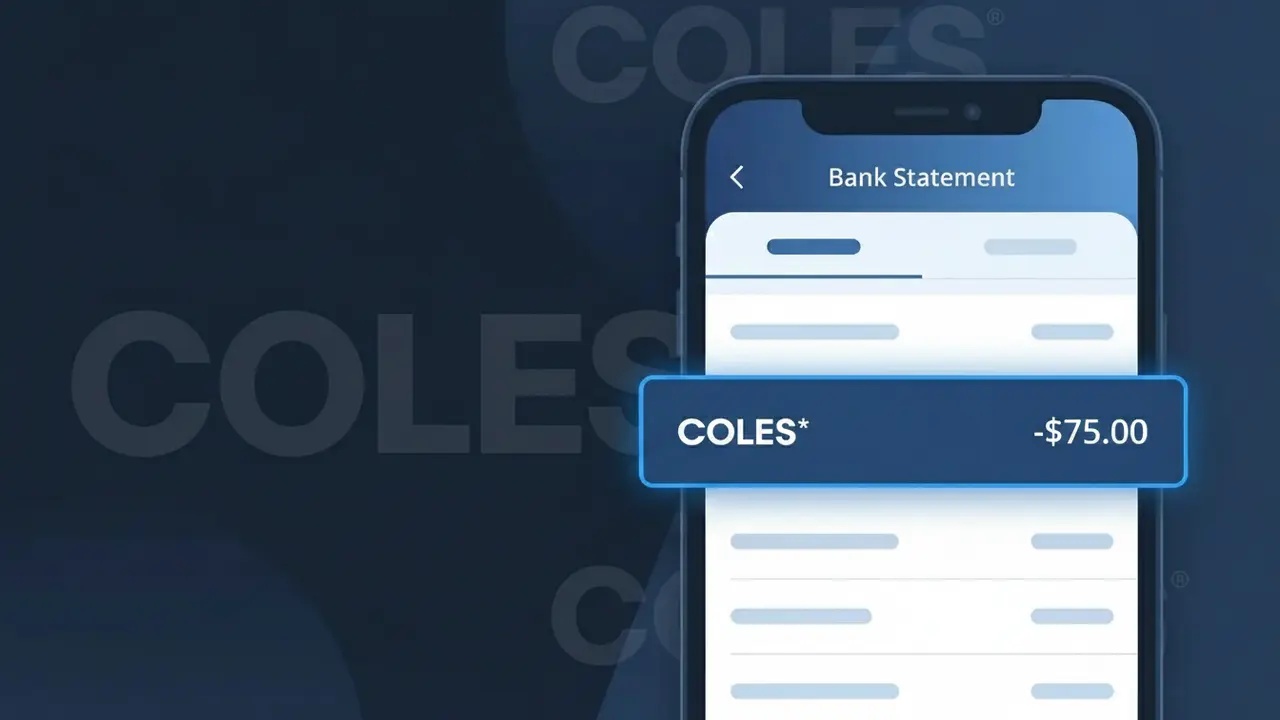
A charge showing COLES* on your bank statement is from Coles Supermarkets, one of Australia's largest grocery retail chains. This charge appears when you make a purchase at a Coles store, whether in-person or through their online shopping platform. The asterisk following COLES* is a common formatting convention used in payment processing systems to separate the merchant identifier from additional transaction details. If you've recently bought groceries, household items, or any other products from a Coles location across Australia, this is almost certainly the charge you're seeing.
The COLES* descriptor appears on your bank statement because payment processors and banking systems use abbreviated merchant codes to identify transactions, often truncating or shortening the full business name to fit within character limits. Coles Supermarkets operates under this shortened identifier in the payment network, which is why you won't always see the full company name displayed. The asterisk is typically added by the payment terminal or processing system and may be followed by a store number, location name, or other transaction-specific detail depending on your bank's formatting.
Is the COLES* Charge Legitimate or Fraud?
If you see COLES* on your bank or credit card statement, it almost certainly comes from a purchase at Coles Supermarkets, one of Australia's largest grocery chains. This abbreviated descriptor is standard for Coles transactions and is not inherently a sign of fraud. Common legitimate reasons for seeing COLES* include:
- In-store grocery or liquor purchases at a Coles Supermarket location
- Online orders placed through the Coles website or app, including Click&Collect and home delivery
- Coles Plus membership subscription fees charged on a recurring basis
- Fuel purchases at Coles Express service stations linked to your payment card
How to Verify the COLES* Charge
- 1
Check your Coles account
Log into your Coles account at coles.com.au and review your order history to match the charge amount and date to a recent transaction.
- 2
Search your email for receipts
Look for confirmation emails from Coles Supermarkets — online orders and Click&Collect purchases generate automatic receipts sent to your registered email address.
- 3
Check with household members
Ask family members or housemates whether they used your card at Coles Supermarkets, since in-store purchases are easy to overlook on shared accounts.
- 4
Review Coles Plus subscription
If you subscribed to Coles Plus for free delivery benefits, check whether the COLES* charge aligns with your monthly or annual membership renewal date.
- 5
Contact your bank
If you still cannot identify the COLES* charge, call your bank's fraud line and ask for the full merchant details attached to the transaction for further investigation.
How to Dispute a COLES* Charge
- 1
Act within 60 days
Most banks require you to raise a dispute within 60 days of the COLES* charge appearing on your statement, so act quickly once you identify an unauthorised transaction.
- 2
Contact Coles Supermarkets first
Reach out to Coles Customer Care at 1800 061 562 or via the Coles website — they can often resolve billing errors or unauthorised charges faster than a formal bank dispute.
- 3
File a chargeback with your bank
If Coles Supermarkets cannot resolve the issue, contact your bank or card provider to initiate a chargeback, providing the COLES* charge details, amount, and any correspondence with Coles.
- 4
Request a new card
If the COLES* charge appears fraudulent and your card details may be compromised, ask your bank to cancel your current card and issue a replacement to prevent further unauthorised charges.
Tips for Managing Coles Supermarkets Charges
Set up transaction alerts on your bank app so you're notified instantly whenever a COLES* charge is processed.
Always keep your Coles in-store receipts until the COLES* charge clears correctly on your statement.
Secure your Coles account with a strong, unique password and enable two-factor authentication to prevent unauthorised orders.
Note your Coles Plus renewal date in your calendar to avoid being surprised by the annual or monthly membership charge.
Use a dedicated card for Coles Supermarkets online shopping to make COLES* charges easier to track and dispute if needed.
Use WhatIsThisCharge.net to identify related charges that may appear alongside COLES* on your statement.
Frequently Asked Questions About the COLES* Charge
ℹ️ Note
In most cases, a COLES* charge is simply a routine grocery or online delivery purchase from Coles Supermarkets — checking your recent shopping history or Coles account order page will usually identify it within seconds.
Was this article helpful?