Why You're Seeing "CON EDISON*" on Your Bank Statement
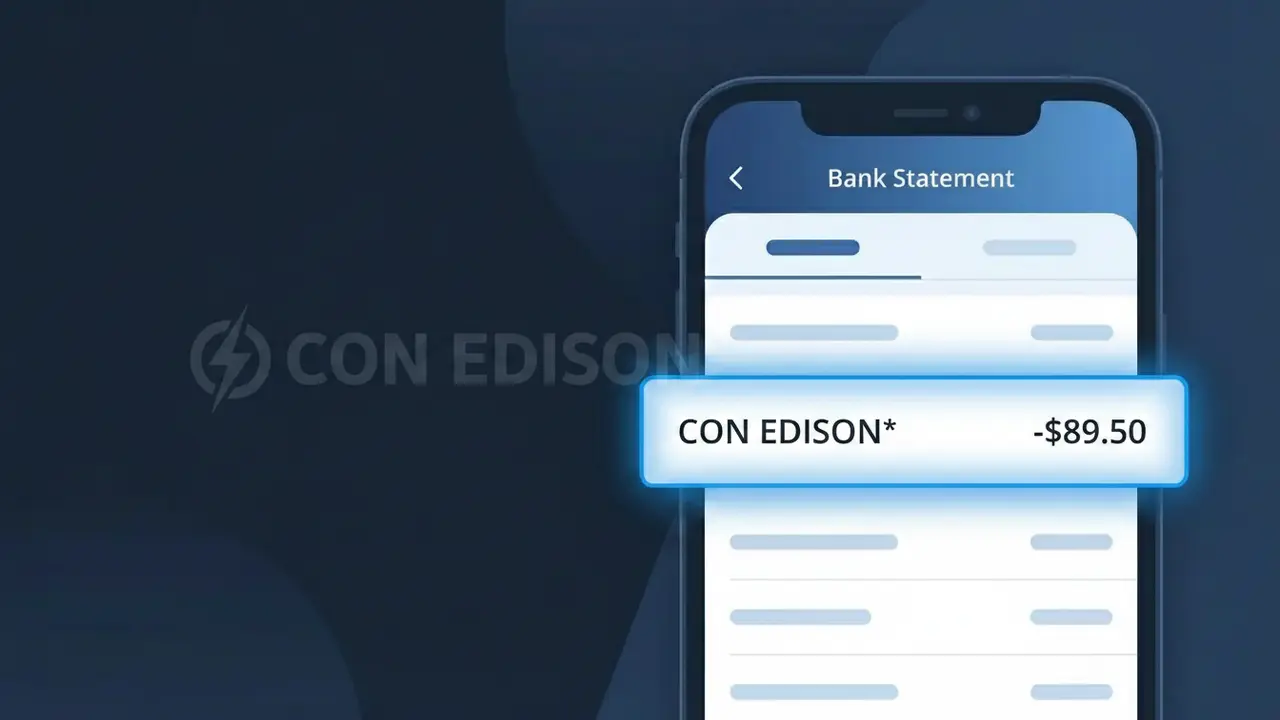
Why You're Seeing "CON EDISON*" on Your Bank Statement
A CON EDISON* charge on your bank statement comes from Consolidated Edison, the primary electric and gas utility provider serving New York City and Westchester County. This charge represents payment for your Con Edison utility bill, which covers electricity, natural gas, or steam services delivered to your home or business. The asterisk following CON EDISON* is a standard billing convention used by payment processors to indicate a utility merchant transaction. If you live or operate a business in the New York metropolitan area and receive utility services, this charge is almost certainly your regular energy bill.
The descriptor CON EDISON* appears on your bank statement because Consolidated Edison uses a shortened version of their company name when processing payments through their billing and payment systems. Payment processors have a limited number of characters available for merchant descriptors, so the full name 'Consolidated Edison' is truncated to the recognizable abbreviation CON EDISON*. The asterisk is commonly appended by payment networks to flag utility or recurring billing transactions, helping banks and card networks categorize the charge type.
Is the CON EDISON* Charge Legitimate or Fraud?
A CON EDISON* charge on your bank or credit card statement is almost always a legitimate payment to Con Edison, the major electric and gas utility serving New York City and Westchester County. This charge typically appears when you pay your utility bill online, via autopay, or through Con Edison's mobile app. However, if you don't recognize the amount or don't have a Con Edison account, it's worth investigating further.
- Con Edison uses the descriptor CON EDISON* for credit and debit card transactions, often followed by a partial account number
- The charge amount should match your most recent Con Edison electric or gas bill statement
- Con Edison serves customers in NYC, Westchester, and parts of New Jersey — if you live outside these areas, be cautious
- Recurring monthly charges labeled CON EDISON* are typical for autopay enrollment through Con Edison's billing system
How to Verify the CON EDISON* Charge
- 1
Log into your Con Edison account
Visit coned.com and sign in to your account. Check your billing history to see if the CON EDISON* charge amount matches a recent payment posted there.
- 2
Search your email for Con Edison receipts
Search your inbox for emails from Con Edison (coned.com) confirming a payment. The date and dollar amount should match the CON EDISON* charge on your statement.
- 3
Check with household members
Ask other people in your home if they made a one-time or scheduled payment to Con Edison using your card, especially if multiple names are on the utility account.
- 4
Review your autopay settings
If you enrolled in Con Edison's AutoPay program, the CON EDISON* charge will appear automatically each billing cycle. Log in to verify your autopay is active and matches the charge.
- 5
Contact your bank for details
Ask your bank for the full merchant descriptor and transaction ID for the CON EDISON* charge. This can help you match it precisely to a Con Edison account or payment record.
How to Dispute a CON EDISON* Charge
- 1
Act within 60 days
Most banks require you to dispute an unrecognized CON EDISON* charge within 60 days of the statement date. Acting quickly protects your right to a full chargeback investigation.
- 2
Contact Con Edison directly first
Call Con Edison customer service at 1-800-752-6633 or use the chat feature at coned.com. Explain the charge and request a billing review — errors are often resolved faster this way than through your bank.
- 3
File a chargeback with your bank
If Con Edison cannot resolve the issue, contact your bank or card issuer to dispute the CON EDISON* charge. Provide your Con Edison account number, the charge date, and any correspondence as supporting evidence.
- 4
Request a new card if fraud is suspected
If you don't have a Con Edison account at all, the CON EDISON* charge may indicate card fraud. Ask your bank to cancel your current card and issue a replacement to prevent further unauthorized charges.
Tips for Managing Con Edison Charges
Enable email or text billing alerts from Con Edison so you're notified before each CON EDISON* charge hits your card.
Save your monthly Con Edison bill PDFs to easily cross-reference any CON EDISON* charge amounts on your statement.
Keep your Con Edison online account credentials updated so you can quickly log in to verify any unexpected CON EDISON* charge.
Con Edison bills on a monthly cycle — note your usual billing date so a CON EDISON* charge on a different date stands out immediately.
Use a dedicated card for utility payments so any fraudulent CON EDISON* charge is easier to spot among unrelated transactions.
Use WhatIsThisCharge.net to identify related charges from Con Edison or other utility providers on your statement.
Frequently Asked Questions About the CON EDISON* Charge
ℹ️ Note
In most cases, a CON EDISON* charge is simply your monthly electric or gas bill from Con Edison being processed — especially common for customers enrolled in AutoPay. A quick login to coned.com will usually confirm the charge within seconds.
🔍 Decode this charge instantly
Search our database for CON EDISON* and similar charges.
Decode CON EDISON* →Was this article helpful?