Why You're Seeing "DELIVEROO AE*" on Your Bank Statement
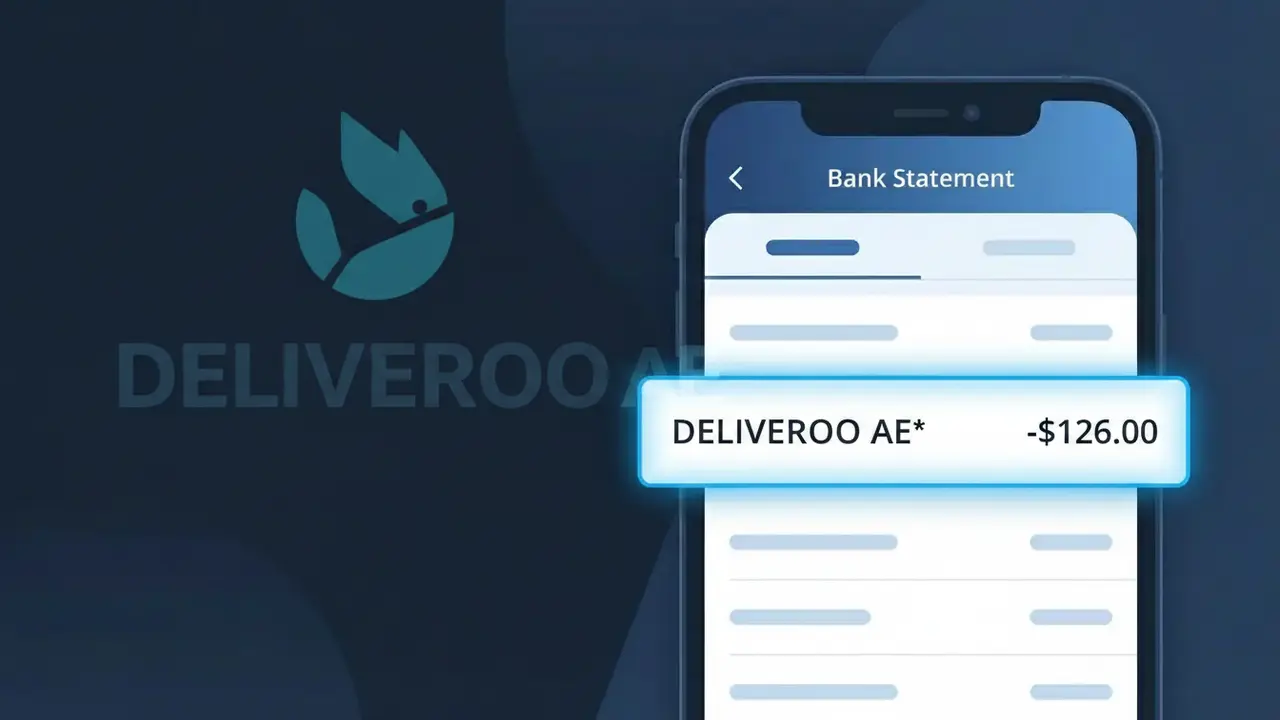
Why You're Seeing "DELIVEROO AE*" on Your Bank Statement
The DELIVEROO AE* charge on your bank statement comes from Deliveroo UAE, the popular food and grocery delivery platform operating across the United Arab Emirates. This charge appears whenever you place an order through the Deliveroo app or website for restaurant meals or grocery items delivered to your door. The 'AE' suffix in the descriptor indicates the transaction originates from the UAE region of Deliveroo's operations. If you or someone with access to your payment details has recently ordered food delivery in the UAE, this charge is almost certainly the cause.
The descriptor DELIVEROO AE* appears on your bank statement because payment processors use a shortened, standardised code to identify the merchant rather than displaying the full brand name. The 'AE' country code is appended to distinguish UAE-based Deliveroo transactions from those processed in other countries where the service operates. The asterisk (*) is a common formatting character used by payment systems to separate the merchant name from additional order reference data.
Is the DELIVEROO AE* Charge Legitimate or Fraud?
If you've spotted DELIVEROO AE* on your bank or credit card statement, this charge almost certainly comes from Deliveroo UAE, the popular food delivery service operating across the United Arab Emirates. This descriptor appears when you order meals through the Deliveroo app or website in the UAE region. Before assuming fraud, consider these common legitimate reasons for the charge:
- A recent food delivery order placed through the Deliveroo UAE app or website
- An active Deliveroo Plus subscription (Deliveroo UAE's unlimited free delivery membership) renewing monthly or annually
- A pending or delayed charge from a past order that only just cleared your bank
- A family member or partner who shares your payment method and ordered via Deliveroo UAE
How to Verify the DELIVEROO AE* Charge
- 1
Check your Deliveroo UAE order history
Log into your Deliveroo UAE account at deliveroo.ae or in the app, navigate to 'Past Orders,' and match the charge amount and date to a specific order.
- 2
Search your email for receipts
Search your inbox for emails from Deliveroo UAE (noreply@deliveroo.ae) containing order confirmations or receipts that match the DELIVEROO AE* charge amount.
- 3
Check household members
Ask family members or roommates whether they placed a Deliveroo UAE order using your saved payment method, as the DELIVEROO AE* descriptor will appear regardless of who ordered.
- 4
Review your Deliveroo Plus subscription
Check whether you have an active Deliveroo Plus membership in the UAE — log in, go to Account > Deliveroo Plus, and confirm if a recurring subscription fee matches the DELIVEROO AE* charge.
- 5
Contact your bank for more details
If you still cannot match the DELIVEROO AE* charge, call your bank to get the exact merchant transaction ID, which can help Deliveroo UAE customer support locate the specific transaction.
How to Dispute a DELIVEROO AE* Charge
- 1
Act within 60 days
Most banks require you to dispute an unrecognized DELIVEROO AE* charge within 60 days of the statement date — act quickly to preserve your right to a chargeback.
- 2
Contact Deliveroo UAE first
Reach out to Deliveroo UAE customer support via the app's Help section or at deliveroo.ae/help — resolving it directly is often faster than a bank dispute and can result in an immediate refund.
- 3
File a chargeback with your bank
If Deliveroo UAE does not resolve the issue, contact your bank or card issuer, cite the DELIVEROO AE* charge, and formally request a chargeback, providing any communication with Deliveroo UAE as evidence.
- 4
Request a new card number
If you suspect your card details were used fraudulently to make Deliveroo UAE purchases, ask your bank to cancel the card and issue a new one to prevent further unauthorized DELIVEROO AE* charges.
Tips for Managing Deliveroo UAE Charges
Enable bank notifications so you're alerted instantly whenever a DELIVEROO AE* charge is processed.
Save Deliveroo UAE order confirmation emails to easily match any future DELIVEROO AE* charges on your statement.
Use a strong, unique password for your Deliveroo UAE account to prevent unauthorized orders appearing as DELIVEROO AE* charges.
Note your Deliveroo Plus renewal date in your calendar so the recurring DELIVEROO AE* subscription charge never catches you off guard.
Remove saved cards from Deliveroo UAE when not in use to reduce exposure to unexpected DELIVEROO AE* charges.
Use WhatIsThisCharge.net to identify related charges that may appear alongside DELIVEROO AE* on your statement.
Frequently Asked Questions About the DELIVEROO AE* Charge
ℹ️ Note
In most cases, a DELIVEROO AE* charge is simply Deliveroo UAE billing you for a recent food delivery order or a Deliveroo Plus subscription renewal — checking your order history in the app takes less than a minute and will usually clear up any confusion immediately.
🔍 Decode this charge instantly
Search our database for DELIVEROO AE* and similar charges.
Decode DELIVEROO AE* →Was this article helpful?