Why You're Seeing "DISCORD*" on Your Bank Statement
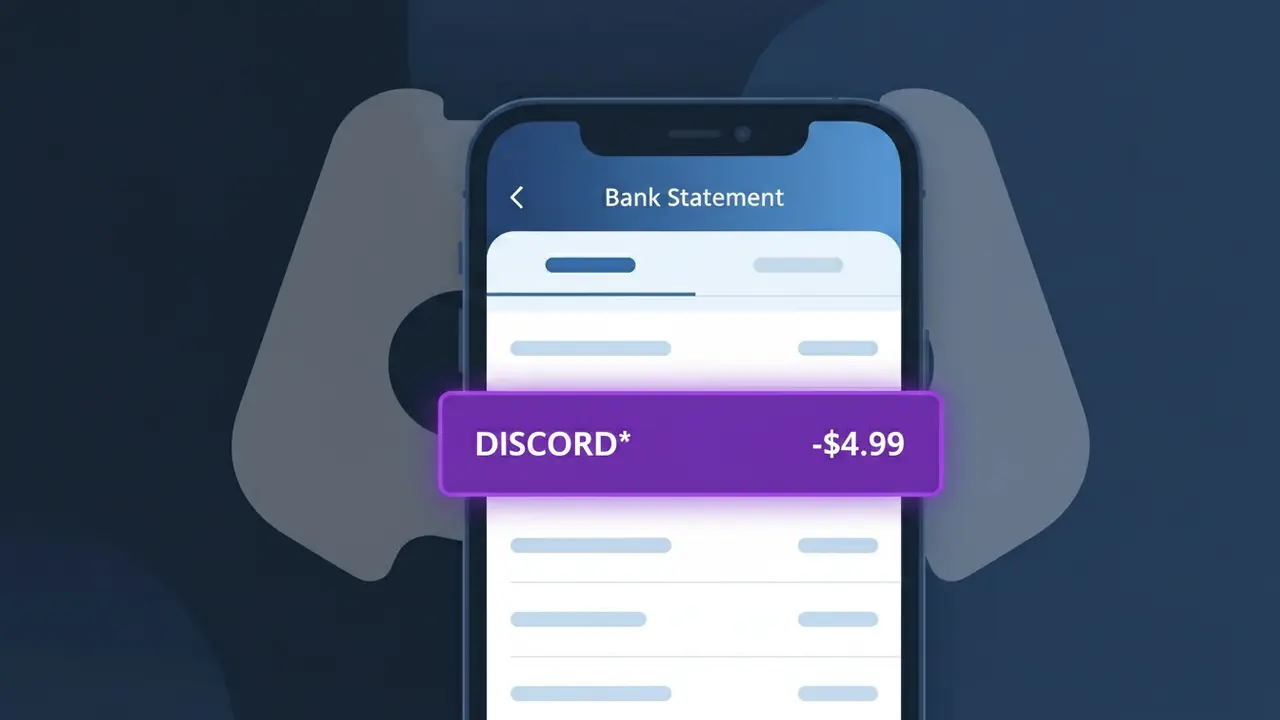
Why You're Seeing "DISCORD*" on Your Bank Statement
A charge showing DISCORD* on your bank statement comes from Discord Nitro, the premium subscription service offered by the popular gaming and communication platform Discord. This charge is for Discord's paid membership tier, which unlocks enhanced features like animated avatars, higher quality screen sharing, larger file uploads, and access to special server boosts. The DISCORD* descriptor appears when you or someone with access to your payment method has signed up for a Nitro subscription, either monthly or annually. If you don't recognize this charge, it's worth checking whether a family member or someone else may have used your card.
The DISCORD* descriptor appears on your bank statement because payment processors often use a shortened or coded version of the merchant's name, with the asterisk typically indicating a subscription-based or recurring charge. Discord uses this format to identify their Nitro billing transactions across different banking systems. Depending on your bank, you may also see additional characters after the asterisk, such as a transaction ID or region code, but the DISCORD* prefix always points back to a Discord Nitro subscription charge.
Is the DISCORD* Charge Legitimate or Fraud?
A DISCORD* charge on your bank or credit card statement is almost always a legitimate billing from Discord Nitro, Discord's premium subscription service for gamers. This charge appears when you or someone with access to your payment method has subscribed to Discord Nitro or Discord Nitro Basic. Before assuming fraud, consider these common legitimate reasons for the DISCORD* charge:
- You subscribed to Discord Nitro (monthly or annual plan) for enhanced features like animated avatars and boosted upload limits
- A free Discord Nitro trial period ended and automatically converted to a paid subscription
- A family member, partner, or roommate signed up for Discord Nitro using your shared payment method
- You boosted a Discord server, which may have triggered a Discord Nitro subscription as part of the process
How to Verify the DISCORD* Charge
- 1
Log into your Discord account
Visit discord.com or open the Discord app, go to User Settings > Subscriptions, and check if an active Discord Nitro plan is listed matching the DISCORD* charge amount.
- 2
Search your email for Discord receipts
Search your inbox for emails from 'noreply@discord.com' or 'billing@discord.com' — Discord Nitro sends a receipt each time the DISCORD* charge is processed.
- 3
Check household members or shared accounts
Ask family members or roommates if they signed up for Discord Nitro using your card. The DISCORD* charge is common among teens and young adults in gaming households.
- 4
Review your active subscriptions
Check your phone's App Store or Google Play subscription manager, as Discord Nitro purchased through mobile platforms may still appear as DISCORD* on your bank statement.
- 5
Contact your bank if still unsure
If you cannot match the DISCORD* charge to any Discord Nitro account or email receipt, call the number on the back of your card to get the exact merchant details and transaction date.
How to Dispute a DISCORD* Charge
- 1
Act within 60 days of the charge
Most banks require you to dispute unauthorized DISCORD* charges within 60 days of the statement date. Check your statement as soon as you notice the unfamiliar Discord Nitro charge.
- 2
Contact Discord Nitro support first
Visit discord.com/support and submit a billing ticket explaining the unauthorized DISCORD* charge. Discord's support team can verify account activity and often issues refunds for unrecognized charges within 3–5 business days.
- 3
File a chargeback with your bank
If Discord Nitro support does not resolve the DISCORD* charge, contact your bank or credit card issuer to file a formal chargeback, citing the charge as unauthorized or unrecognized.
- 4
Request a new card number
If the DISCORD* charge appears fraudulent and your card details were compromised, ask your bank to issue a replacement card to prevent future unauthorized Discord Nitro or other subscription charges.
Tips for Managing Discord Nitro Charges
Set a calendar reminder before your Discord Nitro trial ends to avoid an unexpected DISCORD* charge on your statement.
Always save Discord Nitro confirmation emails so you can quickly match them to any DISCORD* charge that appears.
Secure your Discord account with two-factor authentication to prevent unauthorized Discord Nitro purchases on your card.
Note whether your Discord Nitro plan is monthly or annual — annual plans show a larger one-time DISCORD* charge each year.
Enable bank transaction alerts so you're notified immediately when a DISCORD* charge is processed to your account.
Use WhatIsThisCharge.net to identify related charges that may appear alongside DISCORD* on your statement.
Frequently Asked Questions About the DISCORD* Charge
ℹ️ Note
In most cases, a DISCORD* charge simply means a Discord Nitro subscription is active on your account or a household member's — it's one of the most recognized gaming subscription charges and is rarely fraudulent. A quick check of your Discord account's subscription settings will usually clear up any confusion in under a minute.
🔍 Decode this charge instantly
Search our database for DISCORD* and similar charges.
Decode DISCORD* →Was this article helpful?