Why You're Seeing "NETFLIX *1" on Your Bank Statement
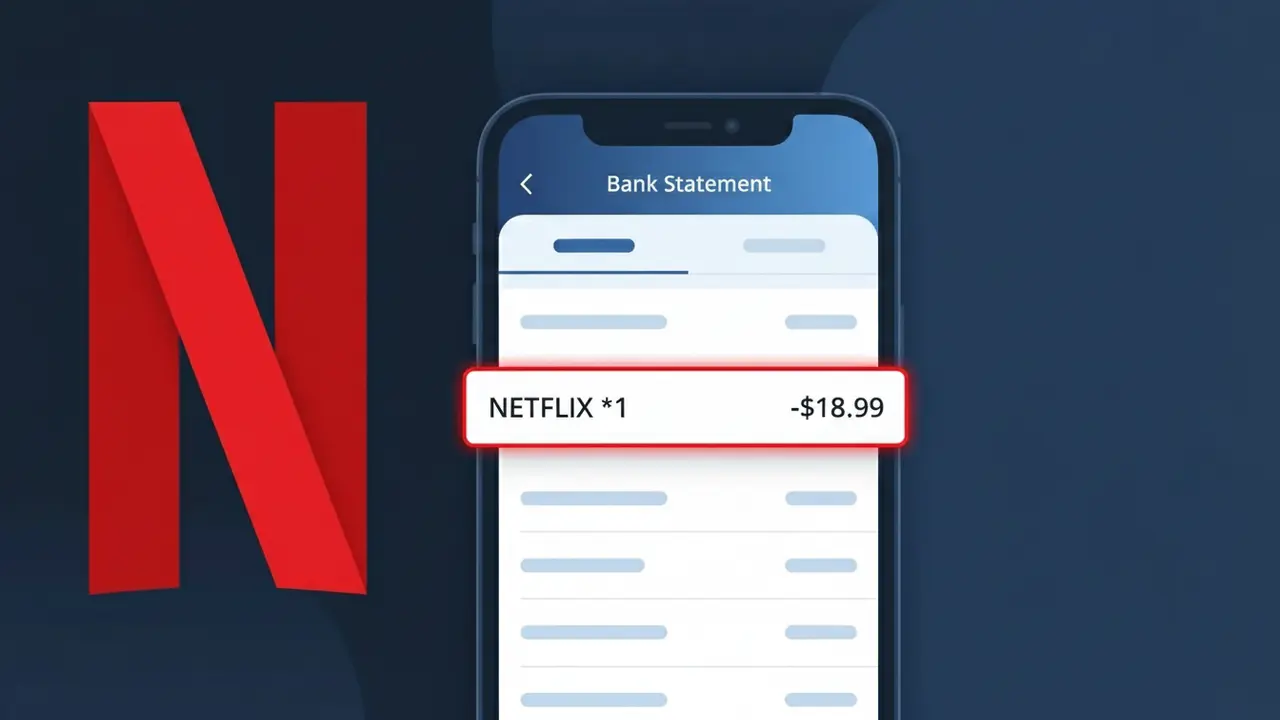
Why You're Seeing "NETFLIX *1" on Your Bank Statement
The charge descriptor NETFLIX *1 on your bank statement is a billing charge from Netflix, the popular video streaming service. This specific descriptor typically appears when you have an active Netflix subscription and are being billed for your monthly streaming plan. The '*1' suffix is often used by Netflix's payment processing system to distinguish between multiple subscriptions or billing accounts associated with your payment method. If you recognize having a Netflix account, this charge is almost certainly your regular subscription fee for accessing their library of movies, TV shows, and original content.
The descriptor NETFLIX *1 appears on your bank statement because Netflix uses a shorthand billing format through their payment processor, which appends a numerical identifier to help categorize and differentiate transactions. The '*1' designation is part of Netflix's internal billing system and may indicate it is the primary or first subscription linked to your payment method. This format is standard practice among large subscription services that process millions of transactions and need systematic ways to track and identify individual billing events.
Is the NETFLIX *1 Charge Legitimate or Fraud?
The NETFLIX *1 charge on your bank or credit card statement is almost always a legitimate billing from Netflix, the popular streaming service. Netflix uses this shortened descriptor — sometimes appearing as "NETFLIX *1" or similar variants — when processing monthly subscription payments. Here are the most common reasons you'd see this charge:
- Your monthly Netflix subscription renewed automatically on its billing date
- A free trial you signed up for recently converted to a paid Netflix plan
- A family member or someone in your household used your card to sign up for their own Netflix account
- You recently upgraded your Netflix plan (e.g., from Standard to Premium), triggering a prorated or new charge
How to Verify the NETFLIX *1 Charge
- 1
Log into your Netflix account
Visit netflix.com and sign in. Navigate to 'Account' then 'Billing Details' to see your latest payment amount and date — compare it to the NETFLIX *1 charge on your statement.
- 2
Search your email for Netflix receipts
Search your inbox for emails from 'info@account.netflix.com'. Netflix sends a receipt every billing cycle that will confirm the exact charge amount matching NETFLIX *1.
- 3
Check with household members
Ask family members or roommates whether they signed up for a Netflix account using your payment method, which would explain an unexpected NETFLIX *1 charge appearing on your statement.
- 4
Review your active subscriptions
Check any subscription tracking apps or your bank's subscription manager to see if Netflix is listed as an active recurring charge tied to your card.
- 5
Contact your bank for details
Call the number on the back of your card and ask for the full merchant details behind the NETFLIX *1 transaction, including the exact merchant ID and location, to confirm its origin.
How to Dispute a NETFLIX *1 Charge
- 1
Act within 60 days
Most banks require you to dispute an unauthorized NETFLIX *1 charge within 60 days of the statement date. Act quickly to preserve your right to a full chargeback.
- 2
Contact Netflix support first
Reach Netflix at netflix.com/contactus or call 1-866-579-7172. Explain the unexpected NETFLIX *1 charge — Netflix can often issue a refund directly, which is faster than a bank dispute.
- 3
File a chargeback with your bank
If Netflix won't resolve the issue, contact your bank or card issuer to file a formal chargeback for the NETFLIX *1 charge, citing it as unauthorized or fraudulent.
- 4
Request a new card number
If you suspect your card details were stolen and used to open a Netflix account fraudulently, ask your bank to cancel and reissue your card to prevent further NETFLIX *1 charges.
Tips for Managing Netflix Charges
Set a calendar alert a few days before your Netflix billing date so a NETFLIX *1 charge never catches you off guard.
Save Netflix email receipts each month to quickly match them against any NETFLIX *1 entries on your bank statement.
Enable Netflix account access notifications so you're alerted if someone logs in and changes billing info on your account.
Note your exact Netflix billing cycle date in your phone — NETFLIX *1 charges always post on or within a day of that date.
Use a virtual card number for your Netflix subscription to isolate NETFLIX *1 charges and block unauthorized renewals easily.
Use WhatIsThisCharge.net to identify related charges that may appear alongside NETFLIX *1 on your statement.
Frequently Asked Questions About the NETFLIX *1 Charge
ℹ️ Note
In the vast majority of cases, a NETFLIX *1 charge is simply Netflix billing your card for your monthly streaming subscription — it's one of the most commonly recognized legitimate charges we see reported on WhatIsThisCharge.net. If the amount matches your Netflix plan price, there's no cause for concern.
🔍 Decode this charge instantly
Search our database for NETFLIX *1 and similar charges.
Decode NETFLIX *1 →Was this article helpful?