Why You're Seeing "NOTION*" on Your Bank Statement
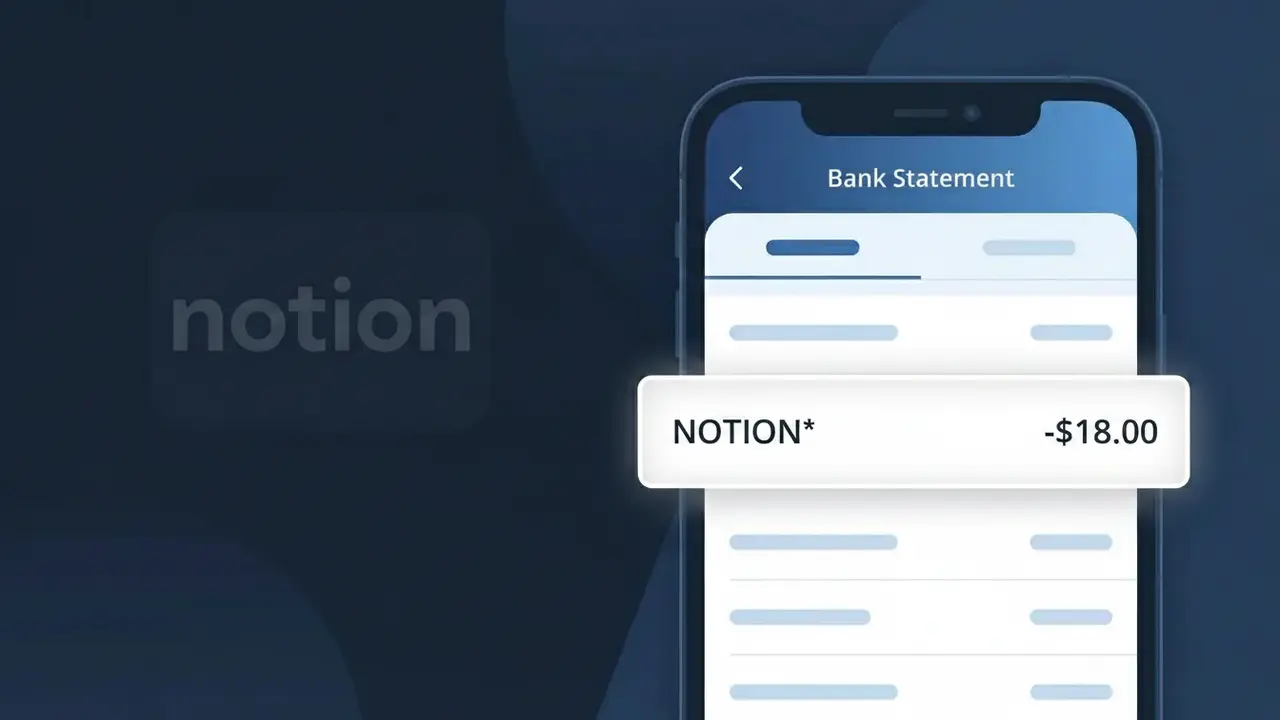
Why You're Seeing "NOTION*" on Your Bank Statement
A charge labeled NOTION* on your bank statement comes from Notion, the popular all-in-one productivity and workspace platform. This charge represents a subscription to Notion's paid plans, which offer features like unlimited pages, collaborative workspaces, and advanced integrations beyond the free tier. The asterisk following NOTION* is a common formatting convention used by payment processors to separate the company name from additional billing details. If you or someone with access to your payment method signed up for a Notion Plus, Business, or Enterprise plan, this charge is expected and recurring.
The descriptor NOTION* appears on your bank statement because Notion uses a truncated billing identifier when processing payments through their payment provider, which compresses the full company name into a short recognizable code. Payment processors often append an asterisk after a merchant name to indicate that additional transaction detail follows, such as a plan type or billing period. This abbreviated format is standard practice for SaaS companies and helps payment networks route and categorize transactions efficiently.
Is the NOTION* Charge Legitimate or Fraud?
If you see NOTION* on your bank or credit card statement, this charge is almost certainly legitimate and comes from Notion, the popular all-in-one productivity and note-taking platform. Notion uses the NOTION* billing descriptor for subscription payments to its Plus, Business, or Enterprise plans.
- You or someone in your household signed up for a Notion paid plan (Plus or Business)
- A free Notion trial period ended and automatically converted to a paid subscription
- You upgraded your Notion workspace and were billed for the new tier
- A Notion workspace you belong to billed you as the workspace owner or billing admin
How to Verify the NOTION* Charge
- 1
Log into your Notion account
Visit notion.so and sign in. Go to Settings & Members > Billing to review your active plan and recent payment history. The charge amount should match what appears on your statement as NOTION*.
- 2
Search your email for Notion receipts
Search your inbox for emails from 'billing@notion.so' or 'no-reply@notion.so'. Notion sends a receipt email every time a NOTION* charge is processed, showing the plan, amount, and billing date.
- 3
Check if a household member signed up
Ask family members or roommates whether they created a Notion account using a shared payment method. A spouse or partner may have started a Notion Plus or Business plan without mentioning it.
- 4
Review your subscriptions list
Check your phone's subscription manager (Apple ID or Google Play) or your password manager for any saved Notion login. You may have signed up for Notion on a different email address you've forgotten about.
- 5
Contact your bank if still unsure
If you cannot match the NOTION* charge to any Notion account after checking all of the above, call the number on the back of your card and ask your bank for the full merchant details associated with the transaction.
How to Dispute a NOTION* Charge
- 1
Act within 60 days
Most banks require you to dispute an unrecognized NOTION* charge within 60 days of the statement date. Act quickly — gather the transaction date, amount, and any Notion account details before contacting anyone.
- 2
Contact Notion support first
Reach out to Notion directly at notion.so/contact or via the in-app help menu. Notion's support team can identify which account was charged, issue refunds for accidental renewals, and cancel subscriptions same-day.
- 3
File a chargeback with your bank
If Notion does not resolve the issue, contact your bank or card issuer and formally dispute the NOTION* charge as unauthorized. Provide your correspondence with Notion support as evidence to strengthen your case.
- 4
Request a new card number
If you believe the NOTION* charge is the result of fraud or unauthorized card use, ask your bank to cancel and reissue your card. This prevents any further unauthorized charges using your current card details.
Tips for Managing Notion Charges
Enable email billing alerts in Notion settings so you're notified before each NOTION* charge hits your account.
Download your Notion invoices from Settings > Billing — useful for expense reports and tracking NOTION* payments.
Use a single dedicated email for your Notion account to avoid confusion about which account triggered a NOTION* charge.
Note whether you're on Notion's monthly or annual plan — annual NOTION* charges are larger but appear less frequently.
Downgrade to Notion's free plan before your renewal date to avoid future NOTION* charges if you no longer need premium features.
Use WhatIsThisCharge.net to identify any related or unfamiliar charges that appear alongside NOTION* on your statement.
Frequently Asked Questions About the NOTION* Charge
ℹ️ Note
In most cases, a NOTION* charge is simply Notion billing you for your active Plus or Business subscription — it's a recognized, legitimate charge from one of the world's most widely used productivity platforms. If you're still unsure, a quick check of your Notion billing settings or a search for emails from notion.so will usually clear things up in minutes.
Was this article helpful?