Why You're Seeing "STRIPE PAYMENTS*" on Your Bank Statement
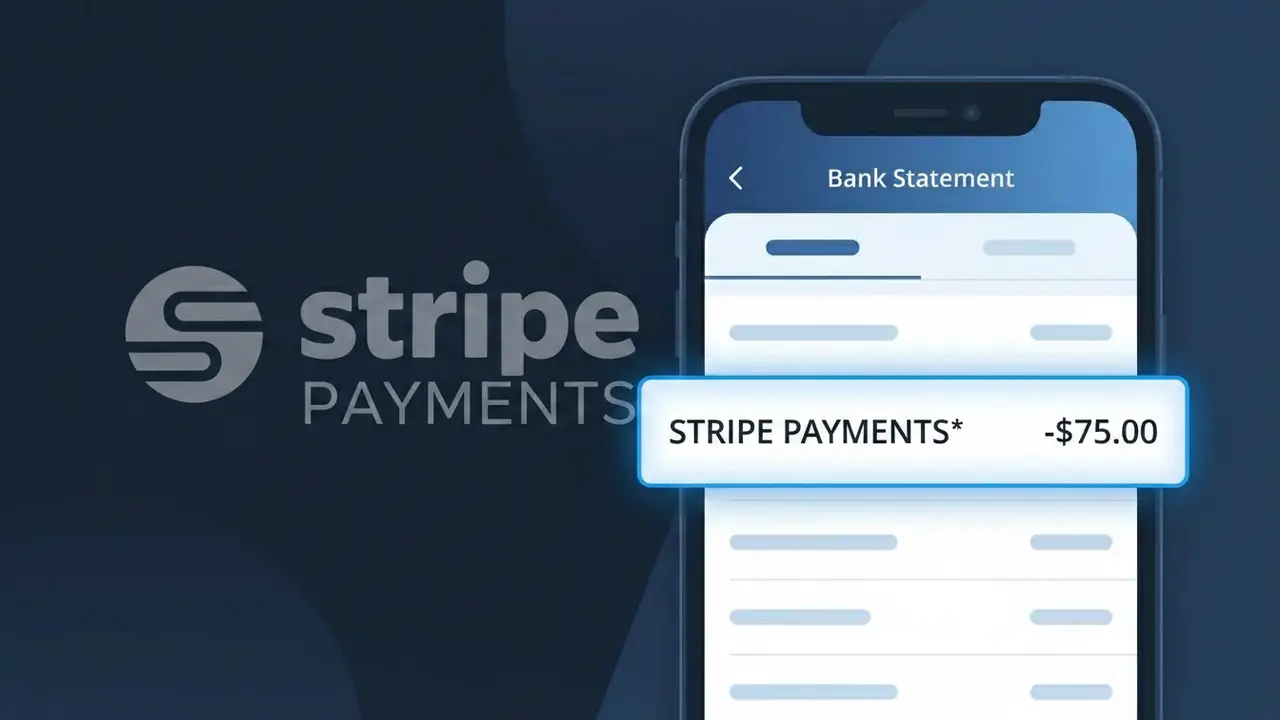
Why You're Seeing "STRIPE PAYMENTS*" on Your Bank Statement
The STRIPE PAYMENTS* charge on your bank statement comes from Stripe, a widely used online payment processing platform headquartered in the United States. This charge appears when a business or individual you've purchased from uses Stripe to handle their payment transactions. Rather than showing the merchant's own name, some Stripe-integrated businesses display this descriptor, which can cause confusion if you don't immediately recognize it. Reviewing your recent online purchases is usually the quickest way to identify which merchant triggered this charge.
The STRIPE PAYMENTS* descriptor appears on your bank statement because the merchant you purchased from uses Stripe as their payment processor, and their account is configured to display Stripe's generic descriptor rather than a custom business name. Stripe allows merchants to set their own statement descriptors, but smaller businesses or those who haven't customized their settings may default to the STRIPE PAYMENTS* label. If you see an asterisk followed by additional characters after the descriptor, that suffix may offer a clue about the specific merchant involved.
Is the STRIPE PAYMENTS* Charge Legitimate or Fraud?
A STRIPE PAYMENTS* charge on your bank or credit card statement is typically legitimate. Stripe is a widely used payment processing platform that businesses use to collect payments, meaning the charge reflects a purchase you made from a merchant that uses Stripe as their payment processor. However, if you don't recognize the charge, it's worth investigating further.
- Stripe processes payments for millions of online businesses worldwide, so STRIPE PAYMENTS* is a common descriptor
- The charge often appears with a merchant name suffix after the asterisk, such as STRIPE PAYMENTS*YourShop
- Legitimate STRIPE PAYMENTS* charges are tied to a real transaction from a Stripe-enabled business
- Fraudulent charges can also appear as STRIPE PAYMENTS* if your card details were stolen and used on a Stripe-powered site
How to Verify the STRIPE PAYMENTS* Charge
- 1
Check the full charge descriptor
Look closely at your statement for any merchant name listed after 'STRIPE PAYMENTS*' — this suffix often identifies the exact business that processed the charge through Stripe.
- 2
Search your email for Stripe receipts
Search your inbox for emails from 'receipt@stripe.com' or 'no-reply@stripe.com' — Stripe automatically sends transaction receipts that will match the STRIPE PAYMENTS* charge amount and date.
- 3
Log into your Stripe account
If you have a Stripe account, visit dashboard.stripe.com and check your payment history to see if the STRIPE PAYMENTS* transaction is listed under your activity.
- 4
Ask household or account members
Check with family members or anyone who shares access to your payment method — they may have made a purchase from a Stripe-powered merchant without your knowledge.
- 5
Contact your bank for details
Call the number on the back of your card and ask your bank to provide the full merchant name associated with the STRIPE PAYMENTS* charge, which may reveal more detail than your statement shows.
How to Dispute a STRIPE PAYMENTS* Charge
- 1
Act within 60 days
Dispute a STRIPE PAYMENTS* charge as soon as possible — most banks require you to report unauthorized charges within 60 days of the statement date to qualify for a full chargeback.
- 2
Contact Stripe or the merchant first
Visit Stripe's support page at support.stripe.com or reach out directly to the merchant that processed the charge — resolving it directly through Stripe or the seller is often faster than a bank dispute.
- 3
File a chargeback with your bank
If Stripe or the merchant doesn't resolve the issue, contact your bank or card issuer to formally dispute the STRIPE PAYMENTS* charge and request a chargeback for the unauthorized or incorrect transaction.
- 4
Request a new card if fraud is suspected
If you believe your card details were stolen and used on a Stripe-powered site, ask your bank to cancel the compromised card and issue a new one to prevent further unauthorized STRIPE PAYMENTS* charges.
Tips for Managing Stripe Charges
Enable real-time transaction alerts to catch unexpected STRIPE PAYMENTS* charges the moment they appear.
Keep a list of merchants you subscribe to that use Stripe so you can quickly match any STRIPE PAYMENTS* charge.
Secure your Stripe account with a strong password and two-factor authentication to prevent unauthorized access.
Note the billing cycle dates for any subscriptions on Stripe to anticipate when STRIPE PAYMENTS* charges will appear.
Use a virtual card number for Stripe-powered checkouts to limit exposure if your payment details are compromised.
Use WhatIsThisCharge.net to identify related charges that may also be linked to Stripe merchants.
Frequently Asked Questions About the STRIPE PAYMENTS* Charge
ℹ️ Note
Most STRIPE PAYMENTS* charges are completely legitimate and simply reflect a purchase you made from an online business that uses Stripe to process payments. If you recently shopped at a small e-commerce store, signed up for a SaaS tool, or renewed a subscription, there's a good chance that STRIPE PAYMENTS* charge is tied to that transaction.
🔍 Decode this charge instantly
Search our database for STRIPE PAYMENTS* and similar charges.
Decode STRIPE PAYMENTS* →Was this article helpful?