Why You're Seeing "DISCORD NITRO*" on Your Bank Statement
Why You're Seeing "DISCORD NITRO*" on Your Bank Statement
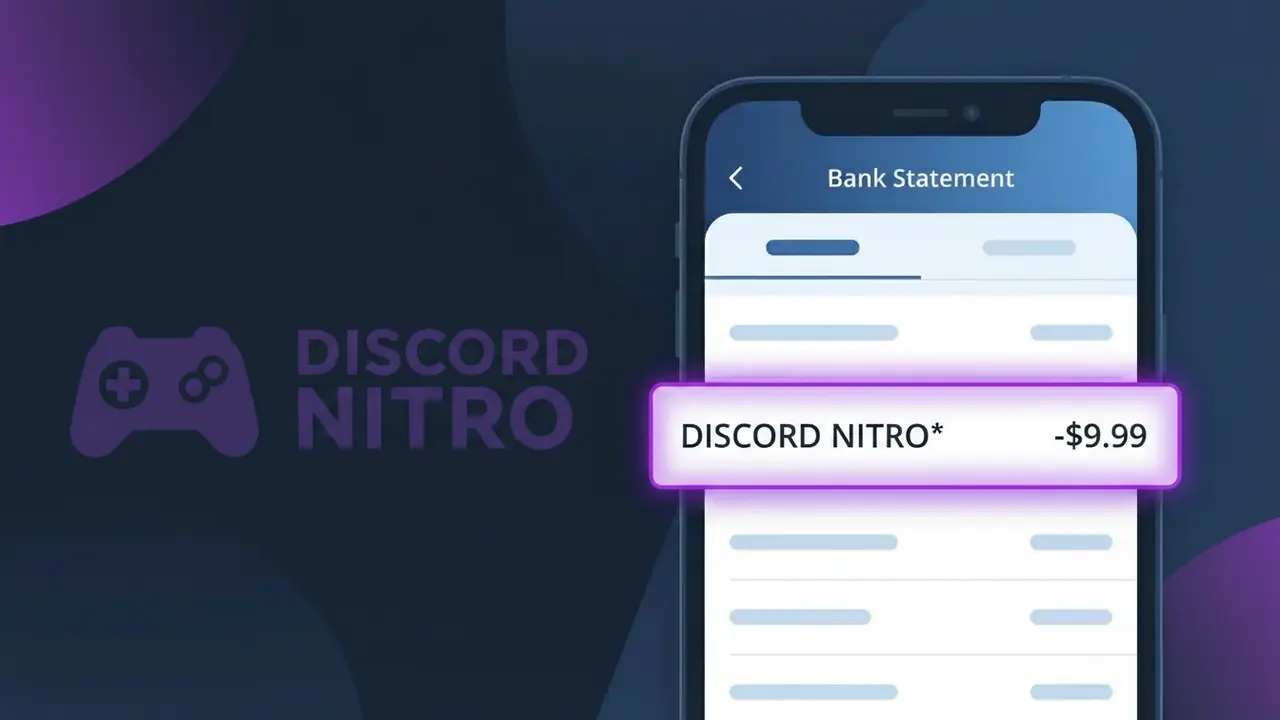
The DISCORD NITRO* charge on your bank statement comes from Discord, the popular communication platform widely used by gamers and online communities. This charge represents a subscription to Discord Nitro, the platform's premium membership tier that unlocks enhanced features such as custom emojis, animated avatars, higher-quality video streaming, and boosted server perks. If you see this charge, it means you or someone with access to your payment method has signed up for a Discord Nitro monthly or annual subscription. It can also appear if a free trial has ended and converted into a paid plan.
The descriptor DISCORD NITRO* appears on your bank statement because Discord uses this shortened label to identify premium subscription payments processed through their billing system. The asterisk (*) following the name is commonly used by payment processors to separate the merchant name from additional transaction details such as a reference number or billing cycle. This is standard practice for subscription-based services, and the charge will typically recur monthly or annually depending on the plan you selected.
Is the DISCORD NITRO* Charge Legitimate or Fraud?
The DISCORD NITRO* charge on your bank or credit card statement is most commonly a legitimate billing from Discord Nitro, Discord's premium subscription service for gamers. It covers enhanced features like animated avatars, custom emojis, boosted upload limits, and server boosts. Here are the most common reasons you might see this charge:
- You or a family member subscribed to Discord Nitro (monthly at ~$9.99 or yearly at ~$99.99)
- A free Discord Nitro trial from a game purchase or promotion has converted to a paid subscription
- You gifted Discord Nitro to another user and the recurring charge is still active
- A server boost purchased through Discord Nitro is renewing automatically each month
How to Verify the DISCORD NITRO* Charge
- 1
Check your Discord account
Log into Discord and go to User Settings > Subscriptions to confirm whether an active Discord Nitro plan is listed with a matching billing date.
- 2
Search your email for receipts
Search your inbox for emails from 'noreply@discord.com' or 'Discord Nitro' to find a receipt that matches the DISCORD NITRO* charge amount and date.
- 3
Check household members
Ask family members or anyone who shares your payment method if they signed up for Discord Nitro or redeemed a Nitro gift that required a card on file.
- 4
Review linked payment methods
In Discord, go to User Settings > Billing to see which card is attached to your Discord Nitro subscription and confirm it matches the charged card.
- 5
Contact your bank
If you still cannot identify the DISCORD NITRO* charge, call the number on the back of your card and ask for the full merchant details associated with the transaction.
How to Dispute a DISCORD NITRO* Charge
- 1
Act within 60 days
Most banks require disputes to be filed within 60 days of the DISCORD NITRO* charge appearing on your statement, so act quickly once you spot an unrecognized transaction.
- 2
Contact Discord Nitro first
Visit Discord's support page at support.discord.com and submit a billing ticket explaining the unauthorized DISCORD NITRO* charge — Discord may issue a refund directly, which is faster than a chargeback.
- 3
File a chargeback with your bank
If Discord Nitro support does not resolve the issue, contact your bank or card issuer to initiate a formal chargeback, providing the charge date, amount, and any correspondence with Discord.
- 4
Request a new card
If you suspect your card details were compromised to purchase Discord Nitro fraudulently, ask your bank to cancel the card and issue a new one to prevent further unauthorized charges.
Tips for Managing Discord Nitro Charges
Enable email billing alerts from Discord so you're notified the moment a DISCORD NITRO* charge is processed.
Screenshot your Discord Nitro subscription page monthly so you have a record of your plan tier and renewal date.
Secure your Discord Nitro account with two-factor authentication to prevent unauthorized subscription changes or purchases.
Note your Discord Nitro renewal date in your calendar to avoid surprise DISCORD NITRO* charges, especially after annual plan rollovers.
Use a virtual card number for your Discord Nitro subscription to isolate it and easily cancel without affecting other services.
Use WhatIsThisCharge.net to identify related charges that may appear alongside DISCORD NITRO* on your statement.
Frequently Asked Questions About the DISCORD NITRO* Charge
ℹ️ Note
In most cases, the DISCORD NITRO* charge is a legitimate recurring billing from Discord Nitro for their popular gaming subscription — it often goes unrecognized simply because the statement descriptor differs from the familiar 'Discord' brand name.
🔍 Decode this charge instantly
Search our database for DISCORD NITRO* and similar charges.
Decode DISCORD NITRO* →Was this article helpful?