Why You're Seeing "DiscountScout*" on Your Bank Statement
Why You're Seeing "DiscountScout*" on Your Bank Statement
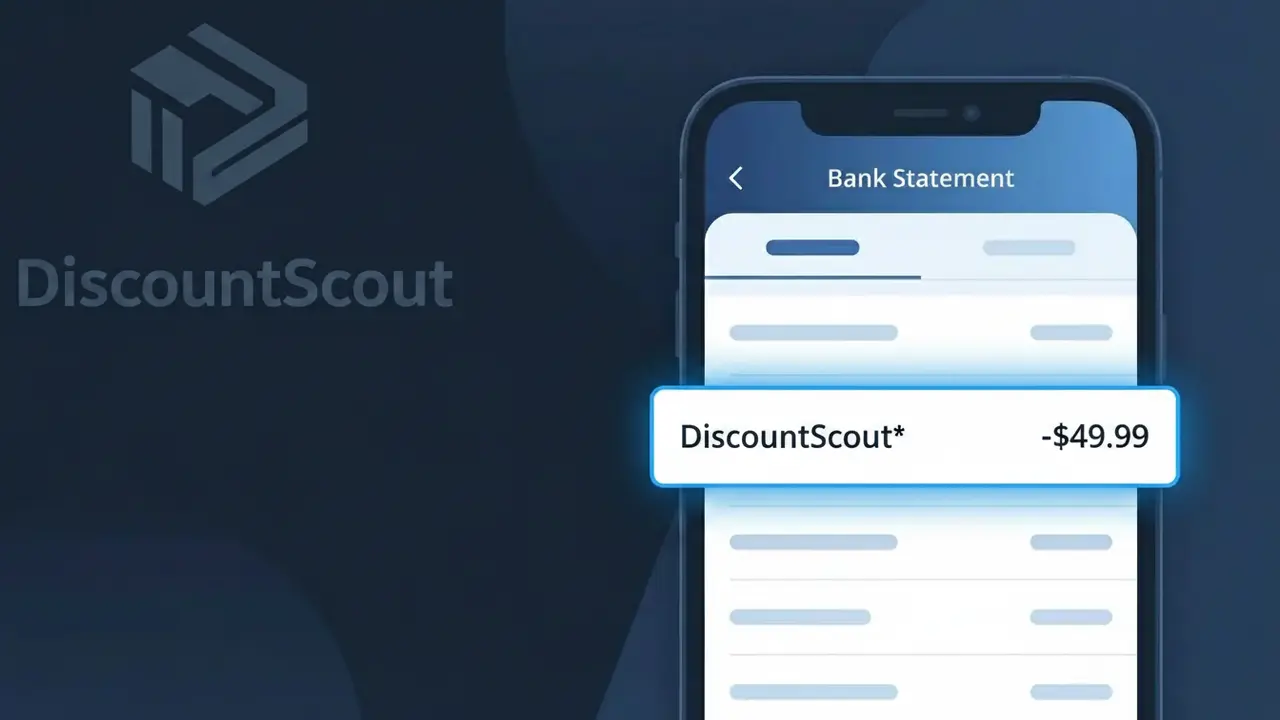
A charge showing 'DiscountScout*' on your bank statement comes from DiscountScout, a browser extension and app designed to automatically find and apply coupon codes while you shop online. The service typically offers a free trial period before transitioning to a paid subscription, which is often when users first notice the charge appearing. Many people sign up during a shopping session and forget about the recurring billing that follows. If you see this descriptor, it means you have an active DiscountScout subscription tied to your payment method.
The 'DiscountScout*' descriptor appears on your bank statement because payment processors use shortened or coded versions of a company's name to identify transactions, and the asterisk typically signals a subscription-based charge. DiscountScout registers this specific descriptor with card networks like Visa and Mastercard to identify their billing activity. This can make the charge look unfamiliar even if you signed up for the service, especially if some time has passed since you installed the extension.
Is the DiscountScout* Charge Legitimate or Fraud?
The DiscountScout* charge on your bank or credit card statement typically comes from discountscout, a shopping platform that helps users find deals, coupons, and discounts on purchases. If you've recently signed up for a membership, free trial, or used their browser extension or app, this charge is most likely legitimate. Here are common reasons you might see this charge:
- You enrolled in a DiscountScout* membership or subscription plan
- A free trial from discountscout converted to a paid subscription
- A household member signed up for discountscout using your payment method
- You made a purchase or activated a deal through the discountscout platform
How to Verify the DiscountScout* Charge
- 1
Log into your discountscout account
Visit discountscout's website and sign in to review your billing history and active plans. Your account dashboard should show any charges matching the DiscountScout* amount.
- 2
Search your email for discountscout receipts
Search your inbox for emails from discountscout using keywords like 'DiscountScout*', 'discountscout receipt', or 'discountscout subscription'. A confirmation email will confirm the charge is legitimate.
- 3
Check with household members
Ask family members or anyone with access to your card if they signed up for discountscout or activated a deal through the platform using your payment details.
- 4
Review your active subscriptions
Check your phone's app subscriptions (Apple ID or Google Play) and any browser extensions you've installed to see if discountscout is listed as an active paid service.
- 5
Contact your bank for details
If you still can't place the DiscountScout* charge, call the number on the back of your card. Your bank can provide the exact merchant ID and transaction details to help confirm its origin.
How to Dispute a DiscountScout* Charge
- 1
Act within 60 days
Most banks require you to dispute an unrecognized DiscountScout* charge within 60 days of the statement date. Act quickly to protect your right to a chargeback.
- 2
Contact discountscout directly first
Reach out to discountscout's customer support to explain the unauthorized or unexpected charge. Many billing issues — including unwanted renewals — are resolved faster directly with discountscout than through your bank.
- 3
File a chargeback with your bank
If discountscout does not resolve your dispute, contact your bank or card issuer to file a formal chargeback for the DiscountScout* charge, citing it as unauthorized or not matching services rendered.
- 4
Request a new card number
If you suspect your card details were used fraudulently on discountscout, ask your bank to issue a new card to prevent any further unauthorized DiscountScout* charges.
Tips for Managing discountscout Charges
Set a billing alert for DiscountScout* charges so you're notified immediately when a payment is processed.
Keep a record of your discountscout sign-up date and plan details to quickly verify any future charges.
Secure your discountscout account with a strong, unique password to prevent unauthorized use of your payment method.
Note your discountscout billing cycle renewal date to avoid surprise DiscountScout* charges on your statement.
Use a virtual card number for discountscout subscriptions to limit exposure if your card details are compromised.
Use WhatIsThisCharge.net to identify related charges that may appear alongside DiscountScout* on your statement.
Frequently Asked Questions About the DiscountScout* Charge
ℹ️ Note
The DiscountScout* charge is most often a legitimate billing from discountscout and is commonly seen after signing up for a deals membership or when a free trial converts to a paid plan — reviewing your discountscout account usually clears up the confusion right away.
🔍 Decode this charge instantly
Search our database for DiscountScout* and similar charges.
Decode DiscountScout* →Was this article helpful?