Why You're Seeing "DISCOVER*" on Your Bank Statement
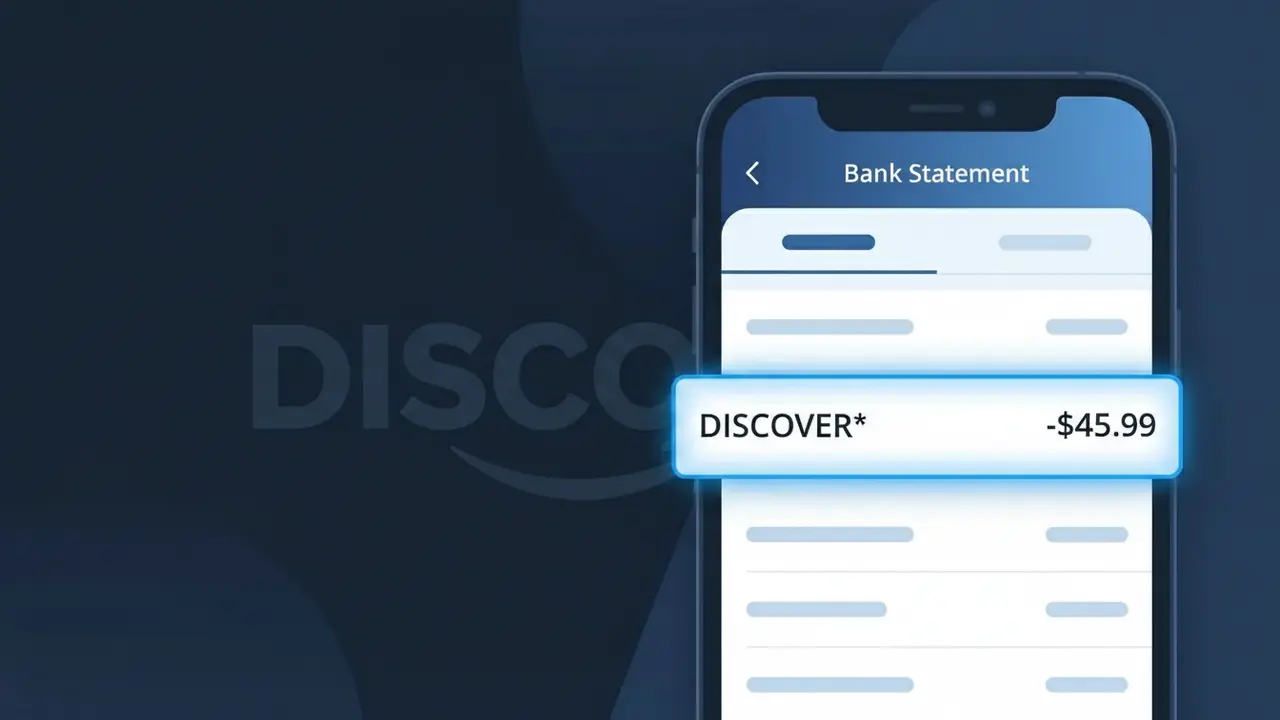
Why You're Seeing "DISCOVER*" on Your Bank Statement
The DISCOVER* charge on your bank statement comes from Discover Financial Services and typically represents a payment toward your Discover credit card account or an associated fee. This descriptor appears when Discover processes a transaction related to your account, such as a monthly bill payment, annual fee, or other card-related charge. If you have a Discover card and made a recent payment or were billed for a service, this charge is almost certainly the source. Reviewing your Discover account activity online can quickly confirm the exact nature of the transaction.
The DISCOVER* descriptor shows up on your bank statement because Discover Financial Services uses this abbreviated format when submitting transactions to payment processors and financial institutions. The asterisk following the name is a common formatting convention used by large financial companies to separate the brand identifier from any additional transaction detail that may follow. Rather than spelling out the full company name or transaction type, this shorthand is how Discover's billing system identifies itself across millions of daily bank statement entries.
Is the DISCOVER* Charge Legitimate or Fraud?
A DISCOVER* charge on your bank or credit card statement typically originates from Discover Financial Services, one of the largest credit card issuers and banking institutions in the United States. This descriptor appears when Discover processes a payment, fee, or transaction related to one of their financial products. While most DISCOVER* charges are legitimate, it's worth verifying the exact amount and date against your Discover account activity.
- Annual or monthly Discover card fees billed to a linked bank account
- Discover bank account transfers, deposits, or loan payments
- Discover it® or other card product charges appearing on a secondary account
- Promotional or trial offer charges from a Discover financial product signup
How to Verify the DISCOVER* Charge
- 1
Log into your Discover account
Visit Discover.com or open the Discover mobile app and review your recent transactions and statements to find a matching DISCOVER* charge by date and amount.
- 2
Search your email for Discover receipts
Search your inbox for emails from Discover (no-reply@discover.com or service@discover.com) that match the date and dollar amount of the DISCOVER* charge.
- 3
Check other household members
Ask family members or authorized users if they made a Discover payment or signed up for a Discover product that could have triggered the DISCOVER* charge.
- 4
Review your Discover subscriptions and products
Check whether you have a Discover personal loan, savings account, or card with automatic payments set up that could explain the recurring DISCOVER* billing.
- 5
Contact your bank for details
Call the number on the back of your debit or credit card and ask your bank to provide the full merchant details behind the DISCOVER* charge, including any reference numbers.
How to Dispute a DISCOVER* Charge
- 1
Act within 60 days
Most banks require disputes to be filed within 60 days of the statement date. If the DISCOVER* charge looks unfamiliar, don't wait — start the process immediately.
- 2
Contact Discover directly first
Call Discover customer service at 1-800-DISCOVER (1-800-347-2683) or use the in-app chat to report the unrecognized DISCOVER* charge before escalating to your bank.
- 3
File a chargeback with your bank
If Discover cannot resolve the issue, contact your own bank or card issuer to file a formal chargeback dispute for the DISCOVER* charge, providing all transaction details.
- 4
Request a new card or account number
If you believe the DISCOVER* charge is the result of fraud or unauthorized access, ask Discover to issue a new card number and monitor your account for further suspicious activity.
Tips for Managing Discover Charges
Enable Discover account alerts to get notified instantly whenever a DISCOVER* charge is processed.
Review your Discover monthly statement carefully to catch any unexpected DISCOVER* billing entries early.
Keep your Discover account login credentials secure and enable two-factor authentication to prevent unauthorized charges.
Note your Discover billing cycle date so you can anticipate when a recurring DISCOVER* charge will appear each month.
Use Discover's Freeze It® feature to instantly block new purchases if you spot a suspicious DISCOVER* charge.
Use WhatIsThisCharge.net to identify related charges that may appear alongside DISCOVER* on your statement.
Frequently Asked Questions About the DISCOVER* Charge
ℹ️ Note
In most cases, a DISCOVER* charge is a completely normal and expected transaction from Discover Financial Services, such as an automatic card payment or bank fee. A quick check of your Discover account activity will usually confirm the charge within seconds.
🔍 Decode this charge instantly
Search our database for DISCOVER* and similar charges.
Decode DISCOVER* →Was this article helpful?