Why You're Seeing "DROPBOX PLUS*" on Your Bank Statement
Why You're Seeing "DROPBOX PLUS*" on Your Bank Statement
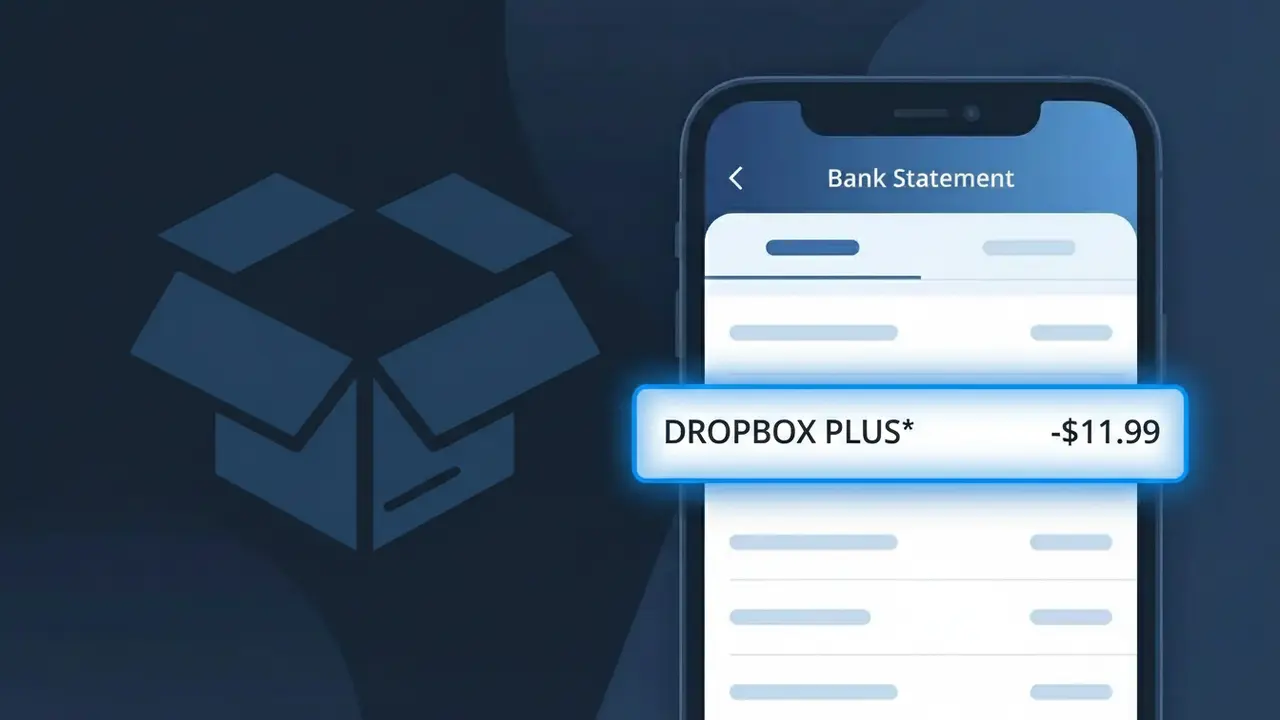
The DROPBOX PLUS* charge on your bank statement comes from Dropbox, one of the world's leading cloud storage and file-sharing platforms. This charge represents a recurring subscription fee for Dropbox Plus, a paid tier that offers expanded cloud storage, offline access, and enhanced file management features. If you signed up for a Dropbox Plus plan — either monthly or annually — this is the billing descriptor that will appear on your credit or debit card statement. It's a legitimate charge, though it can sometimes catch people off guard if they forgot they subscribed or if a free trial recently ended.
The descriptor DROPBOX PLUS* appears on your bank statement because Dropbox uses this shorthand billing label to identify charges specifically tied to their Plus subscription tier, distinguishing it from other Dropbox plans like Business or Professional. The asterisk (*) following the descriptor is commonly used by payment processors to separate the merchant name from additional billing details such as a reference number or date. Financial institutions display this truncated format rather than a full brand description due to character limits imposed on bank statement entries.
Is the DROPBOX PLUS* Charge Legitimate or Fraud?
The DROPBOX PLUS* charge on your bank or credit card statement is almost always a legitimate billing from Dropbox Plus, the paid tier of the popular cloud storage service. Dropbox Plus offers 2TB of storage and bills users annually or monthly, which is typically what triggers this charge. Here are the most common reasons you might see DROPBOX PLUS* on your statement:
- You subscribed to a Dropbox Plus annual or monthly plan and your renewal date has arrived
- A free trial of Dropbox Plus ended and automatically converted to a paid subscription
- A family member or household user signed up for Dropbox Plus using your payment method
- You upgraded from a free Dropbox account to Dropbox Plus and forgot about the charge
How to Verify the DROPBOX PLUS* Charge
- 1
Log into your Dropbox account
Visit dropbox.com and sign in. Navigate to Settings > Plan to confirm whether you are on a Dropbox Plus paid subscription and review your billing status.
- 2
Search your email for Dropbox receipts
Search your inbox for emails from 'no-reply@dropbox.com' or subject lines containing 'Dropbox Plus' to find official payment confirmation receipts.
- 3
Check household members
Ask family members or colleagues whether they signed up for Dropbox Plus using your shared payment card, as the DROPBOX PLUS* charge may be tied to their account.
- 4
Review your subscription management tools
Check subscription trackers like your Apple ID, Google account, or PayPal recurring payments to see if a Dropbox Plus subscription is listed there.
- 5
Contact your bank for details
If still unsure, call the number on the back of your card. Your bank can provide the exact date and merchant ID tied to the DROPBOX PLUS* charge for further clarification.
How to Dispute a DROPBOX PLUS* Charge
- 1
Act within 60 days
Most banks require disputes to be filed within 60 days of the DROPBOX PLUS* charge appearing on your statement, so do not delay if you believe the charge is unauthorized.
- 2
Contact Dropbox Plus support first
Visit help.dropbox.com and reach out to Dropbox Plus billing support. Resolving the issue directly with Dropbox is often the fastest way to get a refund or clarification.
- 3
File a chargeback with your bank
If Dropbox Plus does not resolve the issue, call your bank or card issuer to formally dispute the DROPBOX PLUS* charge and request a chargeback for the unauthorized transaction.
- 4
Request a new card number
If you suspect fraud and did not authorize the DROPBOX PLUS* charge at all, ask your bank to issue a new card number to prevent any future unauthorized Dropbox Plus billing.
Tips for Managing Dropbox Plus Charges
Enable billing alerts in your Dropbox Plus account settings so you're notified before each DROPBOX PLUS* renewal charge hits your card.
Keep your Dropbox Plus email receipts in a dedicated folder so you can quickly cross-reference any DROPBOX PLUS* charge on your statement.
Secure your Dropbox Plus account with two-factor authentication to prevent unauthorized access that could change billing details.
Note your Dropbox Plus renewal date in your calendar so an annual DROPBOX PLUS* charge never catches you off guard.
Use a virtual card number for Dropbox Plus subscriptions to isolate the DROPBOX PLUS* charge and simplify cancellation if needed.
Use WhatIsThisCharge.net to identify related charges that may appear alongside your DROPBOX PLUS* transaction.
Frequently Asked Questions About the DROPBOX PLUS* Charge
ℹ️ Note
In most cases, the DROPBOX PLUS* charge is a routine and expected renewal from Dropbox Plus — if you or someone in your household signed up for 2TB cloud storage, this charge is simply your subscription billing as normal.
🔍 Decode this charge instantly
Search our database for DROPBOX PLUS* and similar charges.
Decode DROPBOX PLUS* →Was this article helpful?