Why You're Seeing "EXPERIAN*" on Your Bank Statement
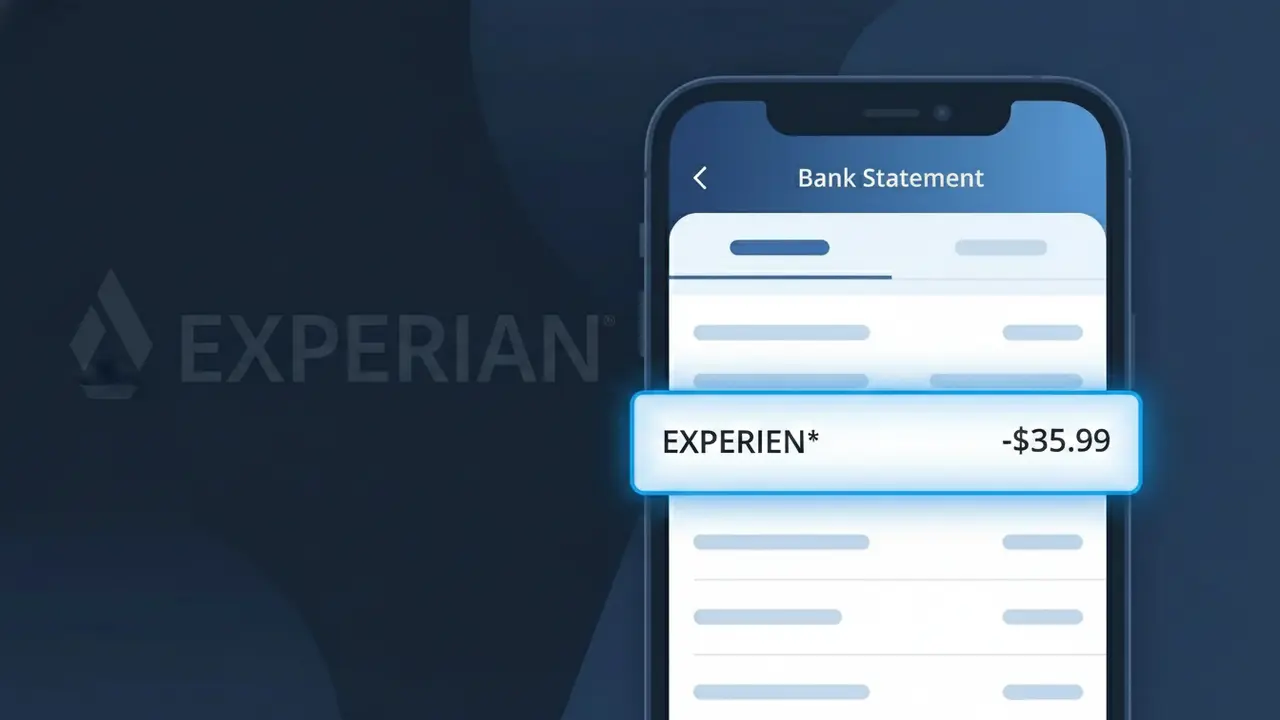
Why You're Seeing "EXPERIAN*" on Your Bank Statement
The EXPERIAN* charge on your bank statement comes from Experian, one of the three major credit bureaus in the United States. This charge typically represents a subscription to one of Experian's credit monitoring or identity protection services, such as Experian CreditWorks or IdentityWorks. If you've recently signed up for credit score tracking, credit report access, or dark web monitoring through Experian's website or app, this is the recurring billing for that service. The asterisk following 'EXPERIAN' in the descriptor is a common formatting convention used by payment processors to separate the merchant name from additional billing details.
The descriptor EXPERIAN* appears on your bank statement because Experian uses a truncated version of their company name when processing payments through their billing system, often followed by a service identifier or partial description depending on your bank's display limits. This shortened format is standard practice among subscription-based companies to fit within the character constraints imposed by payment networks like Visa and Mastercard. If you see variations such as EXPERIAN*CREDITWRKS or EXPERIAN*IDWORKS, these suffixes indicate which specific Experian product or plan you are being billed for.
Is the EXPERIAN* Charge Legitimate or Fraud?
An EXPERIAN* charge on your bank or credit card statement is typically a legitimate billing from Experian, one of the three major U.S. credit bureaus. Experian offers paid services such as credit monitoring, identity theft protection, and credit score access, which appear as EXPERIAN* on statements. However, if you don't recall signing up for any Experian service, it's worth investigating further.
- Experian charges for premium credit monitoring subscriptions (e.g., Experian CreditWorks℠)
- Free trial sign-ups that converted to paid plans often appear as EXPERIAN* charges
- Identity theft protection plans billed monthly or annually by Experian
- Unauthorized use of your card to sign up for Experian services by a third party
How to Verify the EXPERIAN* Charge
- 1
Log into your Experian account
Visit Experian.com and sign in to check your active subscriptions and recent billing history for any charges matching EXPERIAN* on your statement.
- 2
Search your email for Experian receipts
Search your inbox for emails from Experian (noreply@experian.com or billing@experian.com) confirming a subscription or free trial that may now be billing as EXPERIAN*.
- 3
Check with household members
Ask family members or anyone with access to your card if they signed up for an Experian credit monitoring or identity protection service using your payment details.
- 4
Review your subscription services
Check apps or platforms like Rocket Money or your phone's subscription manager for any active Experian plans you may have forgotten about.
- 5
Contact your bank for details
Ask your bank for the full merchant descriptor and transaction ID associated with the EXPERIAN* charge to help pinpoint exactly which Experian service was billed.
How to Dispute a EXPERIAN* Charge
- 1
Act within 60 days
Credit card disputes for unauthorized EXPERIAN* charges should be initiated within 60 days of the statement date to fall within standard chargeback protection windows.
- 2
Contact Experian directly first
Call Experian's customer support at 1-888-397-3742 or use their online chat to request a refund or cancellation before escalating to a bank dispute for the EXPERIAN* charge.
- 3
File a chargeback with your bank
If Experian does not resolve the issue, contact your bank or card issuer and formally dispute the EXPERIAN* charge as unauthorized or billing in error.
- 4
Request a new card number
If you suspect your card was fraudulently used to sign up for Experian services, ask your bank to issue a new card number to prevent further EXPERIAN* charges.
Tips for Managing Experian Charges
Set a billing alert for EXPERIAN* charges so you're notified the moment Experian bills your account each cycle.
Keep a record of your Experian plan name and start date to easily match it against EXPERIAN* charges on your statement.
Regularly log into your Experian account to review active plans and ensure no duplicate or unexpected services are enrolled.
Note your Experian billing renewal date to anticipate the EXPERIAN* charge and avoid being caught off guard by annual plan renewals.
If you use Experian IdentityWorks, verify your coverage tier to ensure the EXPERIAN* charge matches your chosen protection level.
Use WhatIsThisCharge.net to identify related charges that may appear alongside EXPERIAN* on your bank statement.
Frequently Asked Questions About the EXPERIAN* Charge
ℹ️ Note
In most cases, an EXPERIAN* charge is a routine, legitimate billing from Experian for a credit monitoring or identity protection subscription — often tied to a free trial that has converted to a paid plan. Logging into your Experian account is usually all it takes to confirm and manage the charge.
🔍 Decode this charge instantly
Search our database for EXPERIAN* and similar charges.
Decode EXPERIAN* →Was this article helpful?