Why You're Seeing "FOREIGN TRANSACTION*" on Your Bank Statement
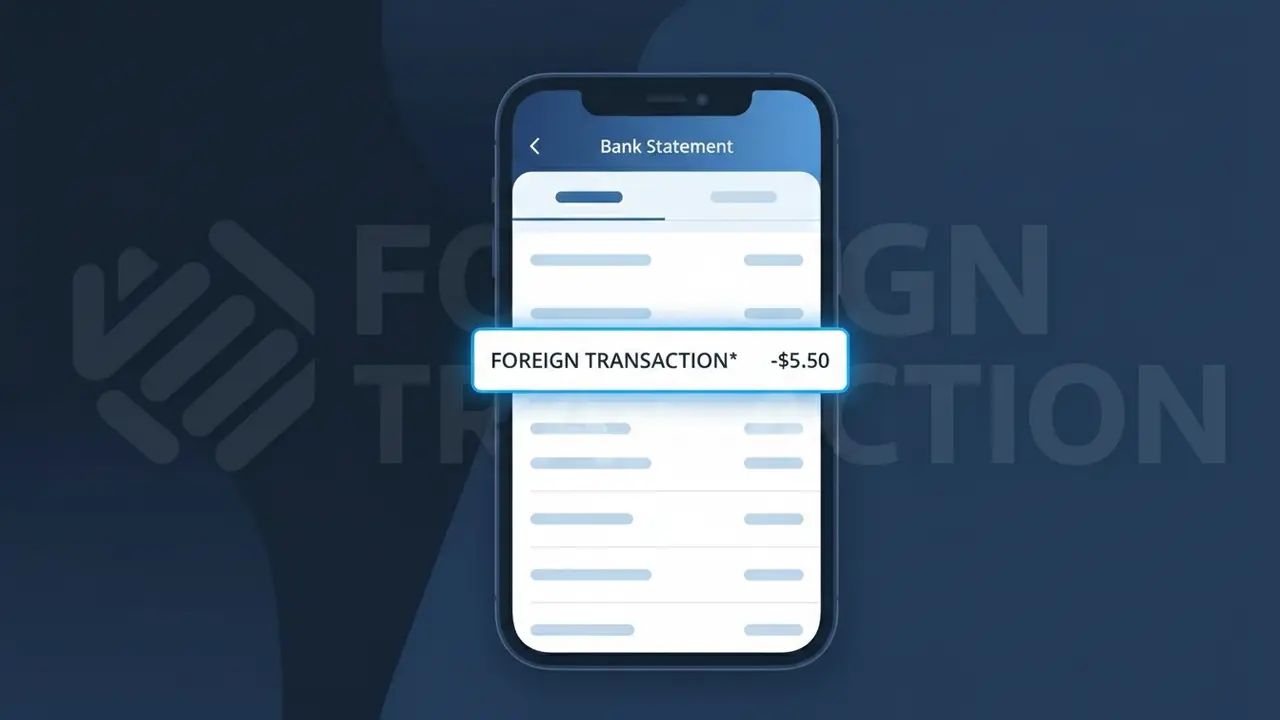
Why You're Seeing "FOREIGN TRANSACTION*" on Your Bank Statement
The FOREIGN TRANSACTION* charge on your bank statement is a fee assessed by your bank or card issuer whenever you make a purchase in a foreign currency or with a merchant based outside the United States. This fee, often referred to as a Foreign Transaction Fee, is not charged by the merchant but rather by your own financial institution as a cost for processing international payments. It typically ranges from 1% to 3% of the total transaction amount and can appear even when shopping online with overseas retailers. If you recently made an international purchase or booked something through a foreign website, this charge is almost certainly the reason.
The descriptor FOREIGN TRANSACTION* appears on your bank statement because your card issuer uses this label to identify fees it applies internally whenever a transaction involves a foreign merchant or a currency other than US dollars. Unlike merchant charges, this fee is generated by your own bank's billing system, so it shows the bank's standardized descriptor rather than the name of the store or service you purchased from. This means you may see this charge listed separately from the original purchase, sometimes appearing a day or two after the transaction it relates to.
Is the FOREIGN TRANSACTION* Charge Legitimate or Fraud?
The FOREIGN TRANSACTION* charge on your bank or credit card statement is typically a legitimate fee assessed by your card issuer — not a merchant — whenever you make a purchase in a foreign currency or with an overseas retailer. This Foreign Transaction Fee is standard practice among many banks and credit card companies, usually ranging from 1% to 3% of the transaction amount. However, if you don't recall any international purchases, it's worth investigating further.
- You recently shopped on an international website billed in a foreign currency
- You traveled abroad and used your card for purchases or ATM withdrawals
- Your card issuer applies a Foreign Transaction Fee even to USD purchases routed through foreign banks
- A family member or authorized user on your account made an international purchase
How to Verify the FOREIGN TRANSACTION* Charge
- 1
Check the charge amount and date
Log into your bank or credit card account and note the exact date of the FOREIGN TRANSACTION* charge. Cross-reference it with any international purchases or travel you made around that time.
- 2
Search your email for international receipts
Look for order confirmations or receipts from foreign merchants around the charge date. Many online retailers outside the US trigger a Foreign Transaction Fee automatically.
- 3
Check with household members
Ask authorized users on your account if they made any purchases from international websites or while traveling, which would generate a FOREIGN TRANSACTION* charge.
- 4
Review your card's fee schedule
Check your card agreement or your issuer's website to confirm whether a Foreign Transaction Fee applies to your specific card and what percentage is charged per transaction.
- 5
Contact your bank
If you still can't identify the source of the FOREIGN TRANSACTION* charge, call the number on the back of your card and ask your bank to provide details about which original transaction triggered the fee.
How to Dispute a FOREIGN TRANSACTION* Charge
- 1
Act within 60 days
Most banks require disputes to be filed within 60 days of the statement date. Don't delay if you believe the FOREIGN TRANSACTION* charge was applied in error or stems from fraud.
- 2
Contact your card issuer first
Call your bank and explain that you are disputing the FOREIGN TRANSACTION* charge. Ask them to identify the underlying transaction and request a fee waiver if the charge was unexpected or incorrectly applied.
- 3
File a formal chargeback if needed
If your bank confirms the underlying transaction was unauthorized, file a formal chargeback. The Foreign Transaction Fee associated with that fraudulent transaction should also be reversed.
- 4
Request a new card
If the FOREIGN TRANSACTION* charge is linked to fraudulent activity on your account, ask your bank to cancel the compromised card and issue a new one to prevent further unauthorized charges.
Tips for Managing Foreign Transaction Fee Charges
Set up transaction alerts so you're notified instantly when a FOREIGN TRANSACTION* fee is applied to your account.
Keep receipts from international purchases to easily match them against any FOREIGN TRANSACTION* charge on your statement.
Upgrade to a no-foreign-transaction-fee card to eliminate the Foreign Transaction Fee entirely on international spending.
Review your monthly statement around travel dates — Foreign Transaction Fees often appear days after the original purchase posts.
Use a credit card with fraud protection abroad; disputed charges including Foreign Transaction Fees are easier to recover.
Use WhatIsThisCharge.net to identify related charges that may appear alongside FOREIGN TRANSACTION* on your statement.
Frequently Asked Questions About the FOREIGN TRANSACTION* Charge
ℹ️ Note
In most cases, the FOREIGN TRANSACTION* charge is a routine Foreign Transaction Fee automatically applied by your card issuer — not a scam. If you recently shopped internationally or online with an overseas retailer, this small percentage-based fee is expected and your account is likely secure.
🔍 Decode this charge instantly
Search our database for FOREIGN TRANSACTION* and similar charges.
Decode FOREIGN TRANSACTION* →Was this article helpful?