Why You're Seeing "GRAB ID*" on Your Bank Statement
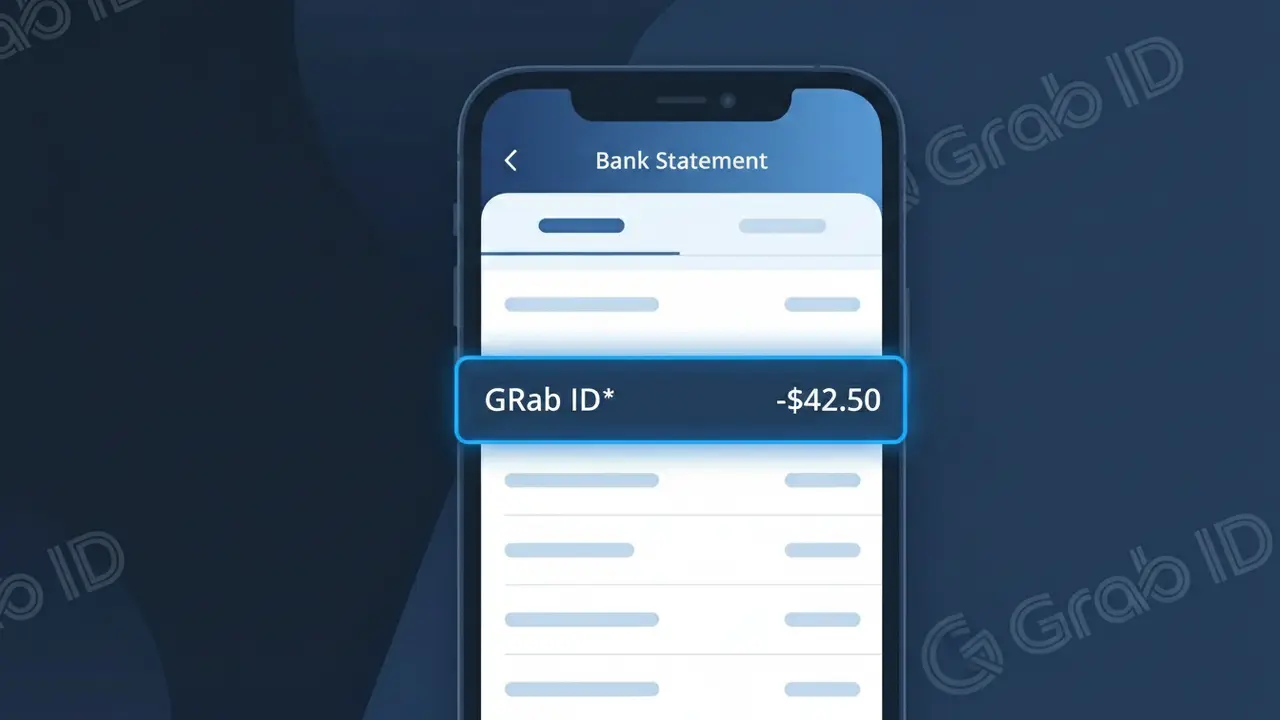
Why You're Seeing "GRAB ID*" on Your Bank Statement
The GRAB ID* charge on your bank statement comes from Grab Indonesia, the leading superapp platform operating across the Indonesian market. This descriptor appears when you use any of Grab's wide range of services, including ride-hailing, GrabFood delivery, GrabMart grocery shopping, or payments made through OVO or GrabPay. The 'ID' in the charge descriptor refers to Indonesia, helping distinguish transactions processed through Grab's Indonesian payment infrastructure. If you or someone with access to your payment method has used the Grab app in Indonesia recently, this charge is almost certainly legitimate.
The GRAB ID* descriptor appears on your bank statement because Grab Indonesia processes payments through a centralized billing system that uses this shorthand code to represent transactions originating from its Indonesian operations. Rather than listing the specific service used — such as GrabFood or GrabCar — all charges are consolidated under this single descriptor tied to the company's payment processor. The asterisk (*) is commonly used by payment processors to separate a merchant identifier from additional transaction details, which may include an order number or service code depending on your bank's display format.
Is the GRAB ID* Charge Legitimate or Fraud?
The GRAB ID* charge on your bank or credit card statement is typically a legitimate transaction processed by Grab Indonesia, one of Southeast Asia's leading super-app platforms offering ride-hailing, food delivery, and financial services. This charge appears when you use Grab's services in Indonesia, including GrabCar, GrabBike, GrabFood, or GrabPay wallet top-ups. However, if you don't recall using Grab Indonesia recently, it's worth investigating further.
- You or a family member completed a ride, food order, or delivery through Grab Indonesia
- You topped up your GrabPay wallet or purchased a Grab subscription plan in Indonesia
- A GrabSubscription auto-renewal processed for a monthly Grab Unlimited or similar plan
- A previously pending Grab Indonesia transaction was finally settled by your bank
How to Verify the GRAB ID* Charge
- 1
Check your Grab Indonesia account
Log into your Grab app and navigate to 'Activity' or 'Transaction History' to match the GRAB ID* charge amount and date with a specific ride, food order, or GrabPay top-up in Indonesia.
- 2
Search your email for Grab receipts
Search your inbox for emails from 'no-reply@grab.com' or 'support@grab.com' — Grab Indonesia sends digital receipts for every completed transaction that should match the GRAB ID* charge.
- 3
Check household or shared accounts
Ask family members or friends who may have borrowed your card or share a Grab Indonesia family account whether they made a recent purchase through Grab in Indonesia.
- 4
Review your Grab subscriptions
Open the Grab app and go to 'Profile > Subscriptions' to check if you have an active Grab Unlimited or GrabFood subscription in Indonesia that may have triggered an automatic GRAB ID* renewal charge.
- 5
Contact your bank for details
If you still can't identify the GRAB ID* charge, call your bank and request the full merchant descriptor and transaction ID, which can help you confirm the exact Grab Indonesia service that was billed.
How to Dispute a GRAB ID* Charge
- 1
Act within 60 days
Most banks require you to dispute an unrecognized GRAB ID* charge within 60 days of the statement date. Don't delay — gather your Grab Indonesia transaction history and any relevant receipts before contacting anyone.
- 2
Contact Grab Indonesia first
Reach out to Grab Indonesia's customer support through the Grab app (Help Centre > Chat with Us) or via help.grab.com. Explain the unauthorized GRAB ID* charge and provide the transaction amount and date for a faster resolution.
- 3
File a chargeback with your bank
If Grab Indonesia does not resolve the issue within a reasonable timeframe, contact your bank or card issuer to initiate a formal chargeback dispute for the GRAB ID* charge, citing it as unauthorized or unrecognized.
- 4
Request a new card
If you suspect your card details were stolen and used fraudulently for GRAB ID* charges in Indonesia, ask your bank to cancel your current card and issue a replacement with a new number to prevent further unauthorized transactions.
Tips for Managing Grab Indonesia Charges
Enable Grab app notifications so you get an instant alert every time a GRAB ID* charge is processed in Indonesia.
Screenshot your Grab Indonesia receipts after each trip or order to have a quick reference when reconciling GRAB ID* charges.
Secure your Grab Indonesia account with a strong password and enable two-factor authentication to prevent unauthorized GRAB ID* charges.
Note your Grab Indonesia subscription renewal dates to anticipate recurring GRAB ID* charges and avoid billing surprises each month.
Set a transaction alert on your bank card for any GRAB ID* charge above a set threshold for instant fraud protection.
Use WhatIsThisCharge.net to identify related charges from Grab Indonesia or similar Southeast Asian travel and ride-hailing services.
Frequently Asked Questions About the GRAB ID* Charge
ℹ️ Note
In most cases, a GRAB ID* charge simply means you or someone with access to your account recently used Grab Indonesia for a ride, food delivery, or GrabPay top-up — it's one of the most common travel and lifestyle charges seen from Indonesia and is rarely fraudulent.
🔍 Decode this charge instantly
Search our database for GRAB ID* and similar charges.
Decode GRAB ID* →Was this article helpful?