Why You're Seeing "HEADSPACE*" on Your Bank Statement
Why You're Seeing "HEADSPACE*" on Your Bank Statement
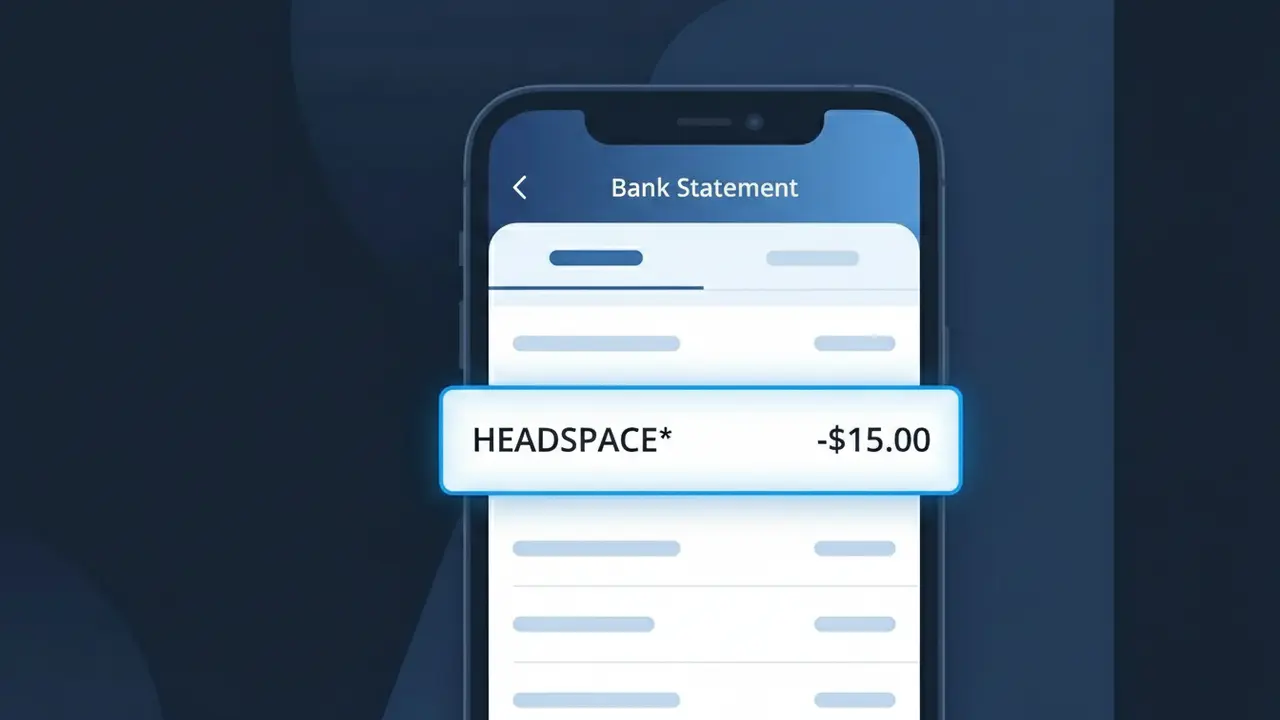
The HEADSPACE* charge on your bank statement comes from Headspace, the popular meditation and mindfulness app. This charge represents a subscription fee for access to Headspace's library of guided meditations, sleep sounds, focus music, and mental wellness content. The asterisk following the descriptor is commonly used by subscription services to indicate a recurring billing arrangement. If you or someone with access to your payment method signed up for a Headspace plan, this is the charge you'll see on your statement.
The descriptor HEADSPACE* appears on your bank statement because Headspace uses a truncated version of their brand name combined with an asterisk to flag it as a recurring subscription charge. Payment processors and banks often display shortened merchant descriptors due to character limits on bank statements, which is why you may not see the full company name. The asterisk is a common convention used to signal that the charge is part of an ongoing subscription rather than a one-time purchase.
Is the HEADSPACE* Charge Legitimate or Fraud?
If you see HEADSPACE* on your bank or credit card statement, it is most likely a legitimate charge from Headspace, the popular meditation and mindfulness app. Headspace uses this billing descriptor for subscription fees related to its app services. Consider these common reasons this charge may appear:
- You signed up for a Headspace monthly or annual subscription plan
- Your free Headspace trial period ended and converted to a paid subscription
- A family member or household user activated a Headspace Family Plan on your card
- You purchased a Headspace gift subscription or redeemed a promotional offer that later billed your card
How to Verify the HEADSPACE* Charge
- 1
Log into your Headspace account
Visit headspace.com or open the Headspace app, go to Account Settings, and check your subscription status and billing history to confirm the HEADSPACE* charge amount and date.
- 2
Search your email for Headspace receipts
Search your inbox for emails from 'support@headspace.com' or 'noreply@headspace.com' — Headspace sends confirmation emails for every billing transaction.
- 3
Check household members
If you share finances with others, ask whether a family member or partner signed up for Headspace or joined a Headspace Family Plan using your payment method.
- 4
Review connected app subscriptions
If you subscribed through the Apple App Store or Google Play Store, check your subscription list there — the HEADSPACE* charge may be billed through your device's platform.
- 5
Contact your bank for details
If you still cannot identify the HEADSPACE* charge, call the number on the back of your card and ask your bank for the full merchant details and transaction date associated with the charge.
How to Dispute a HEADSPACE* Charge
- 1
Act within 60 days
Most banks require disputes to be filed within 60 days of the HEADSPACE* charge appearing on your statement, so act quickly to preserve your rights.
- 2
Contact Headspace support first
Reach out to Headspace directly at headspace.com/contact before escalating. Headspace support can clarify the charge, issue refunds for billing errors, or help you cancel your subscription.
- 3
File a chargeback with your bank
If Headspace cannot resolve the issue, contact your bank or credit card issuer and formally dispute the HEADSPACE* charge as unauthorized or erroneous to initiate a chargeback.
- 4
Request a new card if fraud is suspected
If you believe the HEADSPACE* charge is the result of card fraud or identity theft, ask your bank to cancel your current card and issue a new one with a new card number.
Tips for Managing Headspace Charges
Enable billing alerts in the Headspace app so you're notified before each HEADSPACE* renewal charge hits your card.
Save your Headspace confirmation emails — they're the fastest way to match a HEADSPACE* charge to a specific transaction.
Keep your Headspace account login details current so you can quickly access billing history if an unexpected charge appears.
Note your Headspace renewal date — annual plans renew once a year, so a large HEADSPACE* charge may surprise you if forgotten.
If you no longer use Headspace, cancel before your renewal date to avoid future HEADSPACE* charges on your statement.
Use WhatIsThisCharge.net to identify any related or unfamiliar charges that appear alongside HEADSPACE* on your statement.
Frequently Asked Questions About the HEADSPACE* Charge
ℹ️ Note
In most cases, a HEADSPACE* charge is simply Headspace renewing your meditation app subscription — often an annual plan that's easy to forget about. A quick check of your Headspace account settings will confirm the charge and give you full control over your billing.
🔍 Decode this charge instantly
Search our database for HEADSPACE* and similar charges.
Decode HEADSPACE* →Was this article helpful?