Why You're Seeing "KAKAO*" on Your Bank Statement
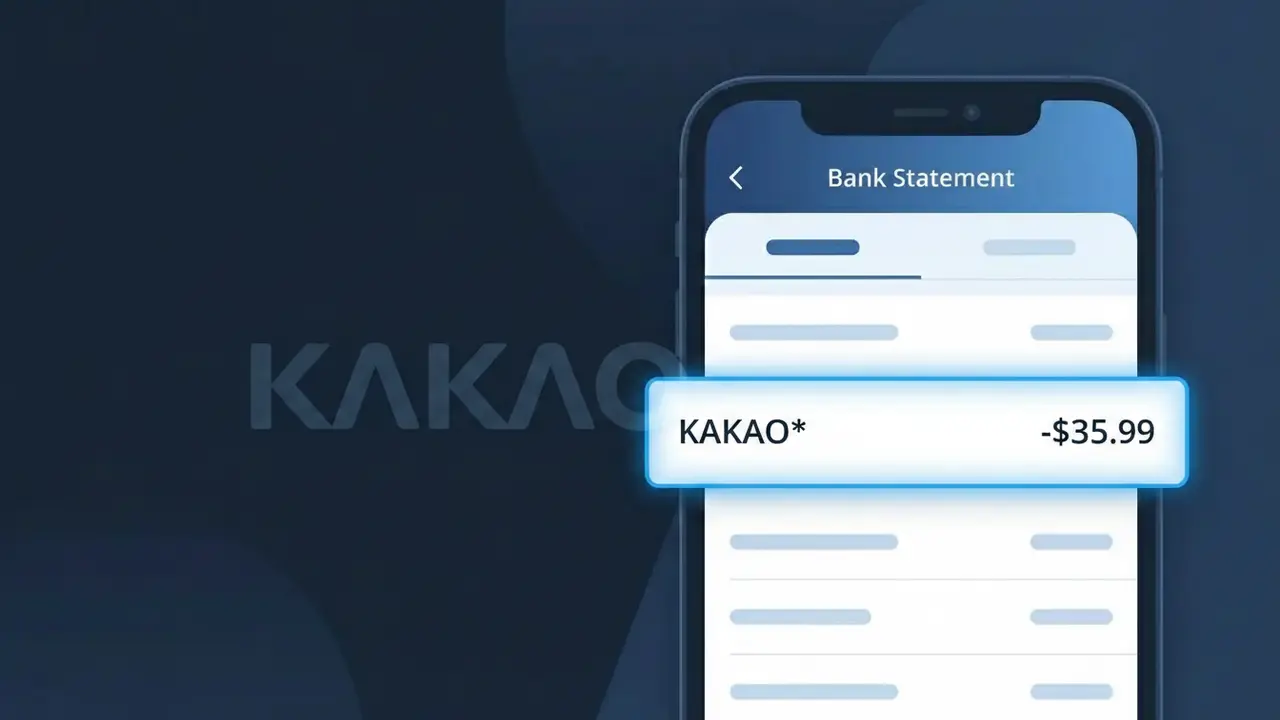
Why You're Seeing "KAKAO*" on Your Bank Statement
The KAKAO* charge on your bank statement comes from Kakao, South Korea's dominant digital platform company. This charge typically represents a subscription or purchase made through one of Kakao's many services, which include KakaoTalk messaging, KakaoTV, KakaoPage digital content, or KakaoGames. If you or someone with access to your payment method uses any Kakao platform services, this is the source of the billing. The asterisk following KAKAO* is a common formatting style used by payment processors to separate the company name from additional transaction details.
The KAKAO* descriptor appears on your bank statement because Kakao processes payments under this shortened merchant identifier rather than the full name of the specific service you subscribed to. Payment networks have character limits for merchant descriptors, so Kakao uses this standardized prefix across its wide ecosystem of apps and platforms. This single descriptor can represent billing from any number of Kakao services, which is why it may not immediately match a specific app or subscription you recognize.
Is the KAKAO* Charge Legitimate or Fraud?
A KAKAO* charge on your bank or credit card statement is typically a legitimate transaction from Kakao, the South Korean tech company behind KakaoTalk, KakaoPage, Kakao Games, and other digital services. These charges appear when you purchase digital content, subscribe to premium features, or make in-app purchases through Kakao's ecosystem. However, if you don't recognize the charge, it's worth investigating further.
- You or a family member subscribed to a Kakao premium service such as KakaoTalk Plus or KakaoPage content passes
- You made a one-time purchase of digital content, emoji packs, or in-game items through a Kakao platform
- A free Kakao trial period ended and automatically converted to a paid subscription
- Someone with access to your payment method made an unauthorized purchase through a Kakao service
How to Verify the KAKAO* Charge
- 1
Log into your Kakao account
Visit kakao.com or open the KakaoTalk app and navigate to your account settings. Check your purchase history and active subscriptions to see if the KAKAO* charge amount matches any recent transaction.
- 2
Search your email for Kakao receipts
Search your inbox for emails from Kakao or noreply@kakao.com. Kakao sends email confirmations for purchases, and the receipt should match the KAKAO* charge date and amount on your statement.
- 3
Check household members
Ask family members or anyone who shares your payment method whether they made a purchase through KakaoTalk, KakaoPage, or Kakao Games, as these charges all appear as KAKAO* on statements.
- 4
Review your active Kakao subscriptions
In your Kakao account, go to subscription management to review all active plans. A recurring KAKAO* charge often corresponds to a monthly or annual Kakao service you enrolled in previously.
- 5
Contact your bank for details
If you still can't identify the KAKAO* charge, call the number on the back of your card. Ask your bank for the exact merchant details, including any sub-merchant name that may clarify which specific Kakao service billed you.
How to Dispute a KAKAO* Charge
- 1
Act within 60 days of the charge
Most banks require you to dispute an unrecognized KAKAO* charge within 60 days of the statement date. Don't delay — gather your evidence, including screenshots and email records, as soon as you notice the charge.
- 2
Contact Kakao support first
Reach out to Kakao's customer support at cs.kakao.com before filing a chargeback. Kakao may issue a direct refund for accidental purchases or unauthorized charges, which is often faster than going through your bank.
- 3
File a chargeback with your bank
If Kakao does not resolve the issue, contact your bank or credit card issuer to dispute the KAKAO* charge. Provide your correspondence with Kakao and any evidence that the charge was unauthorized or erroneous.
- 4
Request a new card number
If you suspect your card details were stolen and used fraudulently on Kakao's platform, ask your bank to cancel your current card and issue a new one to prevent any further unauthorized KAKAO* charges.
Tips for Managing Kakao Charges
Enable bank alerts for any KAKAO* transaction so you're notified immediately when Kakao bills your card.
Keep a list of all active Kakao subscriptions and their renewal dates to avoid surprise KAKAO* charges.
Secure your Kakao account with two-factor authentication to prevent unauthorized purchases billed as KAKAO*.
Note your Kakao billing cycle dates — most subscriptions renew monthly and appear as KAKAO* on the same day each month.
Use a virtual card number for Kakao purchases to limit exposure if your payment info is ever compromised.
Use WhatIsThisCharge.net to identify related charges that may appear alongside KAKAO* on your statement.
Frequently Asked Questions About the KAKAO* Charge
ℹ️ Note
In most cases, a KAKAO* charge is a legitimate billing from Kakao for one of its popular digital services like KakaoTalk, KakaoPage, or Kakao Games — often a subscription renewal or a small in-app purchase you or a family member made. A quick check of your Kakao account's purchase history is usually all it takes to confirm the charge and put your mind at ease.
Was this article helpful?