Why You're Seeing "KINDLE*" on Your Bank Statement
Why You're Seeing "KINDLE*" on Your Bank Statement
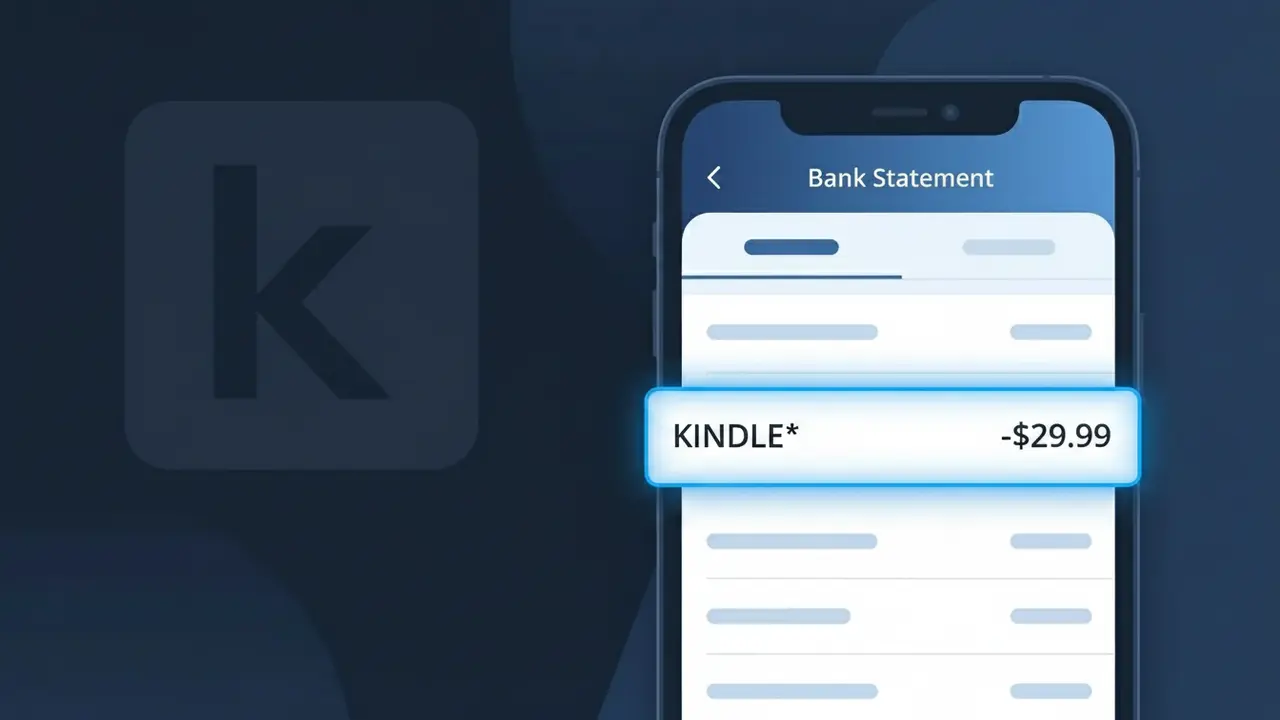
A KINDLE* charge on your bank statement comes from Kindle Unlimited, Amazon's subscription service that gives readers unlimited access to over a million ebooks, audiobooks, and magazines. This recurring charge typically appears monthly and is billed directly by Amazon on behalf of the Kindle Unlimited program. If you or someone in your household signed up for a Kindle Unlimited free trial or paid subscription, this is almost certainly the source of the charge. It may also appear if a family member enrolled through Amazon Household sharing.
The KINDLE* descriptor appears on bank statements because Amazon uses a shorthand billing format that prefixes charges from its Kindle services with 'KINDLE*' followed by additional characters, rather than spelling out the full 'Kindle Unlimited' brand name. This abbreviated format is a common practice among large payment processors to fit transaction details within the character limits imposed by banking systems. As a result, the charge can look unfamiliar or confusing even if you knowingly signed up for the service.
Is the KINDLE* Charge Legitimate or Fraud?
A KINDLE* charge on your bank or credit card statement is almost always a legitimate billing from Amazon's Kindle Unlimited subscription service, which provides unlimited access to over 4 million eBooks, audiobooks, and magazines for a flat monthly fee. If you see this charge and don't immediately recognize it, there are a few common explanations before assuming fraud.
- You signed up for a Kindle Unlimited free trial and it converted to a paid monthly subscription
- A family or household member enrolled in Kindle Unlimited using your payment method
- Amazon billing abbreviates the merchant name to "KINDLE*" followed by additional characters on some bank statements
- An annual Kindle Unlimited plan renewed automatically, resulting in a larger one-time charge
How to Verify the KINDLE* Charge
- 1
Log into your Amazon account
Visit amazon.com and go to Account & Lists > Memberships & Subscriptions to confirm whether Kindle Unlimited is active and matches the KINDLE* charge amount.
- 2
Search your email for receipts
Search your inbox for emails from Amazon with the subject 'Your Kindle Unlimited membership' or 'Amazon.com order' to find a receipt matching the KINDLE* charge date and amount.
- 3
Check household members
Ask family members or anyone who shares your payment method whether they recently started or renewed a Kindle Unlimited subscription, as Amazon Family plans can trigger a KINDLE* charge.
- 4
Review your Amazon order history
In your Amazon account, navigate to Returns & Orders and filter by the charge date to locate the specific Kindle Unlimited transaction tied to the KINDLE* billing entry.
- 5
Contact your bank for details
If you still cannot verify the KINDLE* charge, call the number on the back of your card and ask your bank for the full merchant descriptor, which may reveal additional Kindle Unlimited account details.
How to Dispute a KINDLE* Charge
- 1
Act within 60 days
Most banks require disputes to be filed within 60 days of the KINDLE* charge appearing on your statement, so do not delay if you believe the Kindle Unlimited billing was unauthorized.
- 2
Contact Kindle Unlimited support first
Reach out to Amazon Customer Service at amazon.com/contact-us and explain the unrecognized KINDLE* charge — Amazon often issues refunds for accidental Kindle Unlimited renewals quickly and without a formal dispute.
- 3
File a chargeback with your bank
If Amazon does not resolve the KINDLE* charge to your satisfaction, contact your bank or credit card issuer to file a formal chargeback, citing the unauthorized Kindle Unlimited subscription as the reason.
- 4
Request a new card number
If you suspect your card details were used fraudulently to sign up for Kindle Unlimited, ask your bank to issue a replacement card to prevent any future KINDLE* charges from appearing.
Tips for Managing Kindle Unlimited Charges
Set a calendar reminder before your Kindle Unlimited trial ends to avoid an unexpected KINDLE* charge on your statement.
Regularly review your Amazon Memberships page to confirm your Kindle Unlimited plan tier and billing date match your KINDLE* charges.
Secure your Amazon account with two-factor authentication to prevent unauthorized Kindle Unlimited signups that could trigger fraudulent KINDLE* charges.
Note that Kindle Unlimited bills on the same date each month — if your KINDLE* charge appears on a different date, investigate immediately.
Use a virtual card number for your Kindle Unlimited subscription so you can cancel the card without disrupting other payments if fraud occurs.
Use WhatIsThisCharge.net to identify any related charges that appear alongside KINDLE* on your statement.
Frequently Asked Questions About the KINDLE* Charge
ℹ️ Note
In most cases, a KINDLE* charge is simply Amazon billing you for an active Kindle Unlimited subscription — often a free trial that converted to paid or an annual plan that quietly renewed. A quick check of your Amazon Memberships page is usually all it takes to confirm the charge and put your mind at ease.
Was this article helpful?