Why You're Seeing "MICROSOFT ONEDRIVE*" on Your Bank Statement
Why You're Seeing "MICROSOFT ONEDRIVE*" on Your Bank Statement
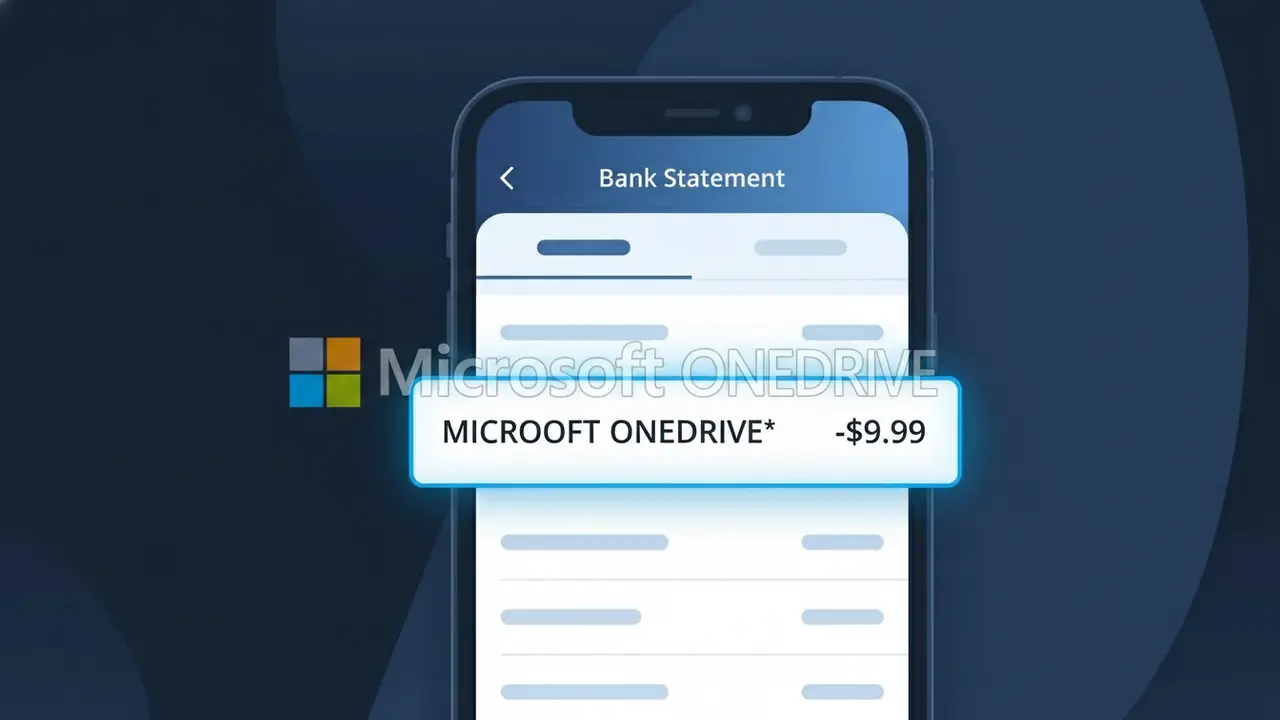
A charge labeled MICROSOFT ONEDRIVE* on your bank statement comes from Microsoft OneDrive, the cloud storage service built into Windows and Microsoft 365. This charge typically means you are paying for a OneDrive subscription plan that provides expanded storage beyond the free 5GB tier, such as the 100GB standalone plan or storage included with a Microsoft 365 subscription. Microsoft bills this fee on a monthly or annual basis depending on the plan you selected when signing up. If you don't recognize this charge, it's possible a family member set up a subscription or a free trial automatically converted to a paid plan.
The descriptor MICROSOFT ONEDRIVE* appears on your bank statement because Microsoft uses this specific billing identifier to distinguish OneDrive storage charges from other Microsoft products like Xbox, Office, or Azure. The asterisk following the name is commonly used by Microsoft to indicate a recurring subscription billing event. Payment processors and banks display this truncated descriptor rather than a full product description due to character limits in transaction records.
Is the MICROSOFT ONEDRIVE* Charge Legitimate or Fraud?
If you see MICROSOFT ONEDRIVE* on your bank or credit card statement, it is most likely a legitimate charge from Microsoft for a OneDrive cloud storage subscription. Microsoft OneDrive offers paid plans including Microsoft 365 bundles and standalone storage upgrades, which bill automatically on a monthly or annual basis.
- You or a family member signed up for a Microsoft OneDrive storage plan (e.g., 100GB or 1TB)
- You have an active Microsoft 365 subscription, which includes OneDrive storage and bills as MICROSOFT ONEDRIVE*
- A free OneDrive trial period ended and automatically converted to a paid plan
- A household member linked their Microsoft account to a shared billing method you own
How to Verify the MICROSOFT ONEDRIVE* Charge
- 1
Log into your Microsoft account
Visit account.microsoft.com and check Services & Subscriptions to see if an active Microsoft OneDrive plan is listed matching the charge amount.
- 2
Search your email for receipts
Search your inbox for 'Microsoft OneDrive' or 'Microsoft Order' to find any billing confirmation emails that match the MICROSOFT ONEDRIVE* charge date and amount.
- 3
Check household members' accounts
Ask family members or roommates if they set up a Microsoft OneDrive storage plan using your shared payment method, especially under a Microsoft Family subscription.
- 4
Review your Microsoft 365 subscription
If you subscribe to Microsoft 365 Personal or Family, OneDrive storage is included and may appear separately as MICROSOFT ONEDRIVE* on your bank statement.
- 5
Contact your bank
If you still cannot identify the MICROSOFT ONEDRIVE* charge, call the number on the back of your card and ask for the full merchant details and transaction date.
How to Dispute a MICROSOFT ONEDRIVE* Charge
- 1
Act within 60 days
Most banks require you to dispute an unrecognized MICROSOFT ONEDRIVE* charge within 60 days of the statement date, so don't delay once you spot the charge.
- 2
Contact Microsoft OneDrive first
Reach out to Microsoft Support at support.microsoft.com before filing a chargeback — Microsoft OneDrive can often issue a refund directly, especially for accidental renewals.
- 3
File a chargeback with your bank
If Microsoft OneDrive does not resolve the issue, contact your bank or credit card issuer and formally dispute the MICROSOFT ONEDRIVE* charge as unauthorized or unrecognized.
- 4
Request a new card if necessary
If the MICROSOFT ONEDRIVE* charge appears fraudulent and you did not authorize it, ask your bank to cancel your card and issue a new one to prevent future unauthorized charges.
Tips for Managing Microsoft OneDrive Charges
Set a billing alert for MICROSOFT ONEDRIVE* renewal dates so you're never surprised by an automatic charge.
Keep a record of your Microsoft OneDrive plan tier and price so you can quickly spot if a charge amount changes unexpectedly.
Secure your Microsoft OneDrive account with two-factor authentication to prevent unauthorized subscription changes billed to your card.
Note whether your Microsoft OneDrive plan bills monthly or annually — annual plans charge a larger lump sum that can seem unfamiliar.
Only store your payment details in your official Microsoft account to reduce the risk of fraudulent MICROSOFT ONEDRIVE* charges.
Use WhatIsThisCharge.net to identify related charges from Microsoft or other tech subscriptions on your statement.
Frequently Asked Questions About the MICROSOFT ONEDRIVE* Charge
ℹ️ Note
In most cases, a MICROSOFT ONEDRIVE* charge is a completely legitimate and expected billing from Microsoft OneDrive for cloud storage — it often surprises people simply because the statement descriptor looks abbreviated or unfamiliar. A quick check of your Microsoft account subscriptions will usually confirm the charge within minutes.
🔍 Decode this charge instantly
Search our database for MICROSOFT ONEDRIVE* and similar charges.
Decode MICROSOFT ONEDRIVE* →Was this article helpful?