Why You're Seeing "MIDJOURNEY*" on Your Bank Statement
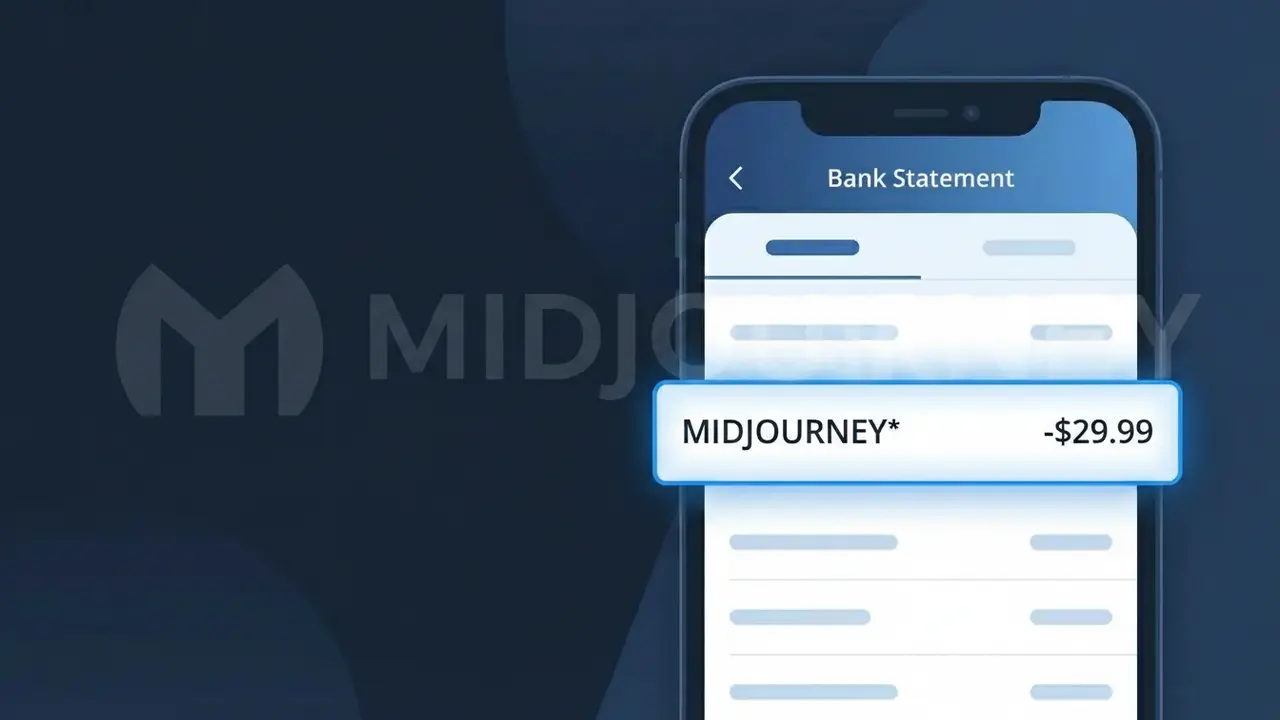
Why You're Seeing "MIDJOURNEY*" on Your Bank Statement
A charge showing MIDJOURNEY* on your bank statement comes from Midjourney, the popular AI-powered image generation platform. This charge typically reflects a subscription to one of Midjourney's paid plans, which allow users to generate stunning AI artwork through their Discord bot or web interface. Midjourney operates on a subscription model with several tiers, so the amount you see will vary depending on which plan you signed up for. If you or someone with access to your payment method uses Midjourney to create AI-generated images, this is the expected recurring charge.
The descriptor MIDJOURNEY* appears on your bank statement because payment processors often truncate or format merchant names to fit within the limited character space available on billing records. The asterisk following the name is a common formatting convention used by payment systems to separate the merchant name from additional transaction identifiers or subscription details. This is the official billing descriptor Midjourney has registered with their payment processor, so it is the legitimate way this company's charges will always appear on your statement.
Is the MIDJOURNEY* Charge Legitimate or Fraud?
The MIDJOURNEY* charge on your bank or credit card statement is almost always a legitimate billing from Midjourney, the popular AI-powered image generation platform. Midjourney uses this truncated descriptor when processing subscription payments, which is why it may look unfamiliar at first glance.
- You or someone in your household signed up for a Midjourney Basic, Standard, Pro, or Mega plan via midjourney.com
- Midjourney bills monthly or annually depending on the plan selected at signup
- The MIDJOURNEY* descriptor is the official payment label Midjourney uses with card processors
- Free trial periods on Midjourney have ended, meaning all active usage now requires a paid subscription
How to Verify the MIDJOURNEY* Charge
- 1
Check your Midjourney account
Log into midjourney.com and navigate to your profile settings. Under 'Manage Subscription,' you can see your current plan, billing date, and payment history to confirm the MIDJOURNEY* charge.
- 2
Search your email for Midjourney receipts
Search your inbox for emails from 'noreply@midjourney.com' or with the subject 'Midjourney subscription.' These receipts will match the MIDJOURNEY* charge amount and date on your statement.
- 3
Check household members
Ask family members or roommates whether they subscribed to Midjourney using your payment method. Midjourney accounts are individual but can be set up by anyone with access to your card details.
- 4
Review your Discord activity
Midjourney is primarily accessed through Discord. Check if your Discord account or a shared one has been used in the Midjourney server, which would confirm an active subscription tied to the MIDJOURNEY* charge.
- 5
Contact your bank
If you still cannot place the MIDJOURNEY* charge, call the number on the back of your card. Your bank can provide the exact merchant details and transaction timestamp to help you identify the charge.
How to Dispute a MIDJOURNEY* Charge
- 1
Act within 60 days
Most banks require disputes to be filed within 60 days of the MIDJOURNEY* charge appearing on your statement. Act quickly to preserve your right to a chargeback if the charge turns out to be unauthorized.
- 2
Contact Midjourney first
Reach out to Midjourney support at docs.midjourney.com or via their official Discord support channel. Midjourney may issue a refund for accidental renewals or duplicate MIDJOURNEY* charges without requiring a bank dispute.
- 3
File a chargeback with your bank
If Midjourney support does not resolve the issue, contact your bank or card issuer to dispute the MIDJOURNEY* charge. Provide your email correspondence with Midjourney as evidence to strengthen your chargeback claim.
- 4
Request a new card number
If you suspect the MIDJOURNEY* charge is the result of unauthorized card use, ask your bank to issue a new card number. This will prevent any further unauthorized charges from being processed under the old card details.
Tips for Managing Midjourney Charges
Set a billing alert for your card to get notified instantly when a MIDJOURNEY* charge posts each month.
Screenshot your Midjourney plan details after signup so you have a record of what you agreed to pay.
Keep your Midjourney account login secure — unauthorized access can lead to unexpected plan upgrades and MIDJOURNEY* charges.
Note your Midjourney renewal date in your calendar so the MIDJOURNEY* charge never catches you off guard.
Use a virtual card number for your Midjourney subscription to isolate and easily cancel MIDJOURNEY* charges if needed.
Use WhatIsThisCharge.net to identify related charges that may appear alongside MIDJOURNEY* on your statement.
Frequently Asked Questions About the MIDJOURNEY* Charge
ℹ️ Note
In most cases, a MIDJOURNEY* charge simply means your Midjourney AI image generation subscription has renewed as expected — it's one of the most recognizable SaaS billing descriptors we see reported on WhatIsThisCharge.net, and the vast majority of cases turn out to be legitimate recurring payments.
🔍 Decode this charge instantly
Search our database for MIDJOURNEY* and similar charges.
Decode MIDJOURNEY* →Was this article helpful?