Why You're Seeing "MINECRAFT*" on Your Bank Statement
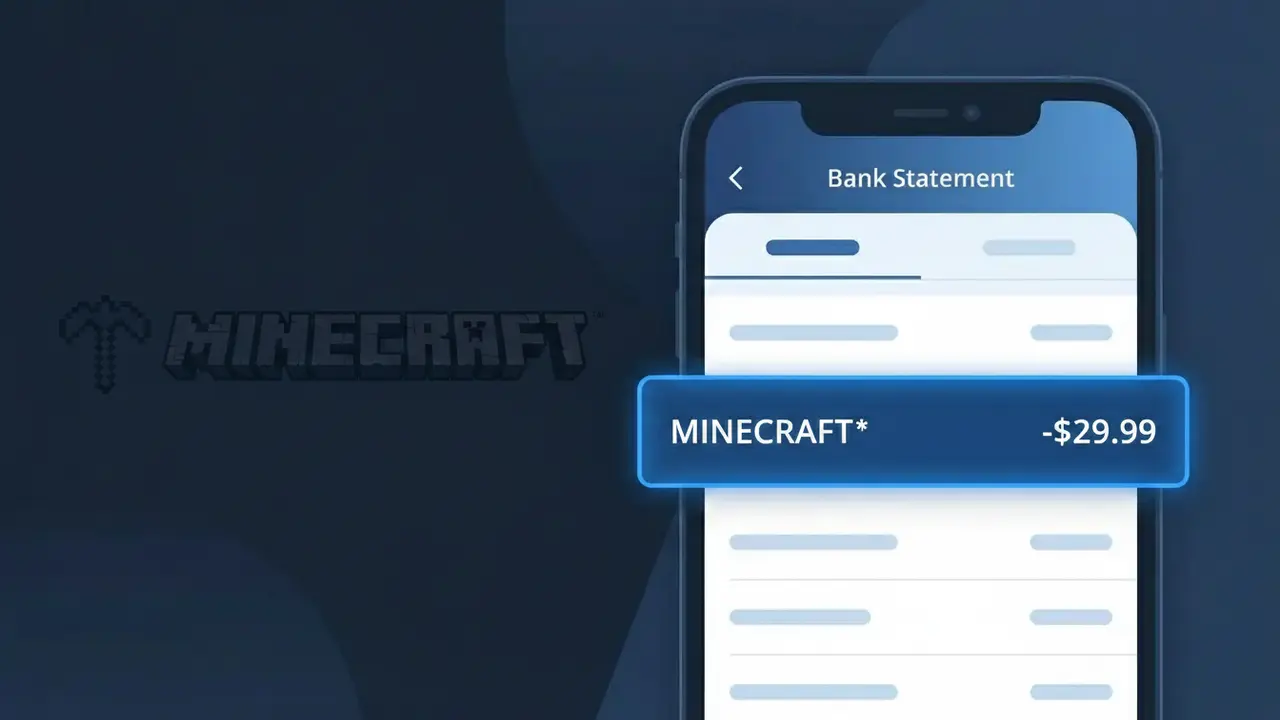
Why You're Seeing "MINECRAFT*" on Your Bank Statement
A MINECRAFT* charge on your bank statement comes from Minecraft, the wildly popular sandbox video game developed by Mojang Studios. This charge typically appears when you or someone with access to your payment method has purchased the Minecraft game, a marketplace add-on, or a Realms subscription. The asterisk following the descriptor is commonly used by digital storefronts to indicate an online transaction. If you have children or family members who play Minecraft, this charge is likely a legitimate purchase made through their account.
The MINECRAFT* descriptor appears on your bank statement because Mojang and Microsoft use a shortened, standardized billing identifier for all Minecraft-related transactions processed through their payment system. The asterisk is a common convention in digital billing that signals an online or subscription-based purchase, helping payment processors categorize the transaction. Rather than displaying a longer company or platform name, the system defaults to this concise label to fit within the character limits imposed by banking statement formats.
Is the MINECRAFT* Charge Legitimate or Fraud?
A MINECRAFT* charge on your bank or credit card statement is almost always a legitimate transaction from Mojang Studios, the company behind Minecraft. This billing descriptor appears when you purchase the game, buy a Minecraft Marketplace item, or pay for a Realms subscription. Common reasons you might see MINECRAFT* include:
- Purchasing Minecraft Java Edition or Bedrock Edition for PC, console, or mobile
- An active Minecraft Realms or Realms Plus monthly subscription renewal
- Marketplace content such as skin packs, texture packs, or DLC purchased in-game
- A family member or child making a purchase through a linked Microsoft/Minecraft account
How to Verify the MINECRAFT* Charge
- 1
Log into your Microsoft account
Visit account.microsoft.com and check your order history. All MINECRAFT* purchases are tied to your Microsoft account and will appear there with dates and amounts.
- 2
Search your email for Minecraft receipts
Search your inbox for emails from 'minecraft' or 'microsoft' with subject lines like 'Your order' or 'Receipt'. Minecraft sends confirmation emails for every transaction.
- 3
Check household members and children
If you have Microsoft Family Safety set up, a child or family member may have made a Minecraft Marketplace purchase using your linked payment method without your immediate knowledge.
- 4
Review your Minecraft Realms subscription
Log into Minecraft and navigate to the Realms section, or check minecraft.net to see if you have an active Realms or Realms Plus subscription that is billing monthly.
- 5
Contact your bank for details
If you still cannot identify the MINECRAFT* charge, call the number on the back of your card. Your bank can provide the exact transaction date and merchant details to help you pinpoint the purchase.
How to Dispute a MINECRAFT* Charge
- 1
Act within 60 days
Most banks require you to dispute an unrecognized MINECRAFT* charge within 60 days of your statement date. Act quickly to preserve your right to a chargeback.
- 2
Contact Minecraft support first
Visit help.minecraft.net or microsoft.com/support to report the unauthorized MINECRAFT* charge. Mojang/Microsoft can often issue a refund faster than a bank dispute, especially for recent transactions.
- 3
File a chargeback with your bank
If Minecraft support cannot resolve the issue, contact your bank or credit card issuer and formally dispute the MINECRAFT* charge. Provide any correspondence with Minecraft support as evidence.
- 4
Request a new card number
If you believe your card details were stolen and used for fraudulent MINECRAFT* charges, ask your bank to cancel the card and issue a new one to prevent further unauthorized transactions.
Tips for Managing Minecraft Charges
Enable Microsoft account purchase notifications so you get an alert every time a MINECRAFT* charge is made.
Check microsoft.com/account/billing monthly to review all MINECRAFT* and related Microsoft charges in one place.
Set up a spending PIN or Microsoft Family Safety limits on your Minecraft account to prevent unauthorized purchases.
Note your Minecraft Realms renewal date so recurring MINECRAFT* subscription charges never catch you off guard.
Use a virtual card number for Minecraft purchases to easily cancel it if unauthorized MINECRAFT* charges appear.
Use WhatIsThisCharge.net to identify MINECRAFT* and other unfamiliar gaming charges on your statement.
Frequently Asked Questions About the MINECRAFT* Charge
ℹ️ Note
In most cases, a MINECRAFT* charge is a completely normal transaction from Mojang Studios — likely a Realms subscription renewal or a Marketplace purchase you or a family member made. Taking a quick look at your Microsoft account order history is usually all it takes to confirm the charge and put your mind at ease.
🔍 Decode this charge instantly
Search our database for MINECRAFT* and similar charges.
Decode MINECRAFT* →Was this article helpful?