Why You're Seeing "NORDVPN*" on Your Bank Statement
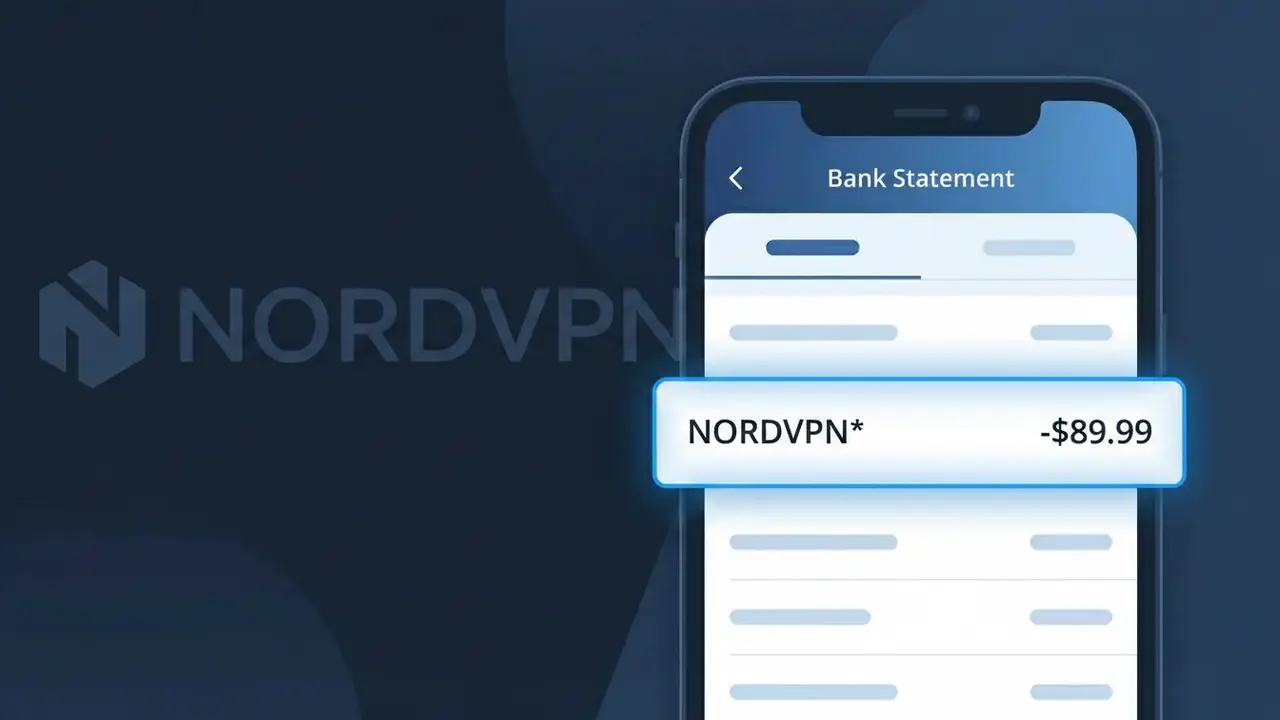
Why You're Seeing "NORDVPN*" on Your Bank Statement
A charge labeled NORDVPN* on your bank statement comes from NordVPN, one of the world's most popular virtual private network services. This charge typically represents a subscription payment for NordVPN's privacy and security software, which encrypts your internet connection and masks your IP address. You may see this charge monthly, annually, or as a multi-year billing cycle depending on the plan you selected when signing up. If you don't recall signing up, it's possible a family member purchased a subscription or you may have forgotten about a free trial that has converted to a paid plan.
The descriptor NORDVPN* appears on your bank statement because payment processors often display a shortened or formatted version of a company's name to fit within character limits used by card networks like Visa and Mastercard. The asterisk (*) following NORDVPN is commonly used to separate the brand name from additional billing details such as a plan type or transaction ID. NordVPN processes payments through various payment gateways, which can result in slight variations of this descriptor appearing across different banks and credit card statements.
Is the NORDVPN* Charge Legitimate or Fraud?
If you see NORDVPN* on your bank or credit card statement, it is most likely a legitimate charge from NordVPN, a popular VPN (Virtual Private Network) service used for online privacy and security. NordVPN uses this billing descriptor when processing subscription payments through their payment processor. Before assuming fraud, consider these common reasons the charge may appear:
- You purchased a NordVPN subscription plan (monthly, yearly, or 2-year)
- Your NordVPN subscription automatically renewed after a free trial or previous billing cycle
- A family member or someone sharing your payment method signed up for NordVPN
- You purchased a NordVPN add-on such as Threat Protection, Meshnet, or a dedicated IP
How to Verify the NORDVPN* Charge
- 1
Log into your NordVPN account
Visit nordvpn.com and sign in. Navigate to 'Billing' or 'My Subscription' to review your active plans and recent payment history.
- 2
Search your email for NordVPN receipts
Search your inbox for emails from NordVPN (billing@nordvpn.com or support@nordvpn.com). NordVPN sends confirmation emails for every NORDVPN* charge processed.
- 3
Check household members
Ask family members or roommates if they used your payment details to sign up for a NordVPN plan, as the NORDVPN* descriptor would appear the same for any account.
- 4
Review your subscription manager
Check Apple App Store or Google Play subscriptions if you installed the NordVPN app on a mobile device, as purchases there may still show as NORDVPN* on statements.
- 5
Contact your bank for details
Ask your bank for the full merchant details tied to the NORDVPN* charge, including the transaction date and amount, to help pinpoint the exact NordVPN purchase.
How to Dispute a NORDVPN* Charge
- 1
Act within 60 days
Most banks require disputes to be filed within 60 days of the NORDVPN* charge appearing on your statement. Act quickly to preserve your chargeback rights.
- 2
Contact NordVPN support first
Reach out to NordVPN's customer support at nordvpn.com/contact-us. NordVPN offers a 30-day money-back guarantee, making it easy to resolve billing issues directly.
- 3
File a chargeback with your bank
If NordVPN does not resolve the issue, contact your bank or card issuer to dispute the NORDVPN* charge. Provide any email receipts or account screenshots as evidence.
- 4
Request a new card number
If you believe the NORDVPN* charge is fraudulent and your card details were stolen, ask your bank to cancel the card and issue a new one to prevent further unauthorized charges.
Tips for Managing NordVPN Charges
Enable email billing alerts in your NordVPN account so you're notified before every NORDVPN* renewal charge hits your card.
Save your NordVPN order confirmation emails so you can quickly match them to any NORDVPN* charge on your statement.
Secure your NordVPN account with two-factor authentication to prevent unauthorized purchases that could generate unexpected NORDVPN* charges.
Note your NordVPN subscription renewal date in your calendar — long 2-year plans can make the NORDVPN* renewal feel unexpected.
Use a virtual card number for your NordVPN subscription to limit exposure if your payment details are ever compromised.
Use WhatIsThisCharge.net to identify related charges that may appear alongside NORDVPN* on your statement.
Frequently Asked Questions About the NORDVPN* Charge
ℹ️ Note
In most cases, a NORDVPN* charge simply means your NordVPN subscription has renewed — this is one of the most recognized VPN services worldwide, and their billing descriptor is completely normal and expected for active subscribers.
🔍 Decode this charge instantly
Search our database for NORDVPN* and similar charges.
Decode NORDVPN* →Was this article helpful?