Why You're Seeing "NOTION PLUS*" on Your Bank Statement
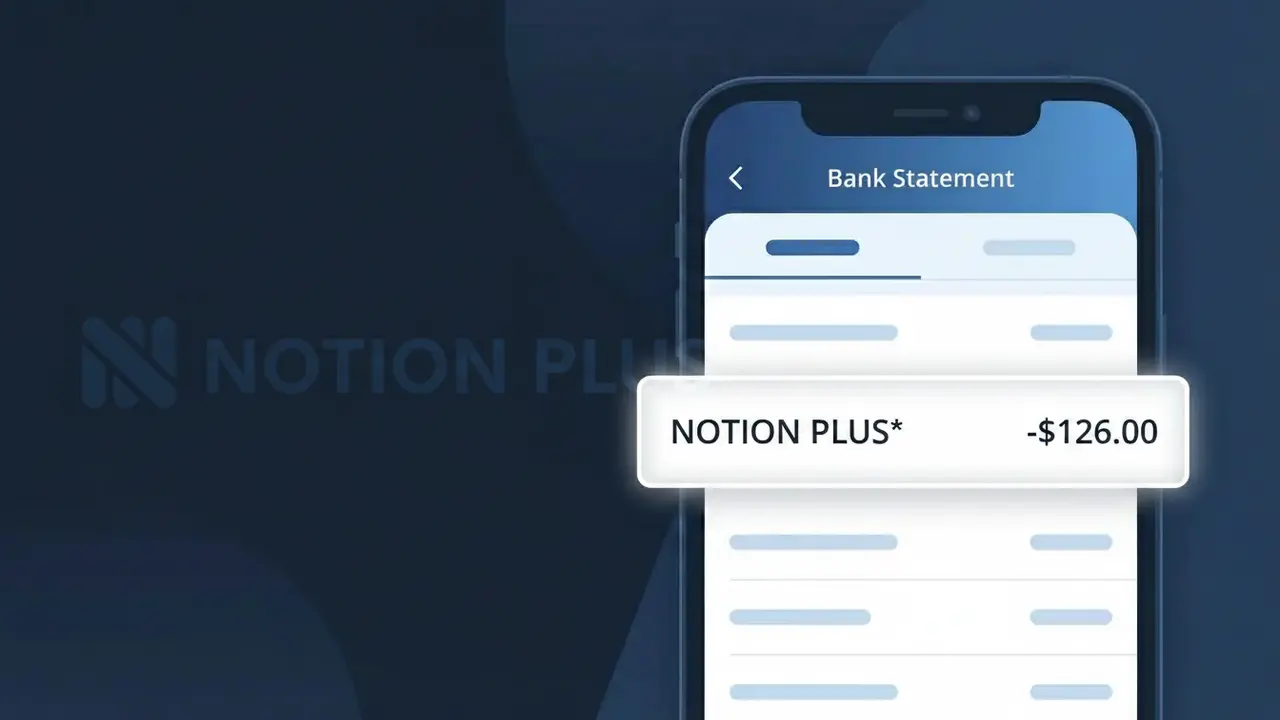
Why You're Seeing "NOTION PLUS*" on Your Bank Statement
The NOTION PLUS* charge on your bank statement is a subscription fee from Notion, the popular all-in-one productivity and workspace platform. This charge represents payment for the Notion Plus plan, which offers enhanced features such as unlimited blocks for teams, unlimited file uploads, and advanced collaboration tools. The descriptor NOTION PLUS* appears when Notion processes your recurring subscription payment through their billing system. If you or someone with access to your payment method signed up for a Notion Plus workspace, this is the expected monthly or annual charge.
The descriptor NOTION PLUS* appears on your bank statement because Notion uses this shorthand billing label to identify charges specifically tied to their Plus-tier subscription plan. Payment processors often truncate or format merchant names into compact descriptors, which is why you may see NOTION PLUS* rather than simply 'Notion' or 'Notion Labs Inc.' The asterisk (*) typically indicates a recurring subscription charge, helping distinguish it from one-time purchases.
Is the NOTION PLUS* Charge Legitimate or Fraud?
The NOTION PLUS* charge on your bank or credit card statement is most likely a legitimate billing from Notion Plus, the premium subscription tier of the popular all-in-one productivity and note-taking platform, Notion. This charge typically appears when you or someone in your household has subscribed to the Notion Plus plan, which unlocks unlimited blocks, file uploads, and advanced collaboration features. Before assuming fraud, consider these common reasons the charge may appear:
- You signed up for a Notion Plus paid plan (billed monthly or annually at ~$10/month)
- A free trial of Notion Plus converted to a paid subscription without a reminder
- A family member or colleague signed up using your payment method
- You upgraded from Notion Free to Notion Plus and the billing cycle recently renewed
How to Verify the NOTION PLUS* Charge
- 1
Log into your Notion account
Visit notion.so and sign in. Navigate to Settings & Members > Billing to confirm your current plan and see if a Notion Plus subscription is active.
- 2
Search your email for Notion Plus receipts
Search your inbox for emails from 'notion.so' or 'Notion Plus' with subject lines like 'Your Notion receipt' to match the charge date and amount.
- 3
Check with household members
Ask family members or colleagues if they used your payment method to sign up for Notion Plus, as the NOTION PLUS* charge can appear from a shared card.
- 4
Review your subscription managers
Check Apple Subscriptions, Google Play, or your browser's saved subscriptions for any active Notion Plus plan linked to your payment method.
- 5
Contact your bank if still uncertain
If you cannot match the NOTION PLUS* charge to any account or email, call your bank to get the exact merchant details and transaction ID before filing a dispute.
How to Dispute a NOTION PLUS* Charge
- 1
Act within 60 days of the charge
Most banks require disputes to be filed within 60 days of the NOTION PLUS* charge appearing on your statement, so act quickly once you identify an unauthorized transaction.
- 2
Contact Notion Plus support first
Reach out to Notion's support team at notion.so/contact before filing a chargeback — Notion Plus often resolves billing issues or issues refunds directly and quickly.
- 3
File a chargeback with your bank
If Notion Plus support does not resolve the issue, call your bank or card issuer and formally dispute the NOTION PLUS* charge as unauthorized or unrecognized.
- 4
Request a new card number
If the NOTION PLUS* charge appears fraudulent and you didn't authorize it, ask your bank for a new card number to prevent any further unauthorized charges from recurring.
Tips for Managing Notion Plus Charges
Set a billing reminder before your NOTION PLUS* renewal date to avoid surprise charges.
Keep your Notion Plus receipts in a dedicated email folder for easy charge verification.
Use a unique email for your Notion Plus account so billing emails are easy to find and track.
Switch to annual Notion Plus billing to save ~20% and reduce monthly charge confusion.
Enable transaction alerts on your card to catch any unexpected NOTION PLUS* charges instantly.
Use WhatIsThisCharge.net to identify related charges that may appear alongside NOTION PLUS*.
Frequently Asked Questions About the NOTION PLUS* Charge
ℹ️ Note
The NOTION PLUS* charge is typically a routine, expected billing from Notion Plus for their premium productivity subscription — if you recognize using Notion, this charge is almost certainly legitimate and linked to your active plan.
🔍 Decode this charge instantly
Search our database for NOTION PLUS* and similar charges.
Decode NOTION PLUS* →Was this article helpful?