Why You're Seeing "PATREON*" on Your Bank Statement
Why You're Seeing "PATREON*" on Your Bank Statement
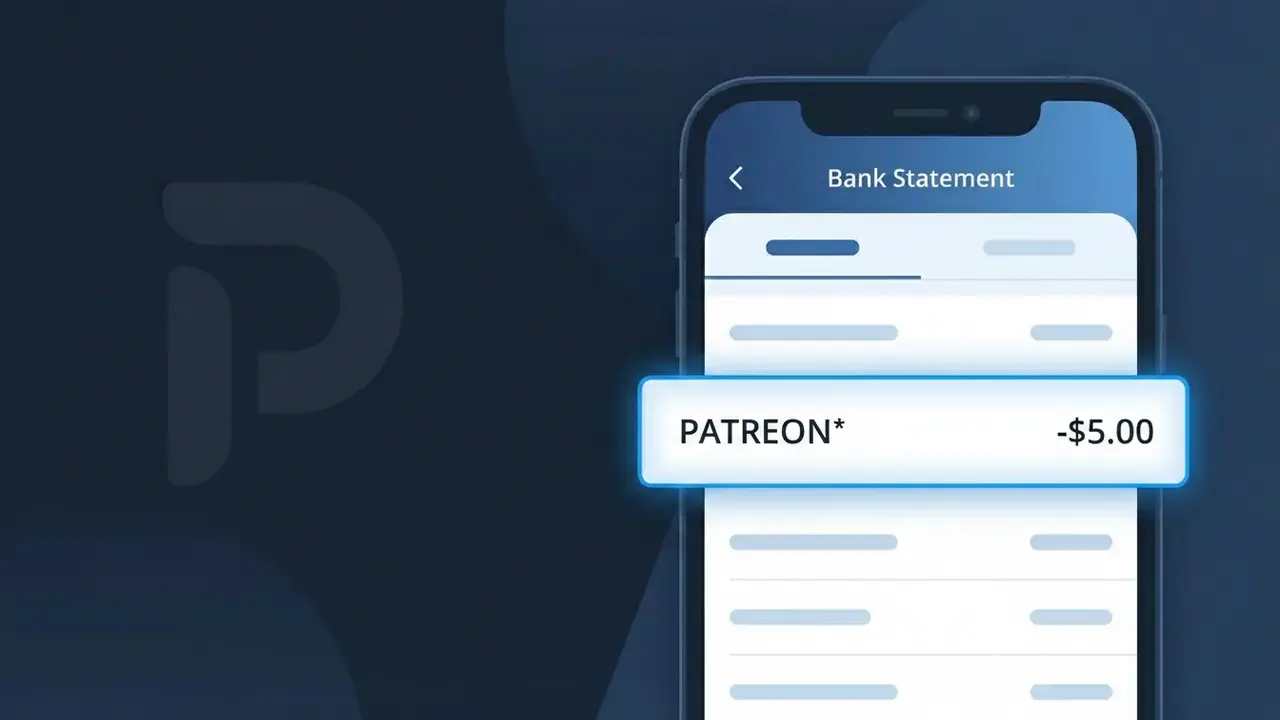
The PATREON* charge on your bank statement comes from Patreon, a popular membership platform that allows fans to financially support their favorite creators, artists, podcasters, and writers. This charge represents a recurring subscription or one-time pledge you've made to a creator on the Patreon platform. The asterisk following 'PATREON' is a common billing convention used to separate the company name from additional transaction details. If you or someone with access to your account signed up to support a creator on Patreon, this is the charge you'll see reflected on your statement.
The descriptor PATREON* appears on your bank statement because Patreon processes all creator support payments centrally through their own payment system, rather than billing you directly under the individual creator's name. This means that regardless of which specific creator you're supporting, all Patreon transactions are grouped under the single 'PATREON*' descriptor. The asterisk is often followed by additional characters or a creator identifier depending on your bank's character display limit.
Is the PATREON* Charge Legitimate or Fraud?
A PATREON* charge on your bank or credit card statement is almost always a legitimate transaction from Patreon, the popular membership platform that lets fans support creators with recurring monthly pledges. The asterisk and creator name (e.g., PATREON* CREATORNAME) is how Patreon formats charges from their payment processor. Before assuming fraud, consider these common reasons the charge appears:
- You pledged to support a creator on Patreon and the monthly billing cycle renewed automatically
- A free trial or introductory offer on a creator's Patreon tier converted to a paid membership
- A family member or roommate used your card to subscribe to a Patreon creator
- You signed up through a third-party app or website that processes memberships via Patreon
How to Verify the PATREON* Charge
- 1
Log into your Patreon account
Visit Patreon.com and check your 'Memberships' and 'Billing History' sections. The charge amount and date should match what you see on your bank statement.
- 2
Search your email for Patreon receipts
Search your inbox for emails from 'support@patreon.com' or 'billing@patreon.com'. Patreon sends a receipt each time a PATREON* charge is processed to your card.
- 3
Check the creator name after PATREON*
Your statement may show 'PATREON* [CREATORNAME]'. Search for that creator on Patreon.com to confirm which specific membership the charge is tied to.
- 4
Ask household members
Check with family members or roommates who may have access to your card — they may have pledged to a Patreon creator without mentioning it to you.
- 5
Contact your bank
If you still cannot identify the PATREON* charge after checking all of the above, call the number on the back of your card and ask your bank for more transaction details.
How to Dispute a PATREON* Charge
- 1
Act within 60 days
Most banks require you to dispute an unauthorized PATREON* charge within 60 days of the statement date. Don't wait — start the process as soon as you spot an unrecognized charge.
- 2
Contact Patreon support first
Reach out to Patreon directly at support.patreon.com. Patreon's support team can verify whether the charge is tied to your account and may issue a refund faster than a bank dispute.
- 3
File a chargeback with your bank
If Patreon cannot resolve the issue, contact your bank or credit card issuer and report the PATREON* charge as unauthorized. Provide any email receipts or account screenshots as evidence.
- 4
Request a new card number
If you believe your card details were stolen and used to fund a Patreon account fraudulently, ask your bank to cancel your card and issue a new one to prevent further unauthorized PATREON* charges.
Tips for Managing Patreon Charges
Enable email notifications in Patreon settings so you're alerted before each PATREON* charge hits your card.
Review your full list of active Patreon memberships monthly to avoid forgetting low-cost pledges that add up.
Secure your Patreon account with a strong password and two-factor authentication to prevent unauthorized pledges.
Patreon bills on the 1st of each month — mark your calendar to reconcile PATREON* charges around that date.
Use a dedicated card or virtual card number for Patreon to easily spot and control all PATREON* charges.
Use WhatIsThisCharge.net to identify related charges and other unfamiliar billing descriptors on your statement.
Frequently Asked Questions About the PATREON* Charge
ℹ️ Note
In most cases, a PATREON* charge is simply your monthly pledge to a creator you follow on Patreon — it's one of the most common and legitimate subscription charges reported to WhatIsThisCharge.net. A quick login to your Patreon account is usually all it takes to confirm the charge and put your mind at ease.
🔍 Decode this charge instantly
Search our database for PATREON* and similar charges.
Decode PATREON* →Was this article helpful?