Why You're Seeing "SHOPEE BR*" on Your Bank Statement
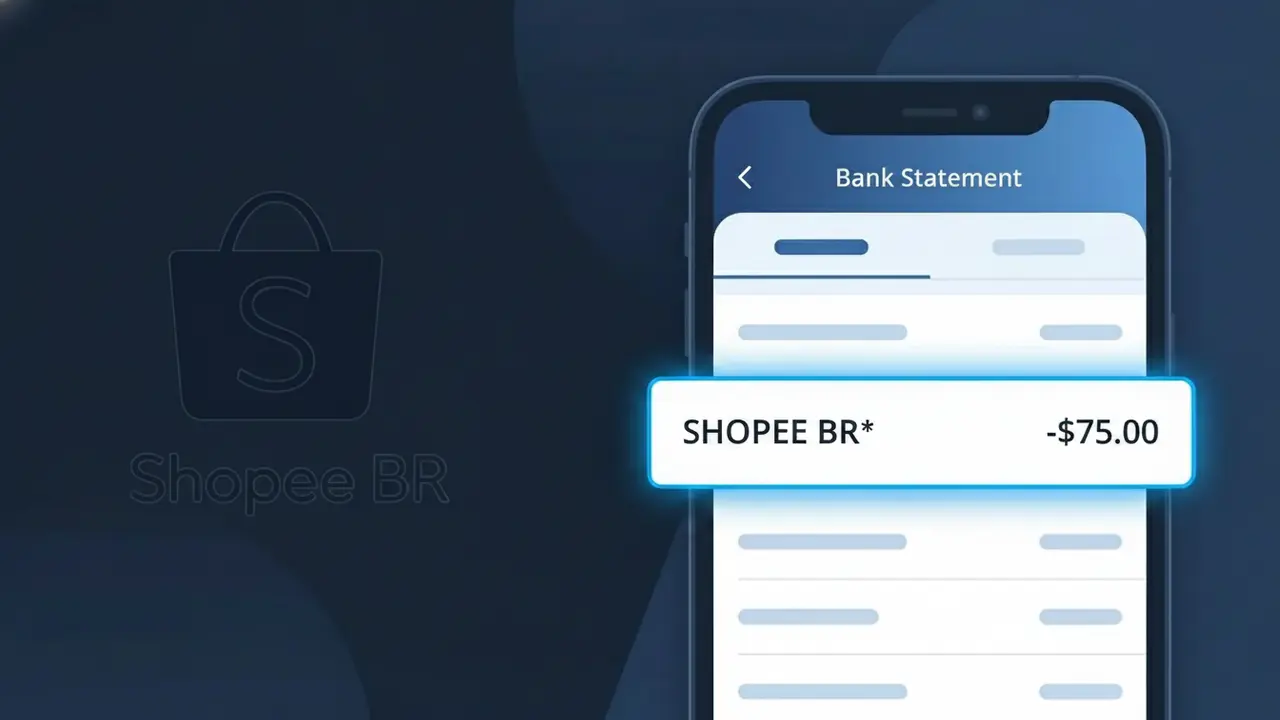
Why You're Seeing "SHOPEE BR*" on Your Bank Statement
The SHOPEE BR* charge on your bank statement comes from Shopee Brasil, the Brazilian branch of the popular Southeast Asian e-commerce marketplace. This descriptor appears when you make an online purchase through the Shopee Brazil platform, whether through their website or mobile app. If you or someone with access to your account shops on Shopee Brasil, this is the charge you will see reflected on your statement. It is a legitimate transaction related to product purchases made on one of Brazil's growing online shopping destinations.
The SHOPEE BR* descriptor appears on your bank statement because payment processors often use abbreviated merchant codes rather than full brand names to identify transactions. The 'BR' portion specifically identifies this as a charge originating from Shopee's Brazilian operation, distinguishing it from Shopee transactions in other countries. This shorthand format is standard practice among large e-commerce platforms that operate across multiple regions and payment networks.
Is the SHOPEE BR* Charge Legitimate or Fraud?
If you see SHOPEE BR* on your bank or credit card statement, this charge almost always comes from Shopee Brasil, one of Brazil's largest e-commerce platforms. It typically appears after purchasing products, paying for shipping, or completing a checkout on the Shopee Brasil app or website. Here are the most common reasons this charge appears:
- You recently purchased a product on Shopee Brasil and the charge posted under the abbreviated billing name SHOPEE BR*
- A family member or someone with access to your payment method made a purchase on Shopee Brasil without your knowledge
- You enrolled in Shopee's installment payment plan (parcelamento) and a recurring installment was billed
- You subscribed to Shopee Brasil's loyalty or premium service and a membership fee was automatically charged
How to Verify the SHOPEE BR* Charge
- 1
Log into your Shopee Brasil account
Visit shopee.com.br or open the Shopee Brasil app and navigate to 'Meus Pedidos' (My Orders) to check if a recent order matches the charge amount and date on your statement.
- 2
Search your email for Shopee Brasil receipts
Search your inbox for emails from Shopee Brasil using keywords like 'Shopee' or 'pedido confirmado.' Order confirmation emails will include the exact amount billed and match the SHOPEE BR* entry.
- 3
Check if a household member made the purchase
Ask family members or anyone who shares your device or Shopee Brasil account whether they recently placed an order, since shared payment methods often generate unexpected SHOPEE BR* charges.
- 4
Review any active Shopee subscriptions or installments
In your Shopee Brasil account settings, check for active Shopee Premium memberships or parcelamento (installment) plans — these generate recurring SHOPEE BR* charges on a set schedule.
- 5
Contact your bank if still unrecognized
If you cannot match the SHOPEE BR* charge to any order or subscription after checking your Shopee Brasil account, call the number on the back of your card to request transaction details before filing a dispute.
How to Dispute a SHOPEE BR* Charge
- 1
Act within 60 days of the charge
Most banks and card issuers require you to dispute an unrecognized SHOPEE BR* charge within 60 days of the statement date, so act quickly to preserve your right to a chargeback.
- 2
Contact Shopee Brasil customer support first
Reach out to Shopee Brasil directly through their in-app chat or help center at shopee.com.br/chat. Resolving the dispute directly with Shopee Brasil is often faster than going through your bank and can result in a quicker refund.
- 3
File a chargeback with your bank or card issuer
If Shopee Brasil does not resolve the issue, contact your bank and formally dispute the SHOPEE BR* charge. Provide your order history screenshots and any email correspondence with Shopee Brasil as supporting evidence.
- 4
Request a new card to prevent further unauthorized charges
If the SHOPEE BR* charge is confirmed as fraudulent, ask your bank to cancel your current card and issue a new one to prevent any additional unauthorized charges from being processed.
Tips for Managing Shopee Brasil Charges
Enable purchase notifications in the Shopee Brasil app so every SHOPEE BR* charge triggers an instant alert.
Save Shopee Brasil order confirmation emails to easily match any SHOPEE BR* entry on your statement.
Secure your Shopee Brasil account with a strong password and two-factor authentication to prevent unauthorized purchases.
Note your Shopee Brasil installment (parcelamento) billing dates so recurring SHOPEE BR* charges don't catch you off guard.
Use a virtual card number for Shopee Brasil purchases to limit exposure if your payment details are ever compromised.
Use WhatIsThisCharge.net to identify related charges that may appear alongside SHOPEE BR* on your statement.
Frequently Asked Questions About the SHOPEE BR* Charge
ℹ️ Note
In most cases, a SHOPEE BR* charge is a legitimate transaction from Shopee Brasil — likely a recent purchase or a scheduled installment payment you may have forgotten about. A quick check of your Shopee Brasil order history is usually all it takes to confirm the charge and put your mind at ease.
🔍 Decode this charge instantly
Search our database for SHOPEE BR* and similar charges.
Decode SHOPEE BR* →Was this article helpful?